
The BOOK ON control room screens give a security company’s controllers one place to watch every site: the live monitor for book-ons, book-offs, check calls, patrols, daily occurrence entries and lone workers; the monitor location map for where officers are; the manager dashboard for late arrivals, event reports and consecutive-work alerts; and, for keyholding and response desks, the alarm control centre with priorities, SLA clocks and responders.
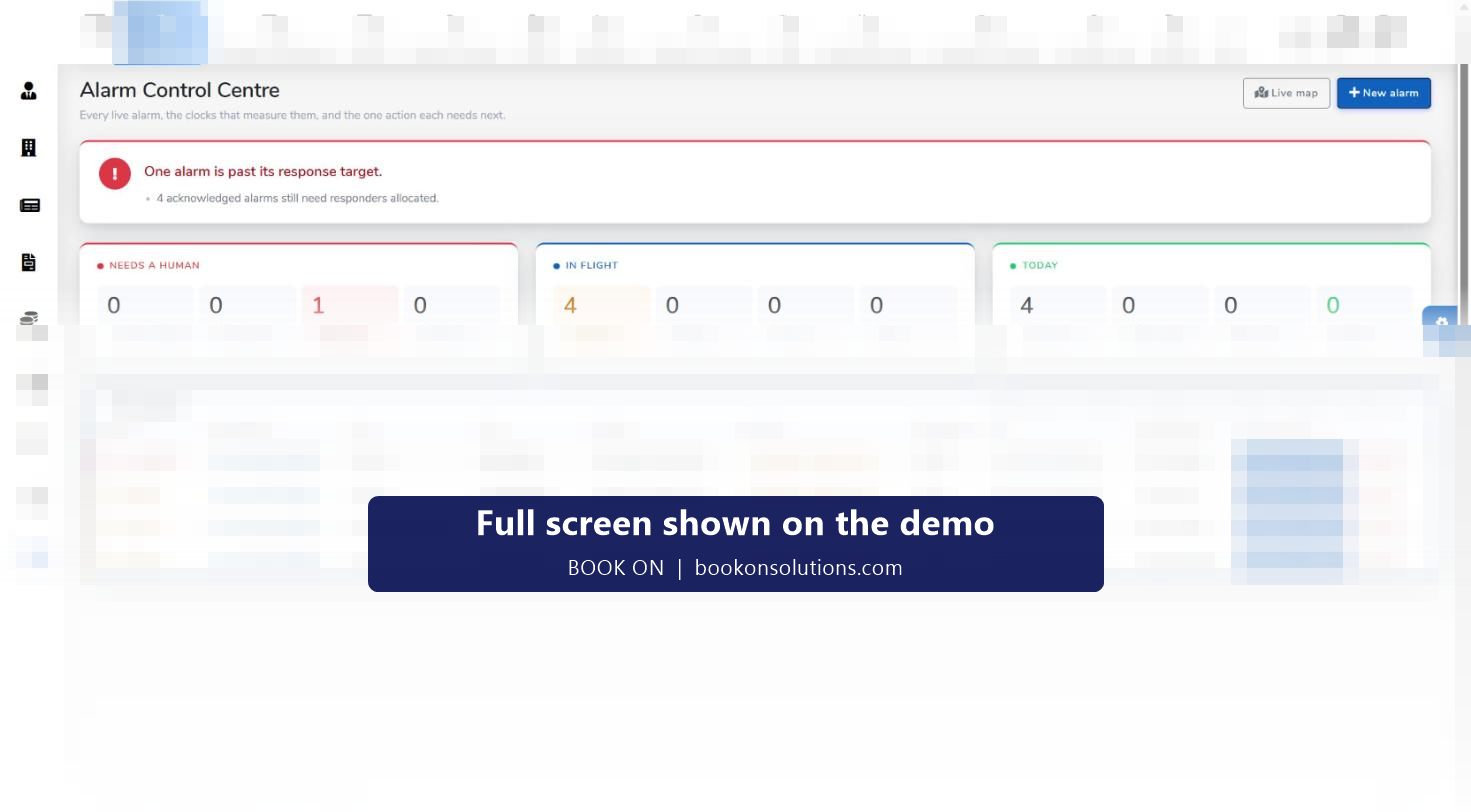
Four screens a controller works from
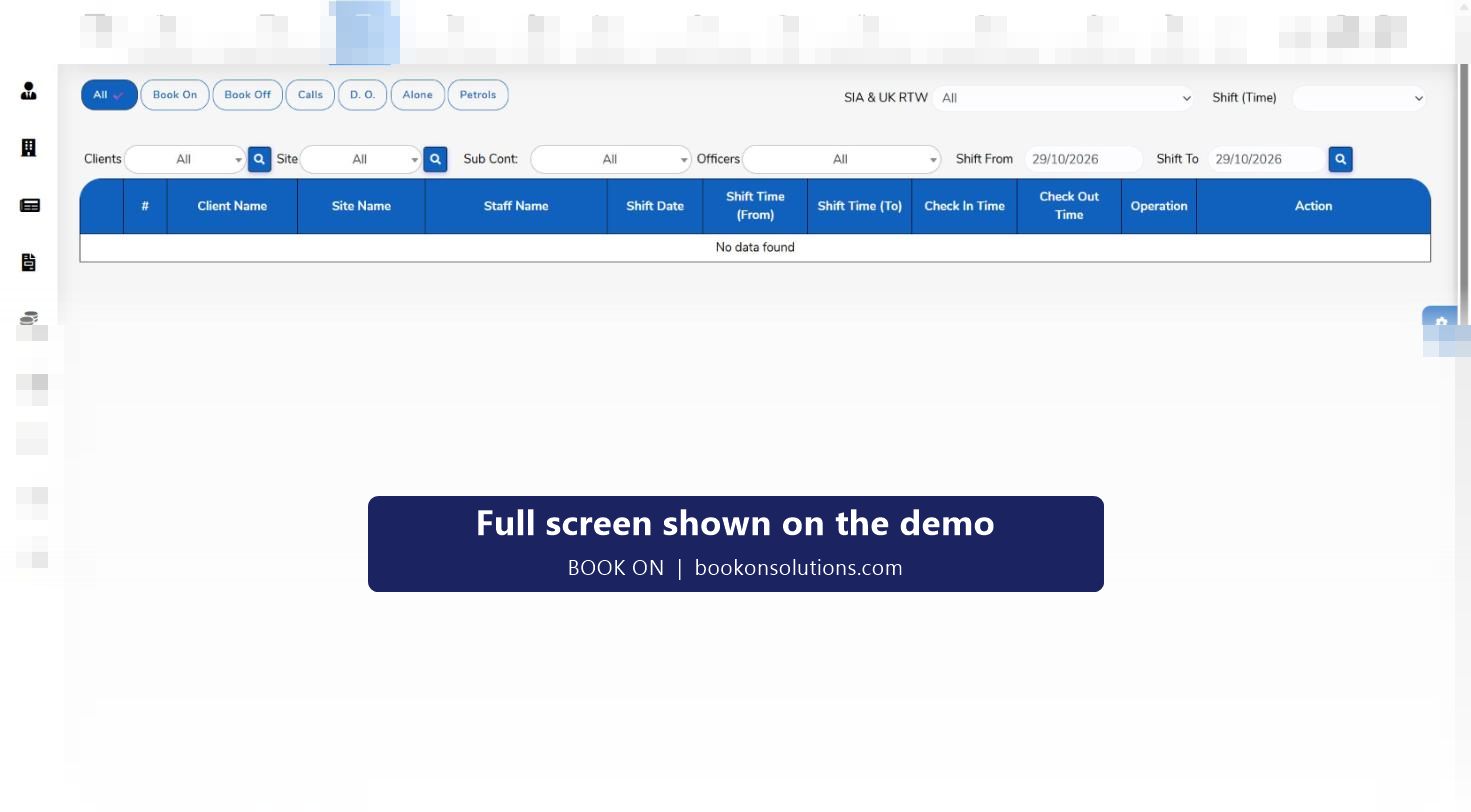
Live monitor
A board of today’s shifts (or any date range) with client, site, officer, shift time, check-in and check-out time and an action column. Filters narrow it to Book On, Book Off, Calls, D.O. (daily occurrence), Alone (lone workers) or Patrols, and an SIA and UK right-to-work filter shows compliance status alongside attendance.
Monitor location
A map of officers on shift with a total-officers count, plus an officer movement section that shows one officer’s trail for a client, site and date range and produces a zig-zag report for disputes about whether a patrol was walked.
Manager dashboard
Three queues for the duty manager: late-arrival approvals from officers, event reports submitted from the app, and seven-day consecutive-work alerts for officers at risk of breaching rest rules. Each is filtered by client, site, supplier and date.
Alarm control centre
For companies that do keyholding and alarm response: a board of live alarms with priority (P1 immediate, P2 urgent), reference, type (intruder, fire, lone worker device), site, client, status, time received, SLA time remaining, the responder and the next action. Counters show alarms that need a human, alarms in flight and today’s totals.
Managing by exception
A control room with 50 sites cannot read every line. BOOK ON surfaces what needs a person: a shift with no book-on, a missed check call, a late arrival waiting for approval, an alarm past its response target, an officer on a seventh consecutive day. The rest runs in the background and becomes the record.
- Needs-a-human counters on the alarm board: unacknowledged, no responder, past target, safety open
- Late-arrival approvals and event reports queued on the manager dashboard
- Lone-worker and call filters on the live monitor
- Shift events with PDF and email for the client
What the control room records, and where it goes
| Event | Recorded on | Used later for |
|---|---|---|
| Book on and book off | Live monitor, shift record | Timesheet, invoice line, proof of attendance for the client |
| Check call | Live monitor (Calls filter), call reports | Lone-worker and welfare evidence, ACS service delivery evidence |
| Patrol | Live monitor (Patrols filter) | Proof of patrol for the client |
| Daily occurrence entry | Live monitor (D.O. filter) | Electronic daily occurrence book for the site |
| Incident or event | Shift events list | PDF to the client, insurer or police; complaints and CAPA |
| Alarm | Alarm control centre, all alarms list | Response-time reporting for keyholding contracts |
| Location | Monitor location, officer movement history | Zig Zag Report, disputes, welfare |
Control room questions
Do officers need an app for check calls?
Check calls are answered from the BOOK ON officer app and appear on the live monitor’s Calls filter. The control room can also record book-ons, book-offs and check-ins from the roster for an officer whose phone has failed.
What happens on a missed check call?
The call is visible on the live monitor against the shift, and the lone-worker and call filters make missed calls stand out so the controller can phone the officer or escalate. Call reports hold the history for every site.
Can clients see check-call logs?
Call reports and client dashboards are part of the reports module; the client portal page explains what a client can be given.
Can BOOK ON run an alarm response desk?
Yes. The alarm control centre holds live alarms with priority, SLA clocks and responders, with a live map, an all-alarms list, keyholding records, reports and settings. See the alarm response and keyholding page.
Is there an audit trail?
Yes. History, log reports and permission reports record who did what, and every shift event records the officer and the user who created it.
How many operators can use it at once?
Users and roles are managed in the admin module with permission reports; the number of controller logins is agreed on your plan.
Related features
See your sites on one screen
Bring tonight’s shift list to the demo and we will put it on the live monitor.