
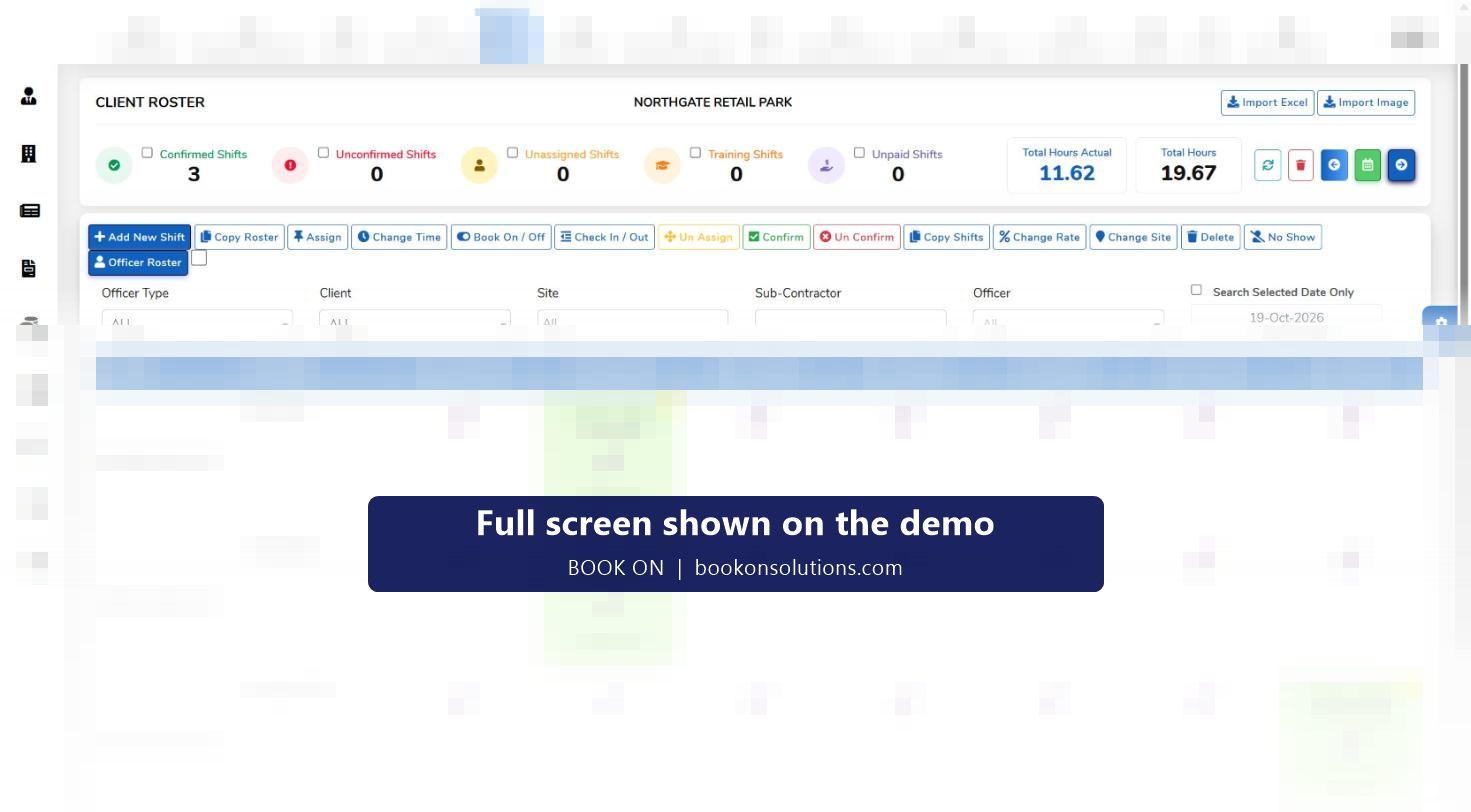
Most security companies start on a spreadsheet rota and a WhatsApp group for cover, and most keep them longer than they should. The rota lives on one laptop, the cover request is a message nobody can search, the timesheet is retyped from memory, and the licence expiry is a column someone forgot to sort. BOOK ON replaces all of it with one system: the roster imports the spreadsheet, officers get the app, clients and sites go in the register, and the first week’s shifts produce the first invoice and payroll run from the same record.
What the spreadsheet and the group cost
Unbilled and overpaid hours
Hours retyped from memory are wrong in both directions. Book-on and book-off from the app give actual hours beside planned hours, and both pay and invoice come from them.
Cover found by phoning round
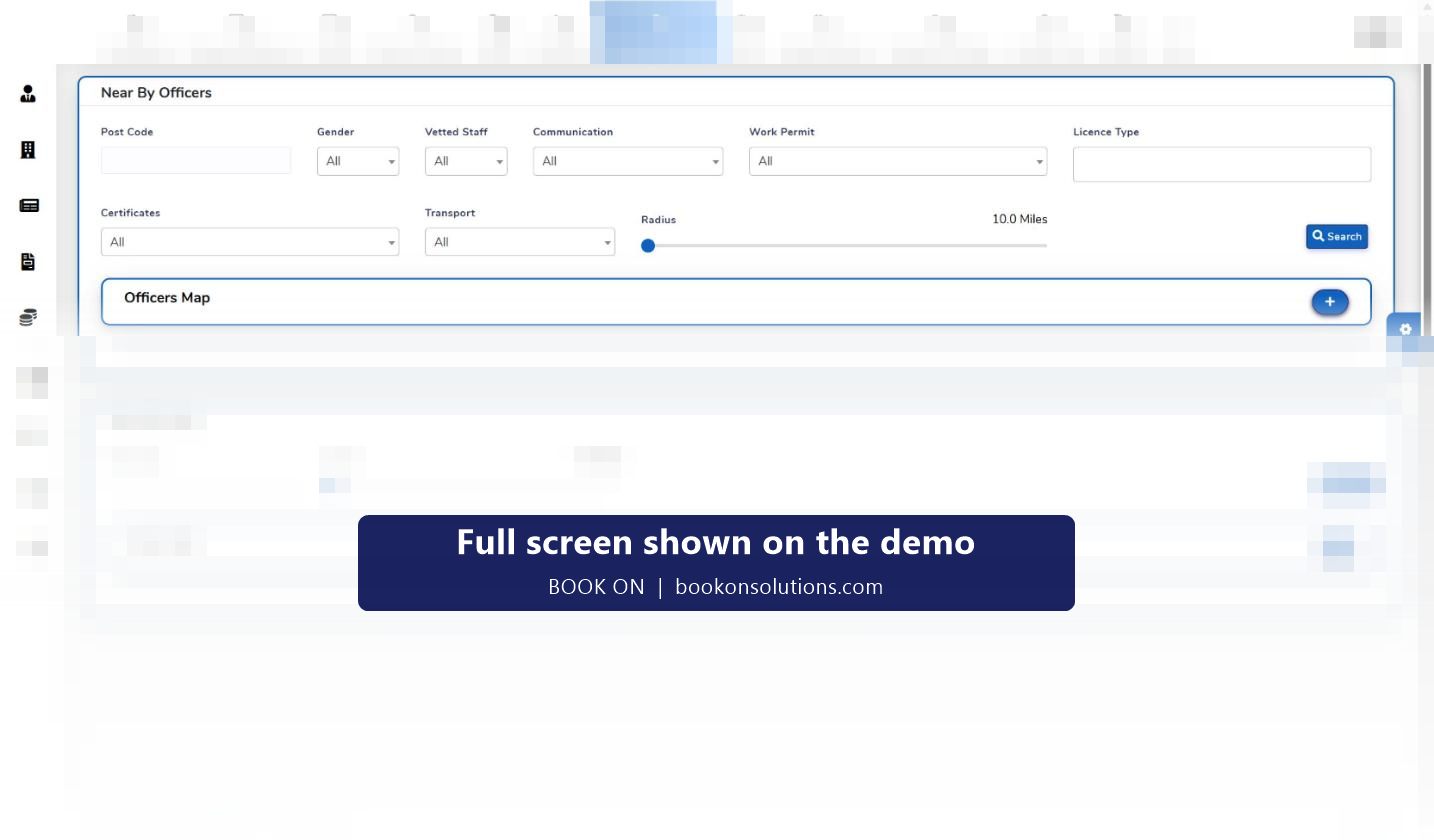
A WhatsApp broadcast reaches whoever is awake. Near By Officers finds licensed, vetted officers within a radius of the site’s postcode.
Licence expiries missed
A spreadsheet column does not send a warning. The HR dashboard lists expiries with days remaining and the renewal queue sets the next action.
No proof for the client
A message saying “on site” is not evidence. The live monitor and roster reports are.
Incidents lost in chat
A photo in a group is gone in a week. Typed events are stored against the site and officer and exported as PDF.
One person holds everything
When the planner is on holiday the rota stops. Roles and permissions let the control room, HR and accounts work in the same system.
Spreadsheet and WhatsApp against BOOK ON
| Task | Spreadsheet and WhatsApp | BOOK ON |
|---|---|---|
| Build next week’s rota | Copy last week’s tab, fix by hand | Copy Roster, Copy Shifts, counters for unassigned and unconfirmed |
| Tell officers their shifts | Screenshot in the group | Confirmed shifts in the officer app |
| Know who is on site | Ask in the group | Live monitor with book-on times |
| Cover a no-show at 05:00 | Broadcast and wait | No Show on the roster, Near By Officers, assign and confirm |
| Check calls | Phone round, no record | Calls filter, call reports |
| Incident report | Photo and voice note | Typed event with photos, PDF to the client |
| Licence expiry | A column, if sorted | Expiry tables with days remaining, renewal queue |
| Timesheet | Retyped from the rota | Built from book-on and book-off |
| Invoice | Typed from the timesheet | Fetched from timesheets by client, site and period |
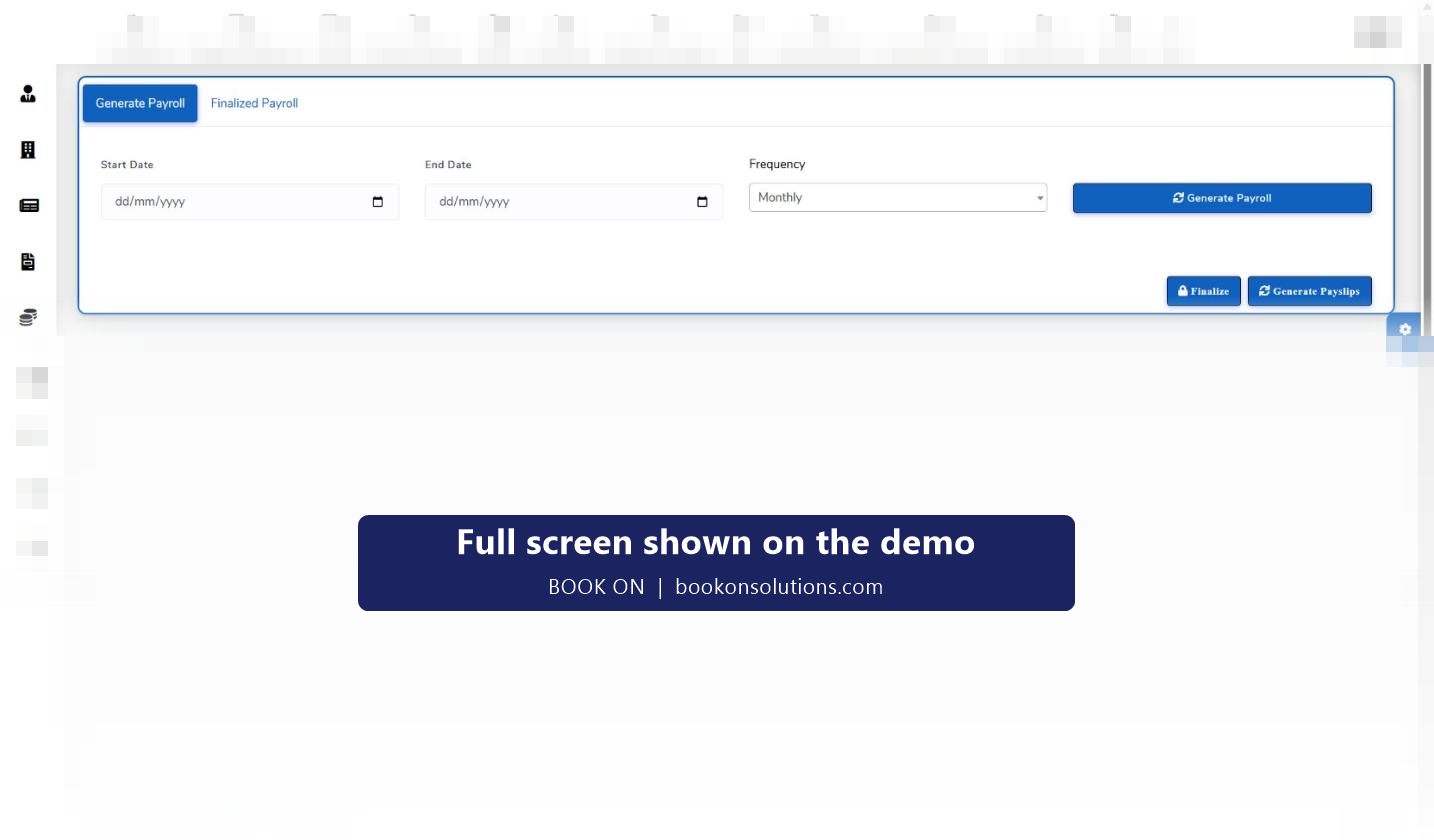
| Payroll | Another spreadsheet | Generate Payroll, finalise, payslips |
| Client’s monthly question | Search the chat | Reports by client, site and period |
The first week for a 30-officer company
- Day 1: clients and sites go into the register with contacts and postcodes; the current rota spreadsheet is mapped and imported.
- Day 2: officers receive the invitation link, register, upload licence and right-to-work documents and install the app.
- Day 3: pay and charge rates are set per officer and site; roles are set for the control room, HR and accounts.
- Day 4: the first shifts are confirmed and officers book on from the app; the control room watches the live monitor.
- Day 5: check calls, patrols and events are recorded; a no-show is covered with Near By Officers.
- End of week: the week’s shifts produce the first timesheet, the first payroll run and the first invoice fetched from timesheets.
The WhatsApp group can stay for chat. The rota, the cover, the attendance, the incidents and the money move to BOOK ON.
The money side
The reason to move is usually the invoice. When the timesheet is retyped, disputed lines are argued rather than answered, and overpaid hours are never recovered. In BOOK ON the shift that was booked on and off is the line on the invoice and the line on the payslip, and the finance dashboard shows revenue, cost and margin for the month without a spreadsheet.
Switching questions
Can I import my spreadsheet rota?
Yes. The roster has an Import Excel action; the column layout is agreed during onboarding so your current sheet maps cleanly.
Will officers need training?
Officers register through an invitation link and use the app to book on and off, answer check calls and raise reports. Most are working with it on their first shift.
Can I keep WhatsApp for chat?
Yes. BOOK ON replaces the rota, cover, attendance, incident and billing records, not the conversation.
How fast is setup?
Clients, sites, officers, rates and the first rota are typically in place within the first week, as the plan above shows.
What about my existing clients’ invoice formats?
Client invoice, site-wise invoice and simple format invoice reports cover the usual layouts; anything specific is agreed during onboarding.
Is it priced per officer?
Yes. See the pricing page for the per-officer model.
Related pages
Bring the spreadsheet to the demo
Send us this week’s rota and we will import it and run a shift through to the invoice while you watch.