
BOOK ON Operate is the operations module for UK security companies: a client roster by site and week, a live monitor that shows every book-on, book-off, check call, patrol and daily occurrence entry as it happens, a location map, and incident and event reporting that produces a PDF for the client. It is what the control room and operations managers use all day.
What operations does in BOOK ON
Build the client roster
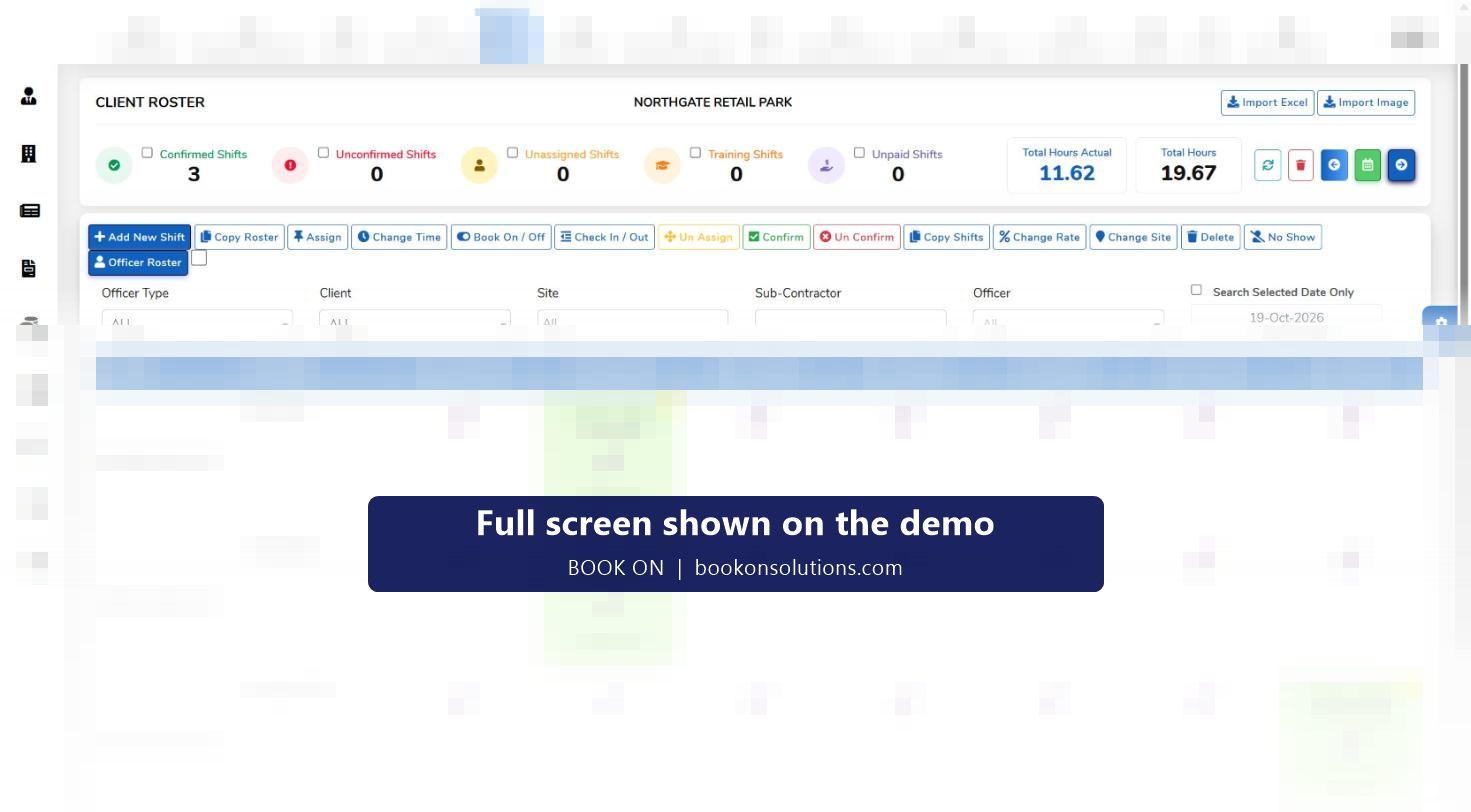
Shifts are added per client and site for the week, assigned to employees or subcontractor officers, confirmed, and copied forward. Counters show confirmed, unconfirmed, unassigned, training and unpaid shifts and total hours against actual hours.
Watch the live monitor
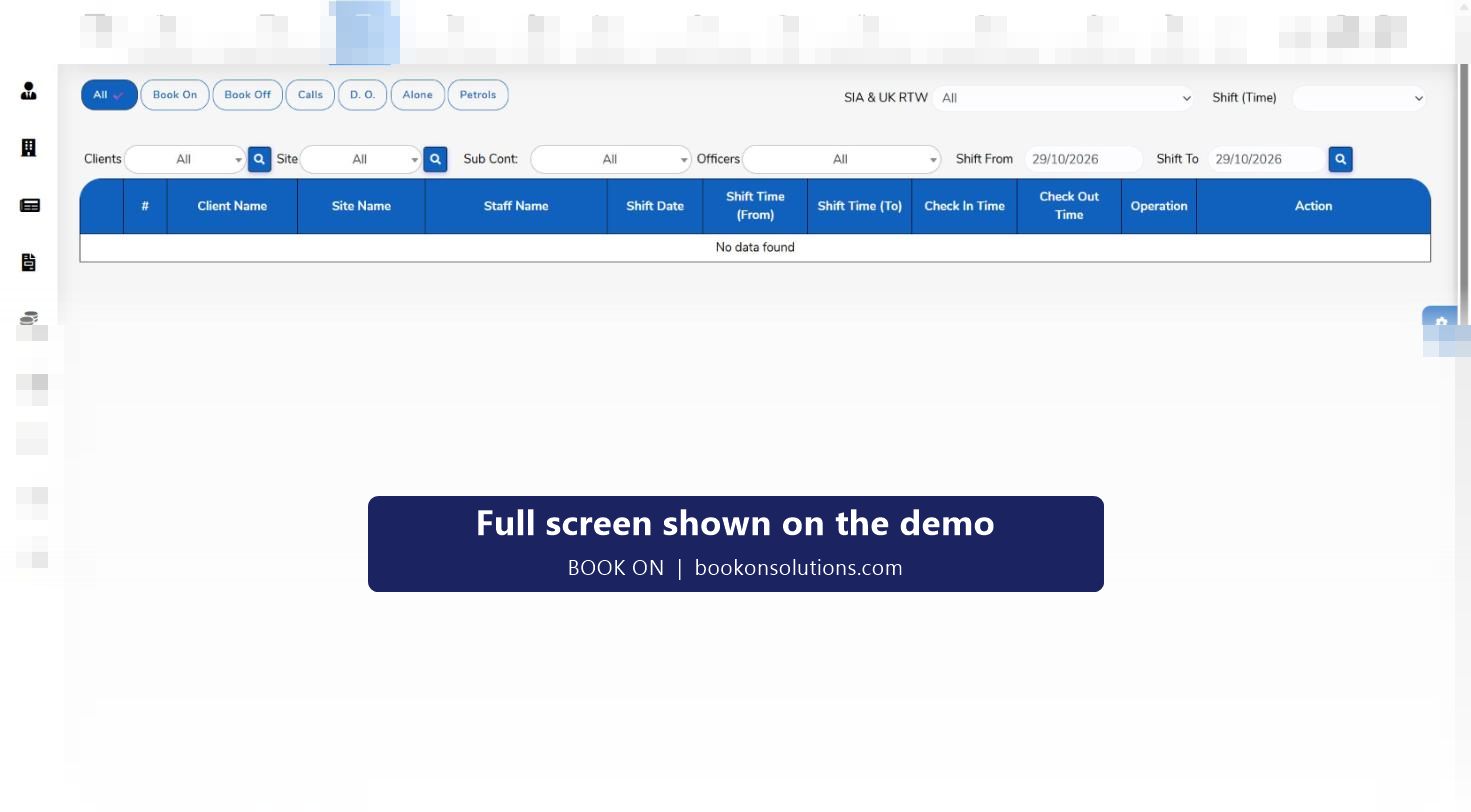
As officers book on, the monitor lists the client, site, officer, shift time and check-in time. Filters show only calls, only patrols, only daily occurrence entries or only lone workers, and a date range covers past shifts.
Handle the exceptions
The manager dashboard collects late-arrival approvals, event reports from officers and seven-day consecutive-work alerts, so the duty manager approves or escalates rather than searching.
Record what happened
Shift events capture incidents, fire alarm and evacuation, safeguarding concerns, lateness, patrols, lock and unlock reports, accidents and complaints, each tied to a client, site, officer and the person who created it.
Hand over and ticket
Handover tasks and tickets move work between shifts and departments, with attachments and unread counts so nothing is lost at 06:00.
Report to the client
Roster, call, event and operational reports are built from the same records, and the client and sites reports give account-level views.
Rostering built for guarding, not retail
A security rota is a set of posts that must be covered, usually 24 hours a day, by officers with the right licence. The BOOK ON roster is organised by client, then site, then day, so a control room can see a whole contract on one screen. Actions on the roster include add shift, copy roster, assign, change time, book on and off, check in and out, unassign, confirm, copy shifts, change rate, change site, delete and no-show, plus an Excel import for existing rotas.
- Filters by officer type, client, site, subcontractor and officer
- Officer roster view alongside the client roster view
- Approved shifts marked on each day with officer name and times
- Rates changed per shift for night, weekend and bank holiday cover
Incidents and events the client can read
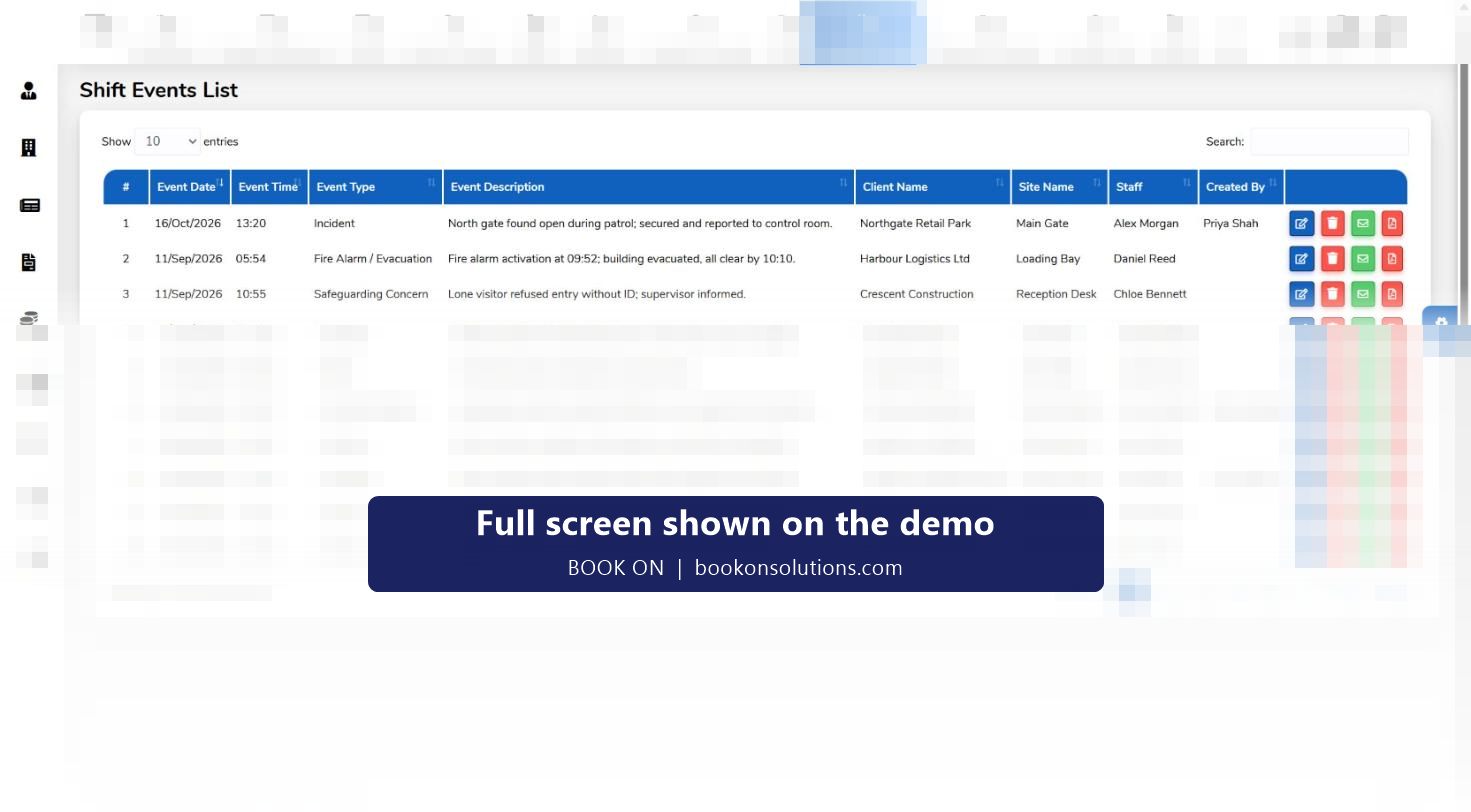
Officers raise events from the app; the control room sees them in the shift events list with date, time, type, description, client, site and the officer who reported it. Each event can be edited, emailed or exported as a PDF. Event types seen in the system include incident, fire alarm and evacuation, safeguarding concern, lateness, patrol, lock and unlock report, accident and complaint.
Operate module at a glance
| Screen | What it holds | Who uses it |
|---|---|---|
| Client roster and officer roster | Shifts by client, site and day; confirmation and assignment actions; Excel import | Operations, control room |
| Live monitor | Book on, book off, calls, daily occurrence, lone worker and patrol records by shift | Control room |
| Monitor location | Live map of officers on shift and officer movement history with a zig-zag report | Control room, supervisors |
| Manager dashboard | Late-arrival approvals, officer event reports, seven-day consecutive-work alerts | Duty managers |
| Incident and events | Typed event reports with PDF and email actions | Control room, account managers |
| Handover and tickets | Tasks passed between shifts and departments, tickets with attachments | Everyone |
| Sites | Client, site ID, site name, postcode, contact and phone | Operations, accounts |
| Alarm control centre | Live alarms with priority, SLA clock, responder and next action | Keyholding and response desks |
Operations questions
What is security workforce management software?
Software that plans which licensed officer covers which post, records that they attended, captures what happened on shift, and turns those records into client reports, compliance evidence and billing. BOOK ON Operate is the operations part of that; Compliance and Accounts complete it.
Does it check SIA licences when I assign a shift?
Officer records hold the licence type, number and expiry, the live monitor has an SIA and UK right-to-work filter, and the HR dashboard lists licences by expiry. Compliance status is visible before and during the shift.
How do I cover a no-show at two in the morning?
Mark the shift as a no-show on the roster, filter the officer list by type or subcontractor, assign the replacement and confirm. The change is recorded on the shift and shows on the live monitor when the replacement books on.
Can clients log in?
Client dashboards and analytical reports are part of the reports module; the client reporting page explains what a client can see.
Does it work with low signal?
The officer app is designed for sites with poor coverage; the exact offline behaviour is described on the officer app page.
Can it export timesheets to payroll?
Yes. Approved shifts are the source for both the sales invoice and payroll generation in BOOK ON Accounts, and finance reports cover payroll, salaries and deductions.
Operate features
Run tonight’s shifts on BOOK ON
Bring a real week of rota to the demo and we will build it in front of you.