
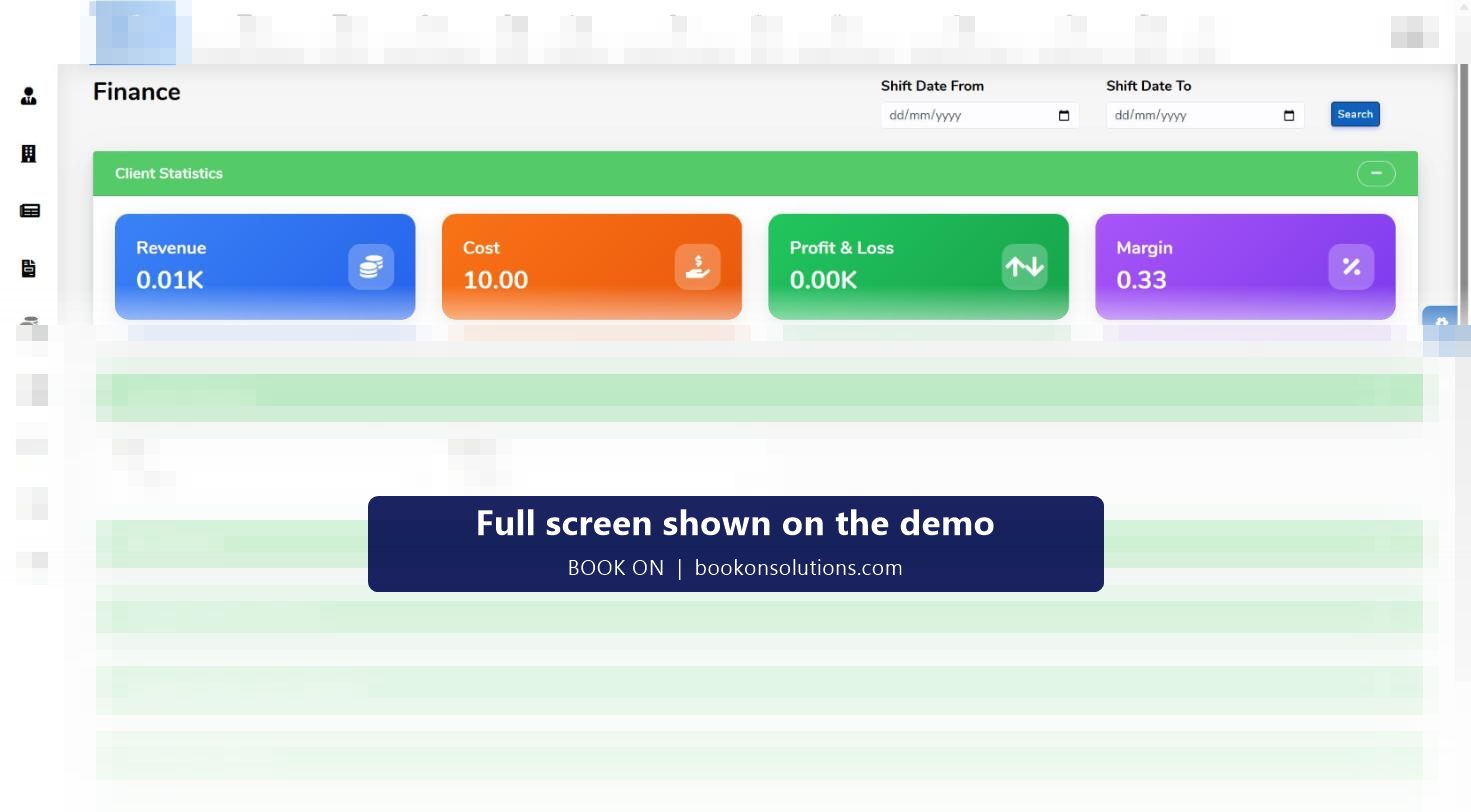
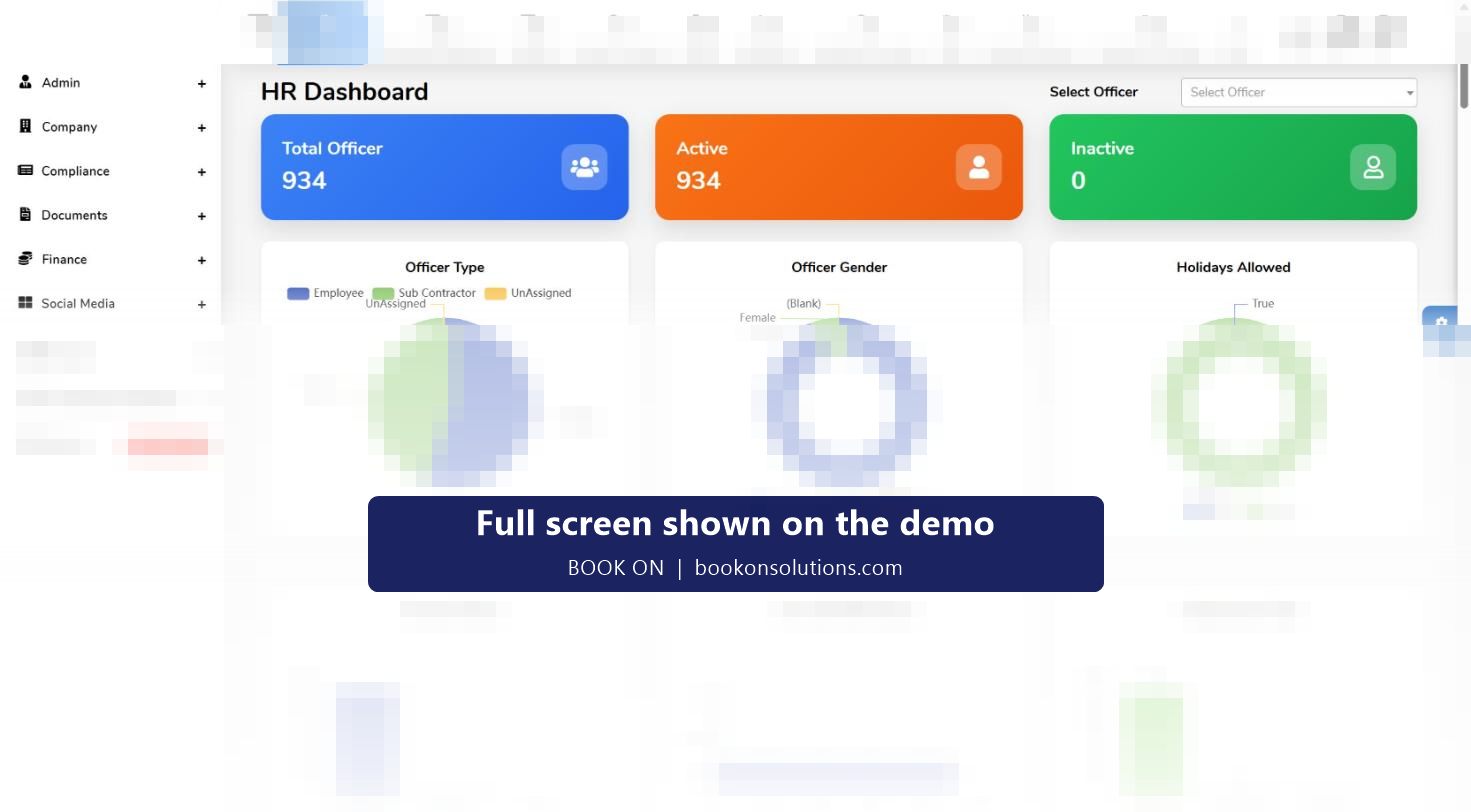
An owner needs three numbers and one assurance: what each contract made this month, what it cost, what is left, and whether every officer on site was licensed and screened. BOOK ON gives the numbers on the finance dashboard, revenue, cost, profit and loss and margin for any period with site and officer summaries, and the assurance on the HR dashboard, where licence, visa and passport expiry and BS 7858 status are listed for the whole workforce with days remaining. Everything underneath is the same shift record the control room and payroll work from.
What an owner gets from BOOK ON
Margin you can see
Pay rate and charge rate sit on every shift, so the finance dashboard shows profit and margin by period, site and officer without a spreadsheet. The contract that slipped shows in the month it slipped.
Cash that arrives
Invoices are fetched from timesheets, payments recorded, and outstanding invoices and aged ledgers show who owes what. The PO / No PO report stops invoices going out without a purchase order.
Compliance at a glance
The HR dashboard charts licence type, BS 7858 status, employment type and banned status, and lists every expiry with days remaining. The SIA renewal queue says what to do next.
Proof for every client
Book-on records, call reports, events and service review reports are produced from the operational record, so a client query is answered rather than argued.
Evidence for ACS and tenders
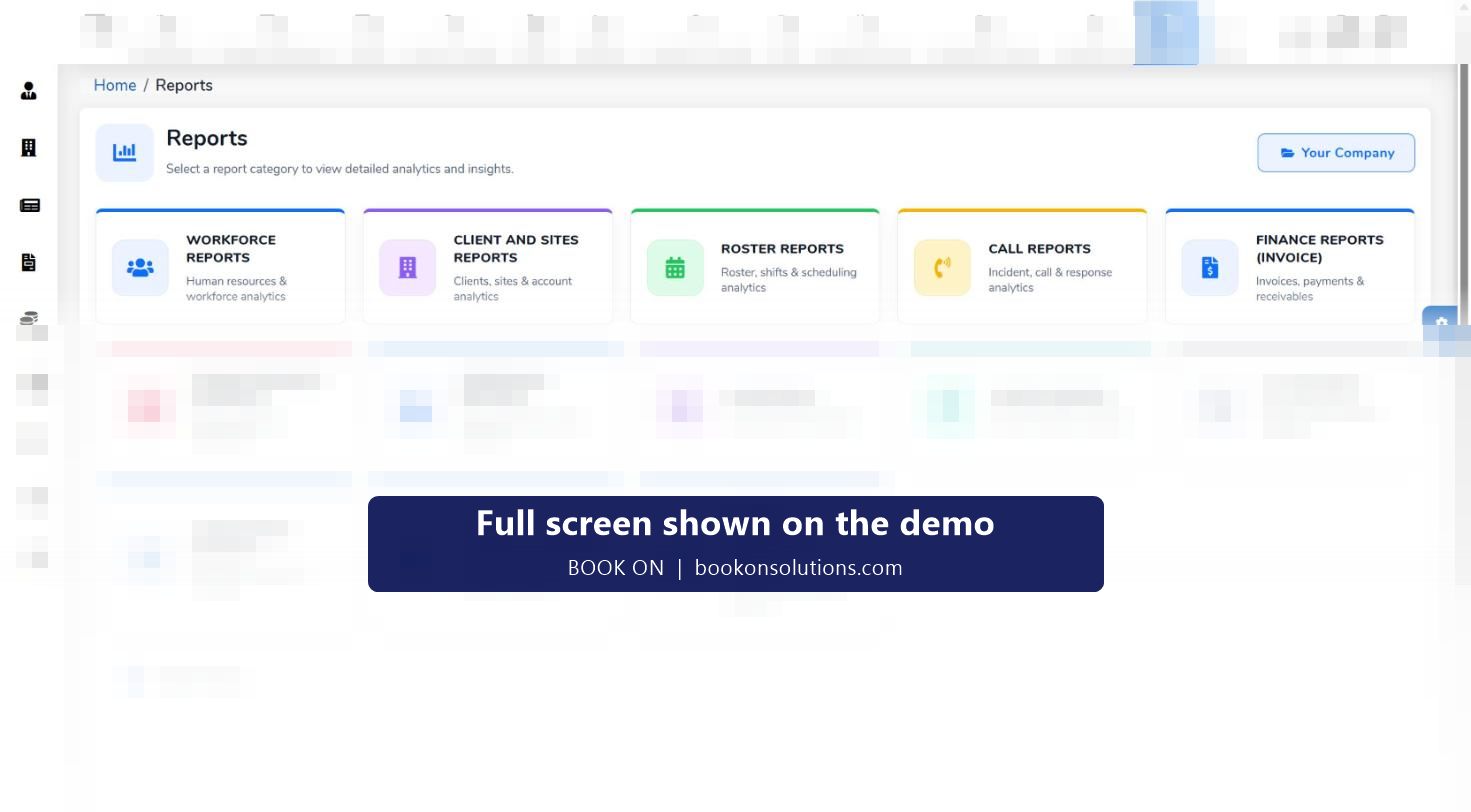
Compliance and ACS Evidence reports, the complaints and CAPA registers, the approved supplier register and the training matrix are what assessors and procurement teams ask for.
A business that runs without you
Roles and permissions let the control room, HR and accounts work in the same system; history and log reports show who did what.
The monthly view
- Finance dashboard for the month: revenue, cost, profit and loss, margin; site summary to find the contract that moved.
- Profit and Loss Statement, Client Hours Analysis and Contracted Hours reports for the detail.
- Outstanding invoices and the aged party ledger for credit control.
- HR dashboard for the compliance position: expiries in the next 90 days, pending screening.
- Complaints register and CAPA report for what went wrong and what was done.
- Service Review Meeting reports for the clients up for renewal.
Growing without adding admin
The admin cost of a guarding company grows with officers, sites and clients unless the same record serves every department. In BOOK ON a shift is planned once, booked on once and used by the control room, payroll, invoicing and compliance without re-entry. Subcontractors are rostered, checked and invoice-checked in the same system, and new sectors, from door supervision to keyholding, use the same screens.
The owner’s screens
| Question | Screen or report |
|---|---|
| Did we make money this month? | Finance dashboard, Profit and Loss Statement |
| Which contract is losing margin? | Site summary, Client Hours Analysis, Contracted Hours |
| Who owes us? | Outstanding invoices, aged party ledger, PO / No PO Invoices |
| Are we compliant tonight? | HR dashboard, live monitor SIA and right-to-work filter, SIA renewal queue |
| What did clients complain about? | Complaints register, CAPA report, Service Review Meeting report |
| Are we ready for the ACS assessment? | Compliance and ACS Evidence reports, registers, training matrix |
| Who changed what? | History, log and permission reports |
Owner questions
How is BOOK ON priced?
Per officer. See the pricing page for the model and ask on the demo for a figure for your officer count.
How long does it take to move a company onto BOOK ON?
Clients, sites, officers, rates and the first rota are typically in place within the first week. See the page on replacing spreadsheets and WhatsApp.
Can I see margin without giving staff access to pay rates?
Yes. Roles and permissions control which screens each user sees, and permission reports show the result.
Does it help win tenders?
Tenders ask for evidence of licensing, screening, welfare, incident management and complaints handling. BOOK ON’s registers and reports are that evidence.
Is my data in the UK?
Hosting and data processing terms are confirmed in your agreement during onboarding.
What if I run several companies?
Each company runs its own BOOK ON with its own officers, clients and reports; ask on the demo about group arrangements.
Related pages
See your month on one screen
On the demo we show the finance dashboard, the HR dashboard and the reports a client or assessor asks for.