
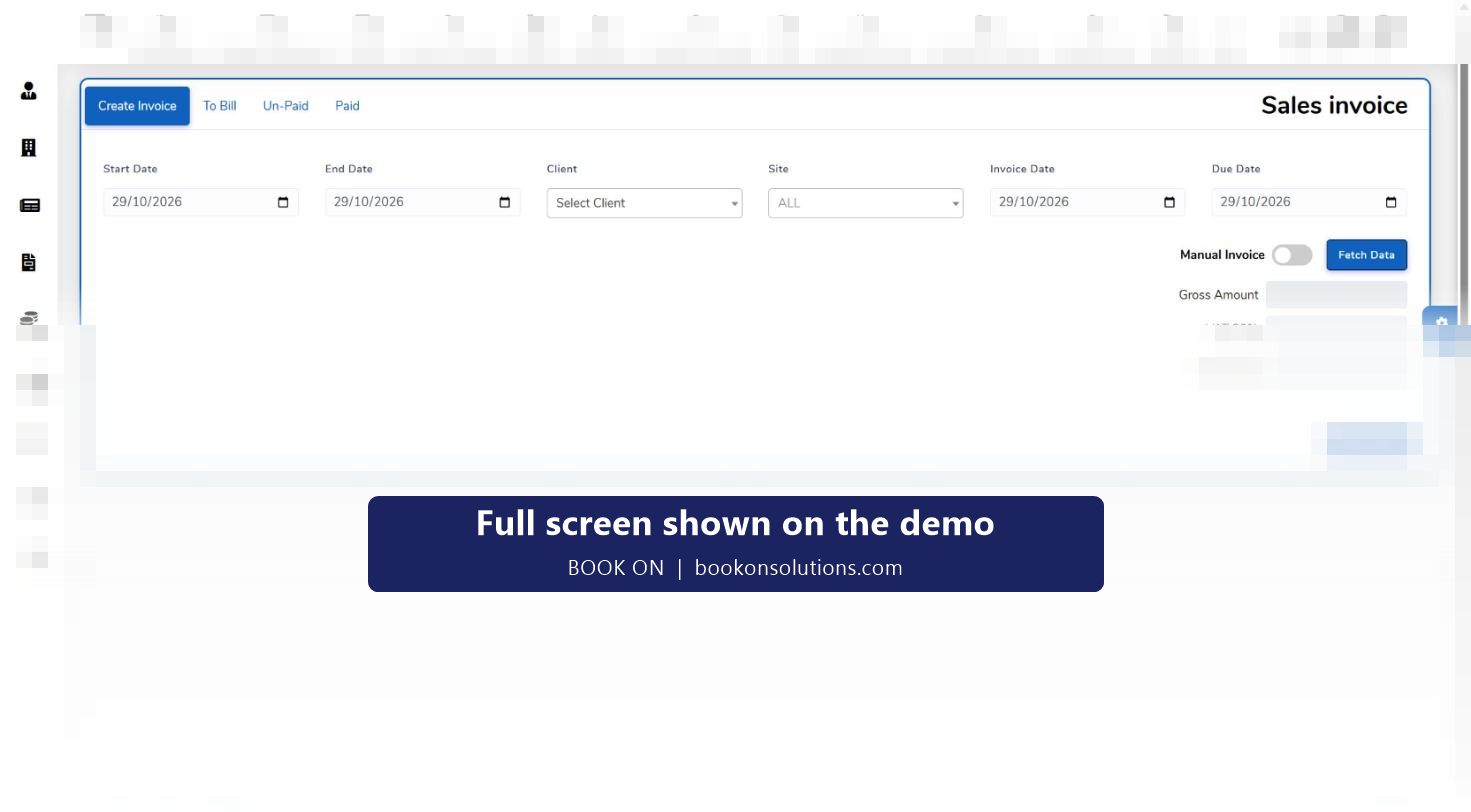
A guarding invoice is a list of shifts with hours and rates. BOOK ON builds it that way: pick the client, the site and the date range, fetch the approved shifts from timesheets, apply VAT and issue. Because the invoice comes from the same attendance record the control room watched all month, the client’s query “was someone there on the 14th?” is answered from the shift, not argued.
From shift to paid invoice
Shifts are approved
Confirmed shifts with book-on and book-off times, and any per-shift charge rate, are the billable record.
Invoice is fetched
On the sales invoice screen choose the client, site and date range and fetch the shifts from timesheets. VAT is applied per invoice.
Invoice is issued
The invoice is recorded against the client’s account with its status, and sent with the roster or operational report as backing if the client wants it.
Payments are recorded
Invoice payments are recorded against the invoice; outstanding invoices and aged party ledgers show what is overdue.
Finance reports close the month
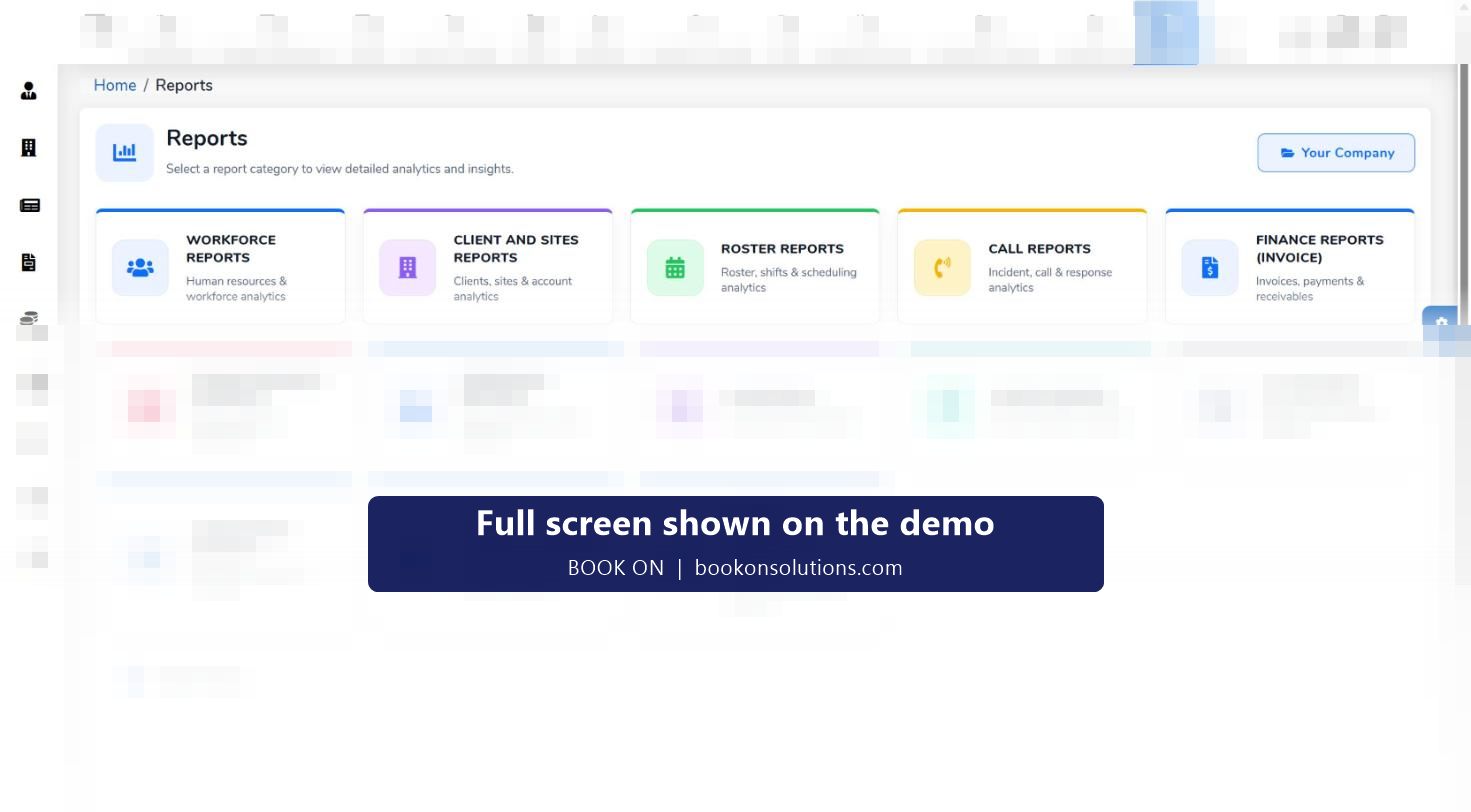
Finance Reports (Invoice) cover invoices, payments and receivables; the finance dashboard shows revenue, cost, profit and margin for the period.
Clients and sites as the billing structure
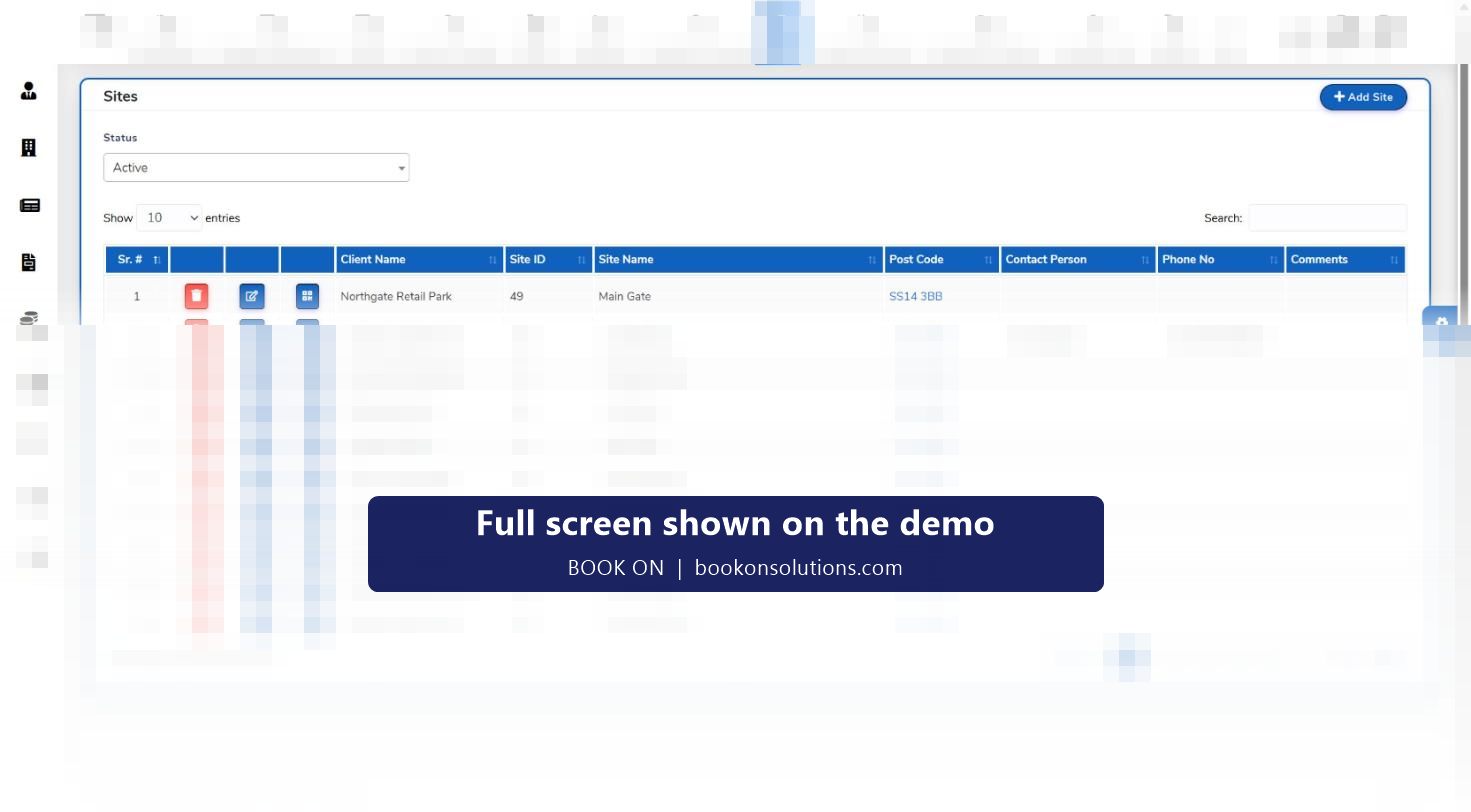
Every site belongs to a client, with its site ID, postcode, contact and phone on the sites register, and every shift belongs to a site. That is the structure the invoice uses, so a client with twelve sites can be invoiced per site, per region or as one account, and a site summary on the finance dashboard shows which contracts make money.
- Invoice by client, by site or for a date range across sites
- Charge rate per shift, changed per shift when a night or bank holiday uplift applies
- Invoice list with status, payments and outstanding balances
- Aged ledger by client for credit control
Margin on every contract
Because pay sits on the same shift as charge, the finance dashboard can show revenue against cost and a margin figure for any period, and the site summary and individual officer summaries break it down. A contract that has slipped below margin because of overtime cover shows up in the month it happens.
Billing screens at a glance
| Screen | Purpose | Who uses it |
|---|---|---|
| Sales invoice | Fetch approved shifts for a client, site and period; apply VAT | Accounts |
| Invoice list and status | Issued, paid and outstanding invoices | Accounts, credit control |
| Invoice payments | Record receipts against invoices | Accounts |
| Party ledger and aged report | Balances by client with ageing | Credit control, directors |
| Finance Reports (Invoice) | Invoices, payments and receivables by period | Finance |
| Finance dashboard | Revenue, cost, profit and loss, margin; site and officer summaries | Directors |
| Chart of accounts, vouchers, trial balance | Ledger-level accounting in BOOK ON Accounts | Finance |
Invoicing questions
Does it connect to Xero, QuickBooks or Sage?
BOOK ON Accounts has its own ledger, chart of accounts, vouchers and trial balance. How invoice and payroll output is passed to your accounting software or accountant is agreed during onboarding.
Can I attach proof of attendance to the invoice?
Yes. Roster and operational reports for the same client, site and period are produced from the same shifts and can be sent with the invoice.
How are no-shows and short shifts billed?
A shift marked No Show is excluded; actual hours against planned hours on the roster show short shifts before the invoice is fetched.
Can I invoice a client monthly across all sites?
Yes. The date range and client selection on the sales invoice fetch shifts across the client’s sites.
Can I check a subcontractor’s invoice?
The subcontractor timesheet totals the shifts and hours each subcontractor delivered for the period, which is compared with their invoice before it is approved.
Related features
Raise an invoice on the demo
We fetch a month of shifts for a sample client and produce the invoice in front of you.