
In BOOK ON the timesheet is not a form the officer fills in. It is the record of the shifts they were assigned, booked on to and booked off from, with the rate attached to each shift. Payroll is generated from those approved shifts for a start date, end date and pay frequency, finalised, and turned into payslips, and the finance reports show payroll, salaries and deductions by period.
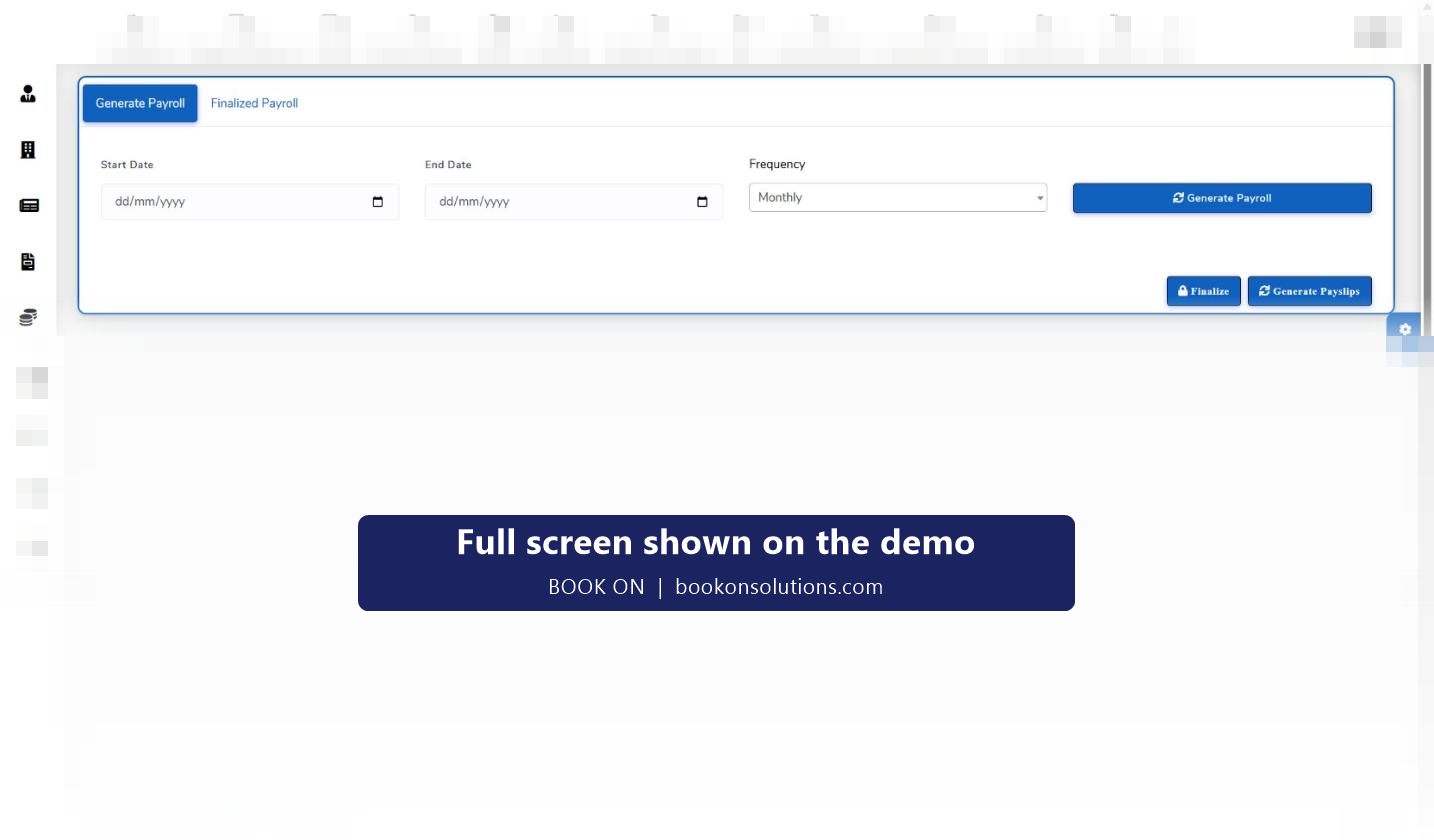
From shift to payslip
Shift is worked
Book-on and book-off from the officer app, or recorded by the control room, give the actual hours; planned hours sit beside them on the roster.
Rate is on the shift
Each shift carries its pay rate. Change Rate sets a night, weekend or bank holiday rate for one shift without touching the officer’s default.
Exceptions are approved
Late arrivals and no-shows are marked on the roster and the manager dashboard, so the hours paid are the hours agreed.
Payroll is generated
Choose the start and end date and the frequency (monthly, or as your pay cycle runs), and generate payroll for the period from approved shifts.
Finalise and issue payslips
Finalise locks the run; Generate Payslips produces the officers’ payslips, and the Finalized Payroll tab holds past runs.
Report and reconcile
Finance Reports (Payroll) cover payroll, salaries and deductions; the finance dashboard shows revenue, cost, profit and margin for the same period.
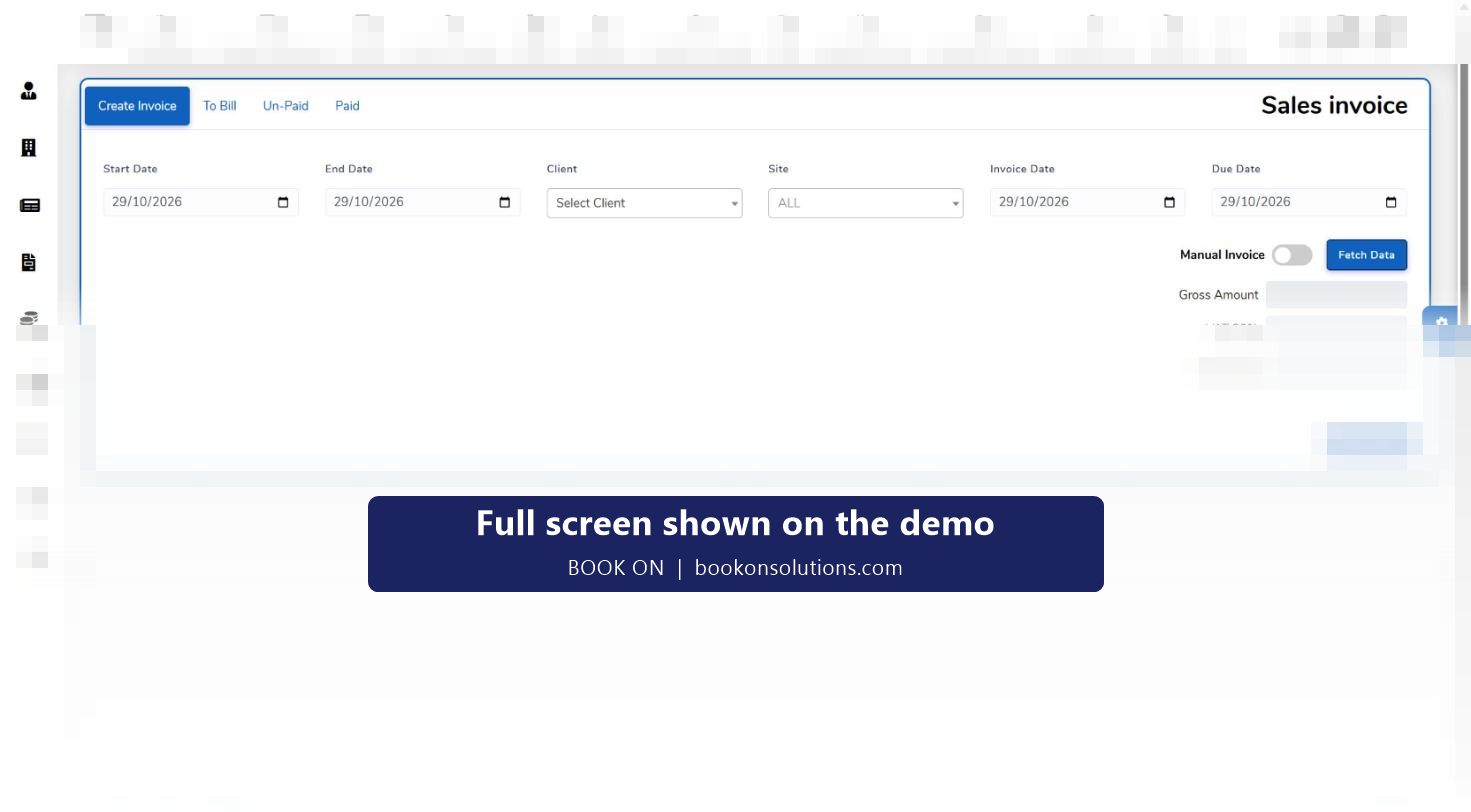
One record for pay and for billing
The shift that generates an officer’s pay is the same shift that is fetched into the client’s sales invoice. There is no second timesheet to reconcile, and a disputed shift is corrected once. The finance dashboard puts revenue and cost side by side, with a margin figure, and the individual officer and site summaries show where hours are going.
- Approved shifts feed both payroll and invoicing
- Per-shift rate changes flow to pay and charge
- Officer earnings visible to the officer in the app
- Subcontractor shifts go to a subcontractor timesheet rather than payroll
Holiday, leave and absence
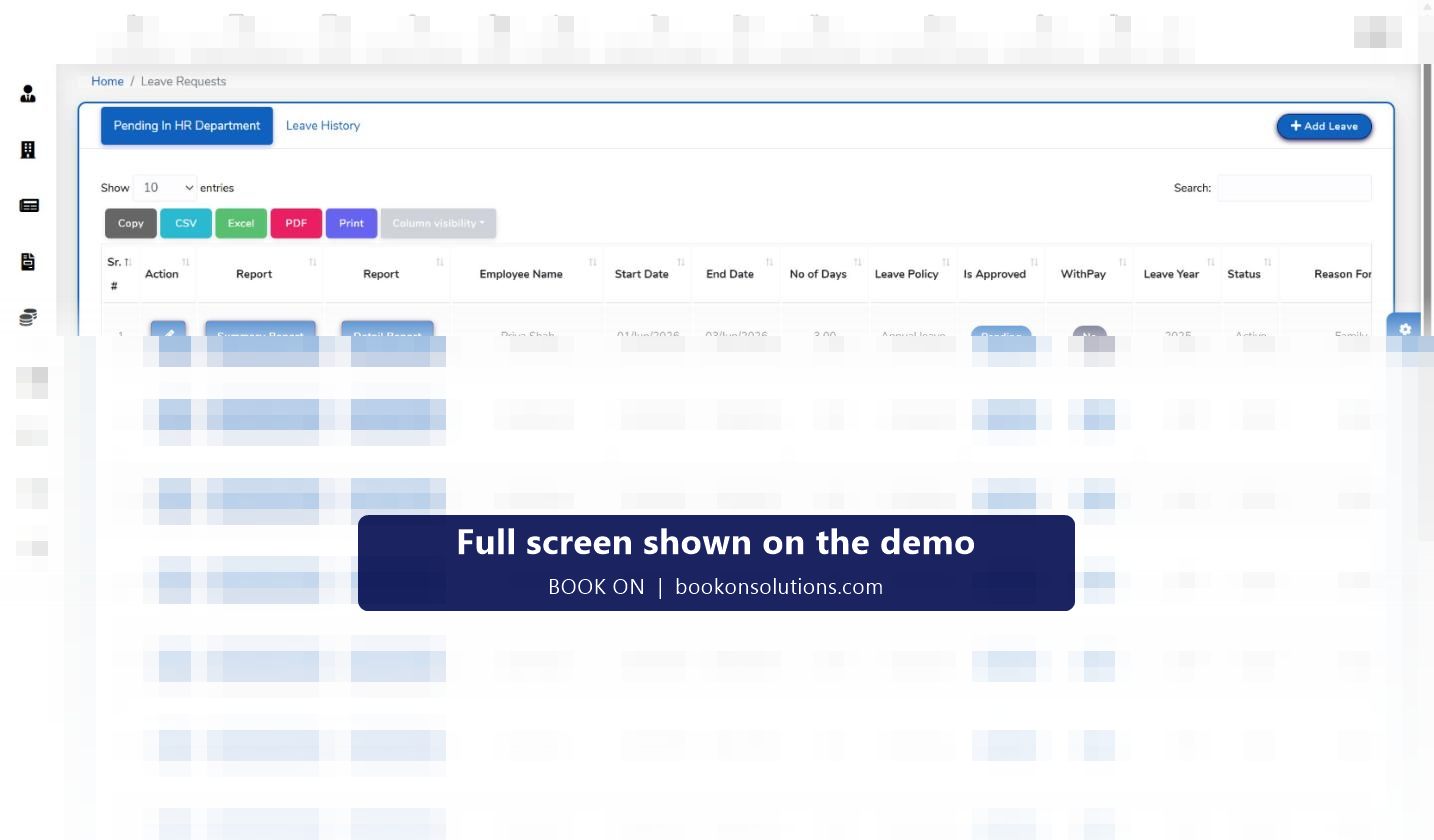
Leave requests are managed in the leave tracker with leave types, policies, a leave year and an approval queue for HR, and each request records whether it is with pay. Absences are recorded against the officer. Both feed the hours and pay picture, so holiday pay and unpaid absence are handled in the same run.
Payroll screens at a glance
| Screen | Purpose | Who uses it |
|---|---|---|
| Roster: planned against actual hours | The hours basis for each shift | Operations |
| Roster: Change Rate | Per-shift pay or charge rate | Operations, finance |
| Generate Payroll | Run payroll for a period and frequency | Payroll administrator |
| Finalized Payroll | Locked past runs | Payroll, finance |
| Generate Payslips | Payslips for the finalised run | Payroll administrator |
| Finance Reports (Payroll) | Payroll, salaries and deductions | Finance, directors |
| Finance dashboard | Revenue, cost, profit and loss, margin | Directors |
| Leave tracker | Leave requests, policies, absences | HR |
Payroll questions
Does BOOK ON calculate PAYE and National Insurance?
BOOK ON generates payroll from approved shifts and produces payslips. Statutory calculations and HMRC submissions are handled in your payroll software or by your bureau, and how BOOK ON’s payroll output is passed to them is agreed during onboarding.
Can officers see their earnings?
Yes. The officer app includes a Show Earning view so officers can check shifts and pay before payday, which cuts payroll queries.
How are night and bank holiday rates handled?
Change Rate on the shift sets a different rate for that shift, and the rate goes to both payroll and the invoice line.
What about subcontractor officers?
Their shifts are totalled on the subcontractor timesheet for invoice checking rather than paid through payroll.
Can I pay weekly and monthly staff in the same system?
Payroll is generated for a start date, end date and frequency, so separate runs can be made for different groups.
Related features
Run a payroll on the demo
We generate payroll for a sample period, finalise it and produce payslips while you watch.