
BOOK ON Accounts turns the shifts your control room has already approved into client invoices and payroll. A sales invoice is built by choosing the client, site and date range and fetching the shifts; VAT at 20 per cent and the net amount are calculated; payroll is generated from the same shifts. Purchase invoices, cash and bank vouchers and finance reports complete the ledger, so the security company’s money follows the security company’s shifts.
From approved shift to paid invoice
Shifts are approved
Operations confirms shifts on the roster and the live monitor records the book-on and book-off. Only approved shifts are available to bill.
Invoice is fetched
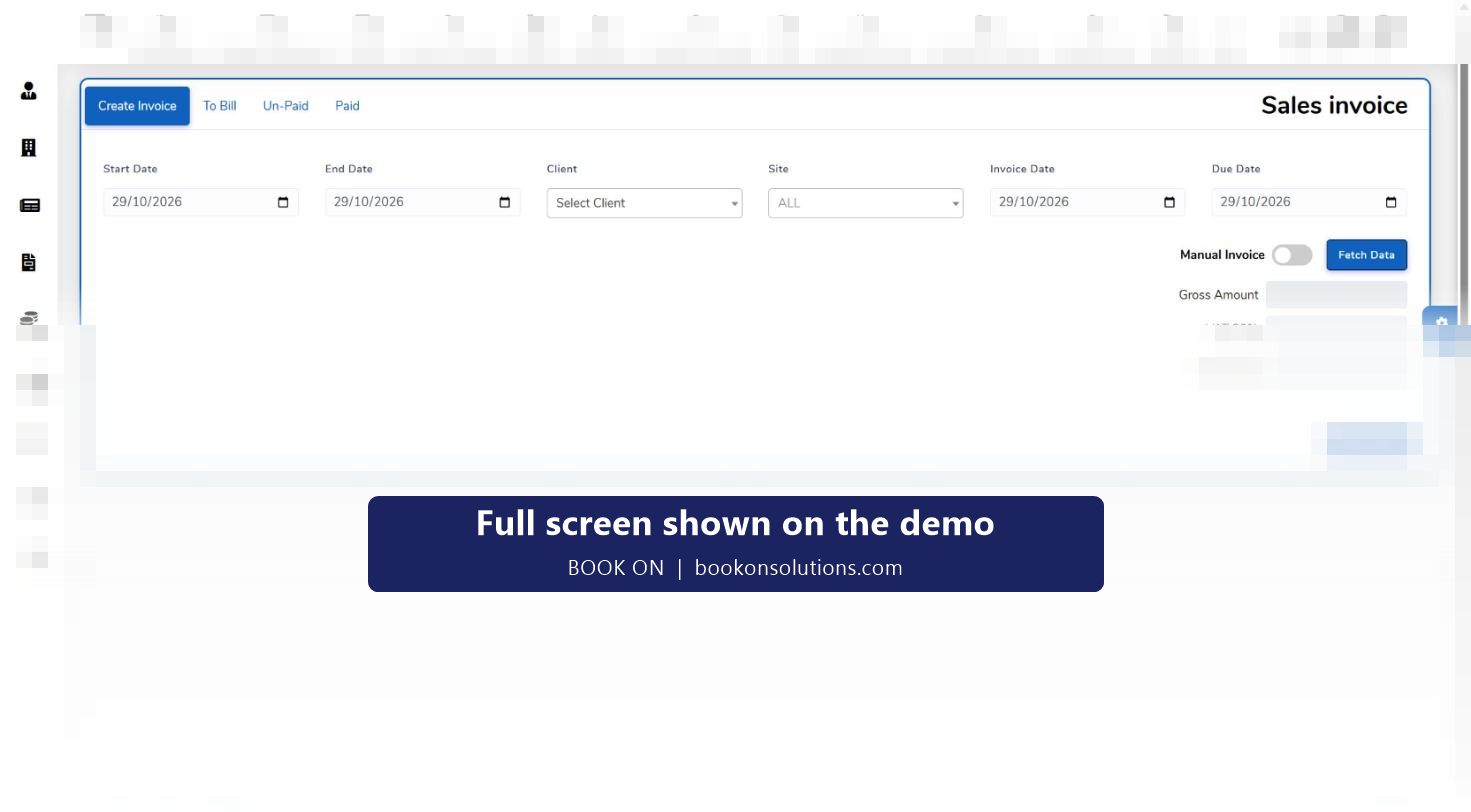
Accounts opens Sales Invoice, sets the start and end date, chooses the client and site, sets invoice and due dates and clicks Fetch Data. Gross, VAT and net are filled in. A manual invoice toggle covers one-off charges.
Invoice is tracked
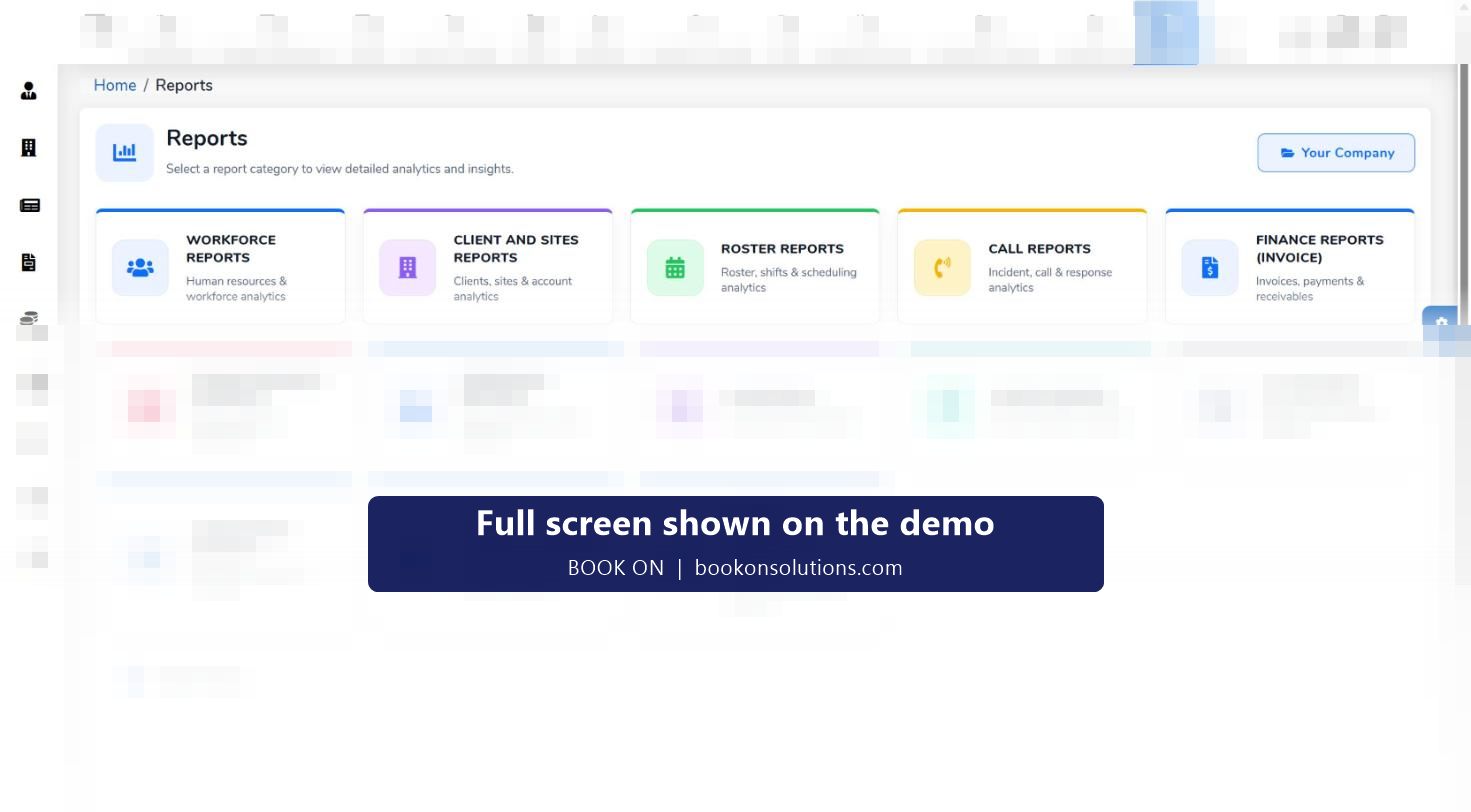
The To Bill, Un-Paid and Paid tabs show where every invoice stands, and the Finance Reports (Invoice) family covers invoices, payments and receivables.
Payroll is generated
Generate Payroll builds the pay run from the same approved shifts, and Finance Reports (Payroll) cover payroll, salaries and deductions. Each officer’s Payroll Info tab holds their rate and pay details.
Suppliers are paid
Purchase invoices and cash and bank payment vouchers record subcontractor and supplier costs against the same clients and sites.
Management sees the margin
Management Info and the finance reports put charge against pay by contract, and the roster’s Change Rate action sets the rate per shift for night, weekend and bank holiday cover.
Why billing from the roster matters
In most guarding firms the invoice is typed from a timesheet that was typed from a rota. Hours drift between the three, unbilled call-outs are forgotten, and the client disputes an invoice weeks after the shift. When the invoice is fetched from the approved shift record, the hours on the invoice are the hours the officer booked on for, and the dispute can be answered with the monitor log.
- Invoice lines come from approved shifts for one client and site at a time
- Unbilled shifts are visible in the To Bill tab
- Unpaid invoices are listed with due dates for credit control
- Subcontractor officers’ shifts are costed through purchase invoices
Accounts module at a glance
| Area | What it does |
|---|---|
| Sales invoice | Fetches approved shifts by client, site and date range; calculates gross, VAT and net; To Bill, Un-Paid and Paid tabs |
| Purchase invoice | Records subcontractor and supplier invoices |
| Cash and bank vouchers | Cash receipt, bank receipt and cash payment vouchers for the daily ledger |
| Payroll | Generate Payroll from approved shifts; officer payroll information on each profile |
| Administration and Management Info | Chart of accounts and management reporting |
| Sub management | Subcontractor accounts and settlement |
| Finance reports | Invoice family (invoices, payments, receivables) and payroll family (payroll, salaries, deductions) |
Exports to third-party accounting and payroll packages are arranged during onboarding; ask on the demo which packages your firm uses so compatibility can be confirmed.
UK payroll rules the records support
Shift lengths, rest between shifts and seven-day consecutive-work alerts help with the Working Time Regulations; holiday entitlement and contracted hours per week sit on the officer profile; rates per shift cover night, weekend and bank holiday uplifts. The 12-hour shifts and rest breaks guide and the charge-out rate guide explain the rules and the maths.
Accounts questions
Can I set different pay rates per officer and site?
Yes. Each officer profile holds an officer rate and payroll information, and the roster’s Change Rate action sets the rate on a shift, so night, weekend and bank holiday shifts can be paid and charged differently.
Does it handle overnight shifts?
Shifts are recorded with start and end times across midnight on the roster and the monitor, so an overnight shift is billed and paid as one shift.
Does it export to Xero, QuickBooks or Sage?
Exports to accounting and payroll packages are confirmed during onboarding for the packages your firm uses. Ask on the demo and the team will confirm compatibility before you commit.
How does margin tracking work?
Charge rates on the invoice and pay rates on the shift are both held against the same client and site, so Management Info and the finance reports can show charge against pay by contract.
Can subcontractors invoice through it?
Subcontractor costs are recorded as purchase invoices against the shifts their officers covered, and Sub Management holds the subcontractor accounts.
Is VAT handled?
The sales invoice calculates VAT at 20 per cent and shows gross and net amounts before you save.
Accounts features and guides
Invoice the shifts you actually delivered
See a week of approved shifts become a client invoice and a payroll run in the demo.