
A retail operation with several stores runs on the same questions every day: is the store covered for opening, who is late, who is off, and what happened on the shop floor. BOOK ON plans the rota per store, records the book-on and book-off from the app, shows the area manager every branch on one board, and keeps incidents and complaints against the store so the Monday review is from the record and not from memory.
What a multi-store retailer needs
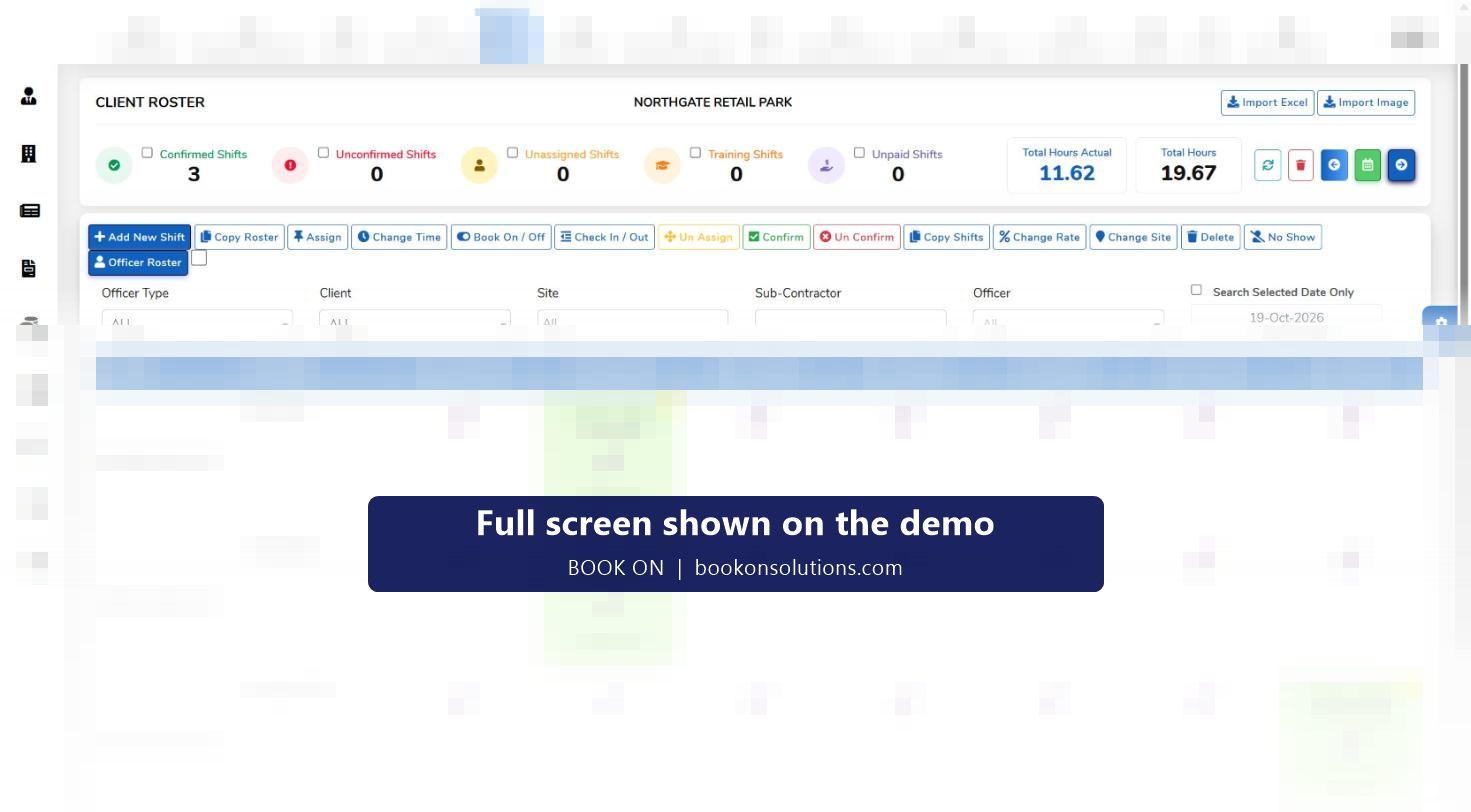
Rotas per store
Opening, mid and closing shifts planned per branch, copied forward and changed per shift for trading hours and bank holidays.
Opening covered
Staff book on from the app; the area manager sees every store’s book-ons on the live monitor and a late opening before a customer reports it.
Cover across branches
Search staff by postcode and radius, filtered by training and transport, and move someone from the next store rather than closing a till.
Incidents and complaints
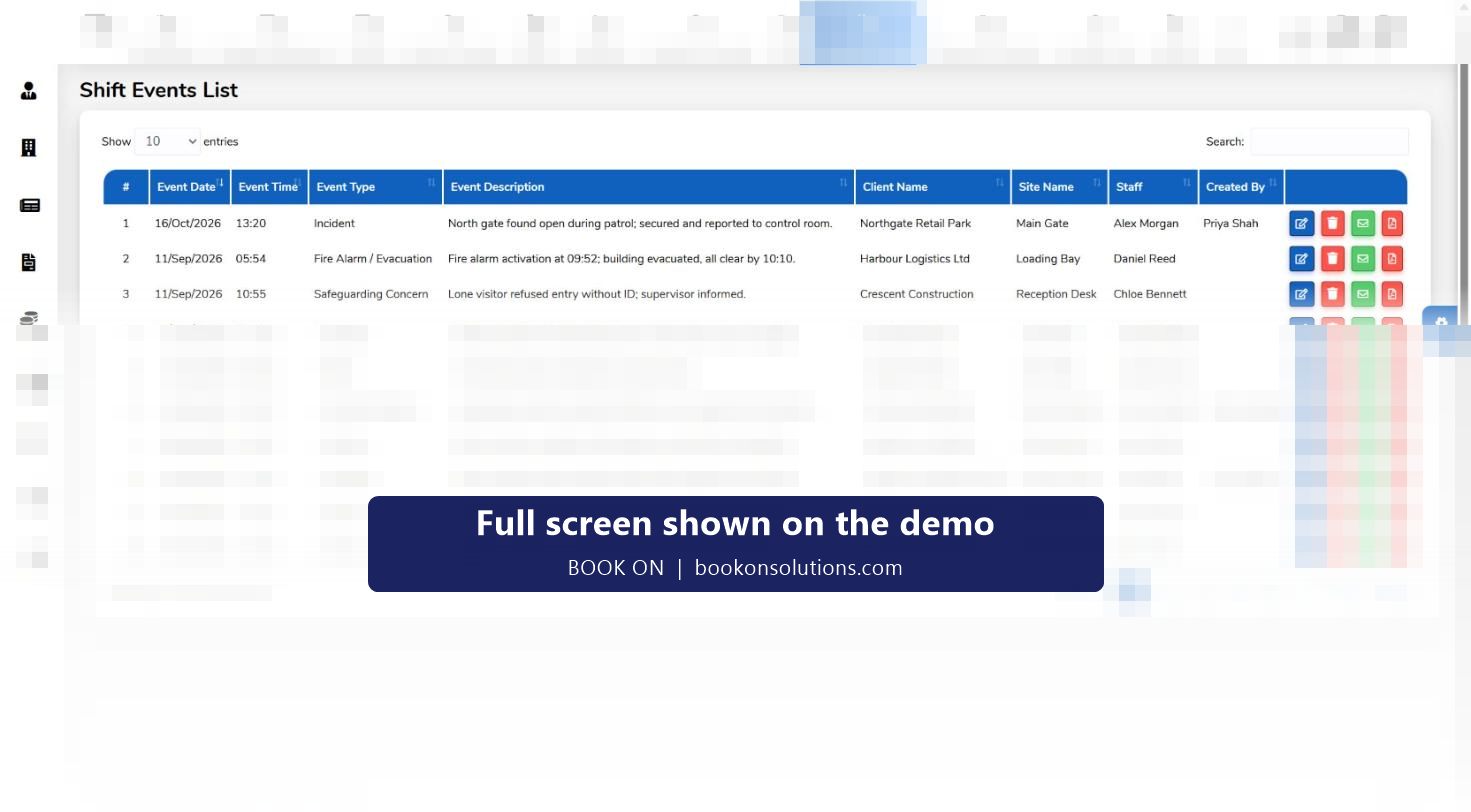
Typed reports with photos for theft, accidents and damage, and a complaints register with corrective actions per store.
Leave and absence
Leave requests from the app, approvals in HR, absences recorded and holiday reports that feed the rota and payroll.
Hours to payroll
Timesheets built from book-on records with pay rates per shift; payroll generated by period with payslips.
A trading day, store by store
- The week’s rota per store is published to the app; staff see their shifts and request leave from the same place.
- Book on at opening shows on the live monitor; a missing key holder is visible to the area manager at 8.45.
- Cover is found from the postcode search and confirmed through the app.
- Shop-floor incidents are typed in with photos and reviewed by the store manager.
- Book off closes the shift; hours feed payroll, and store reports go to the regional review.
Store security and loss prevention
Retailers that run their own security officers or contract them in use the same system: SIA licence tracking for licensed roles, lock and unlock reports, and incident records the police or the insurer may ask for. Where a security contractor is used, the subcontractor register and the subcontractor timesheet check keep their hours and invoices in line with the rota. The retail and corporate security page covers the contractor’s side in detail.
Retail on BOOK ON at a glance
| Need | BOOK ON screen | Who uses it |
|---|---|---|
| Plan the week per store | Client roster, Copy Roster, per-shift changes | Store managers |
| Opening covered | Book on from the app, live monitor by site | Area managers |
| Cover between stores | Near By Officers search by postcode and training | Area managers |
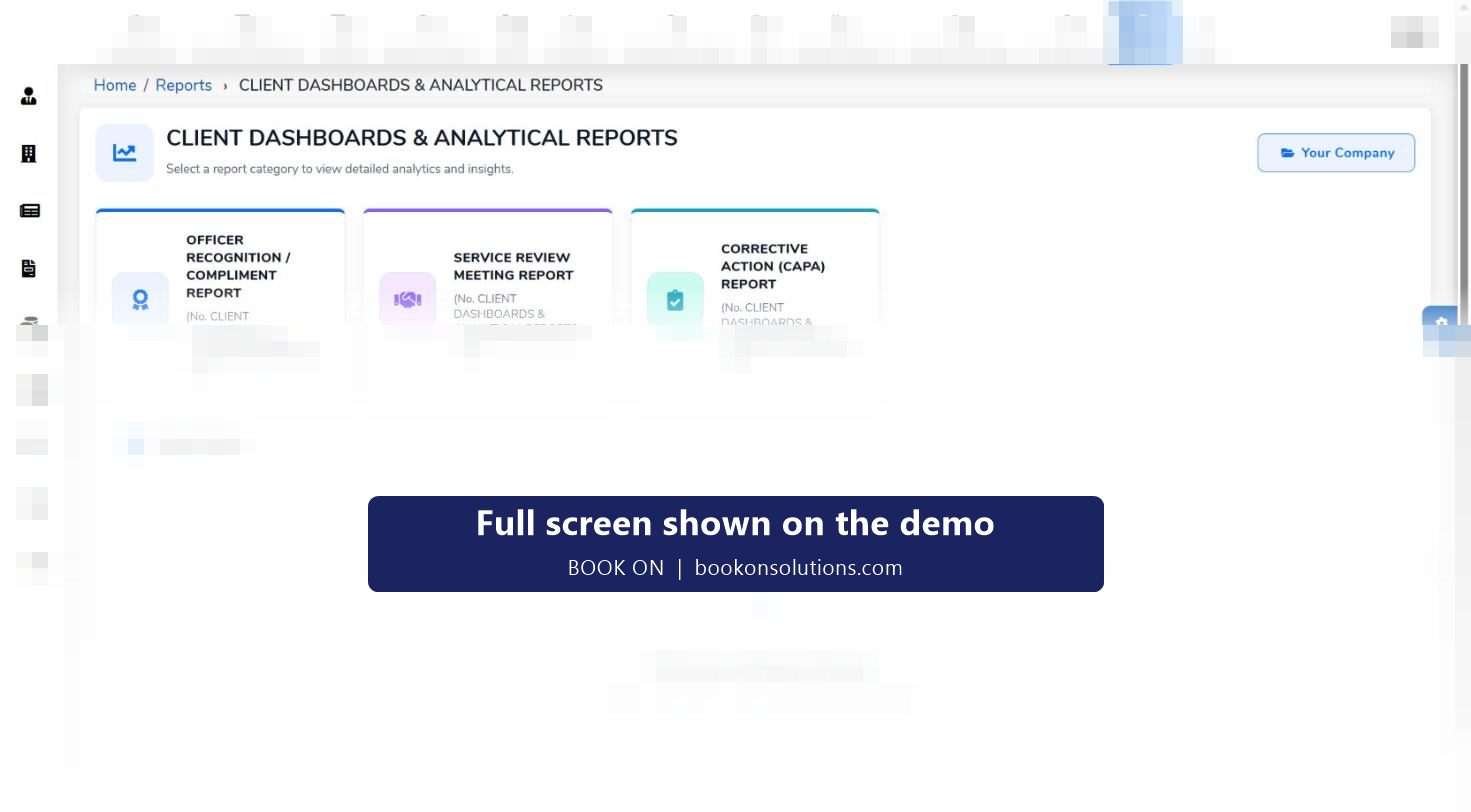
| Incidents and complaints | Typed events with photos, complaints register, CAPA | Store managers, head office |
| Leave and absence | Leave requests, absences, holiday reports | HR |
| Payroll | Timesheets, Generate Payroll, payslips | Finance |
Retail questions
Can staff swap shifts between themselves?
Changes are made on the rota by a manager and reach the app at once. Staff-to-staff swaps inside the app are confirmed during onboarding.
Does it work for a single store?
Yes. The rota, the app and payroll work for one site; the live monitor and cover search earn their keep as more branches are added.
Can head office see every store?
The live monitor and the reports show every site; roles and permissions limit a store manager to their own branch.
Does it integrate with my till or HR system?
Integrations are confirmed during onboarding; payroll and attendance exports are available from the reports.
What about contracted security officers?
They run on the same rota with SIA licence tracking, or through the subcontractor register if a security company supplies them.
Related pages
Run one of your stores on the demo
Bring a week’s rota for one branch and see the book-ons, the cover search and the payroll in BOOK ON.