
The BOOK ON app is what a security officer uses on site. They book on at the start of a shift and book off at the end, answer check calls, log patrols and daily occurrence entries, report incidents, see their rota and shifts, request leave, and complete the onboarding and compliance forms that HR assigns to them. Everything they do appears on the control room’s live monitor as it happens.
Free to download on the App Store and Google Play. Officers are invited by their employer through an invitation link and activated with a code, so the app only works for a company that has registered them.
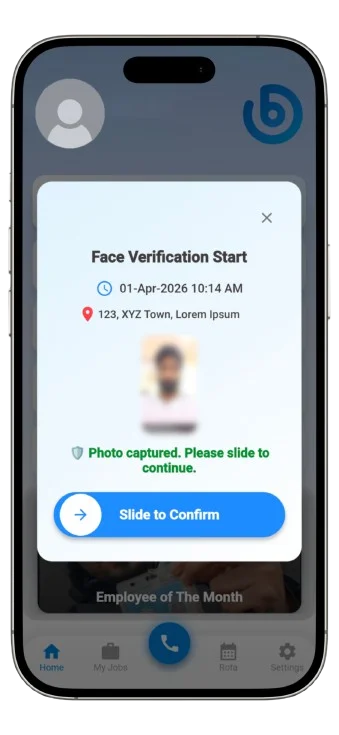
What “book on” means, and why the app is named after it
In UK security, an officer books on when they arrive at a site and tell the control room they are on duty, and books off when the shift ends. In a spreadsheet-and-phone operation that is a call to the control room, written in a log. In BOOK ON it is a tap in the app that records the time and location against the rostered shift, so the control room’s live monitor shows who is on site without a phone call, and the shift record later becomes the timesheet, the invoice line and the compliance evidence.
What the officer can do in the app
- See their rota and upcoming shifts, and the shift details for today
- Book on and book off, and check in and out
- Answer check calls so the control room knows they are safe
- Log patrols and daily occurrence entries during the shift
- Report incidents and events: incident, fire alarm and evacuation, safeguarding concern, lateness, accident, complaint, lock and unlock
- Complete forms assigned in their P-File (application form, uniform issue record, environmental training and others marked as App) and see a completion percentage
- Request leave and see leave balances
- Receive employer notifications and the news feed
Each officer’s app access is controlled from the Mobile Access Management tab on their profile, and an activation code is issued per officer.
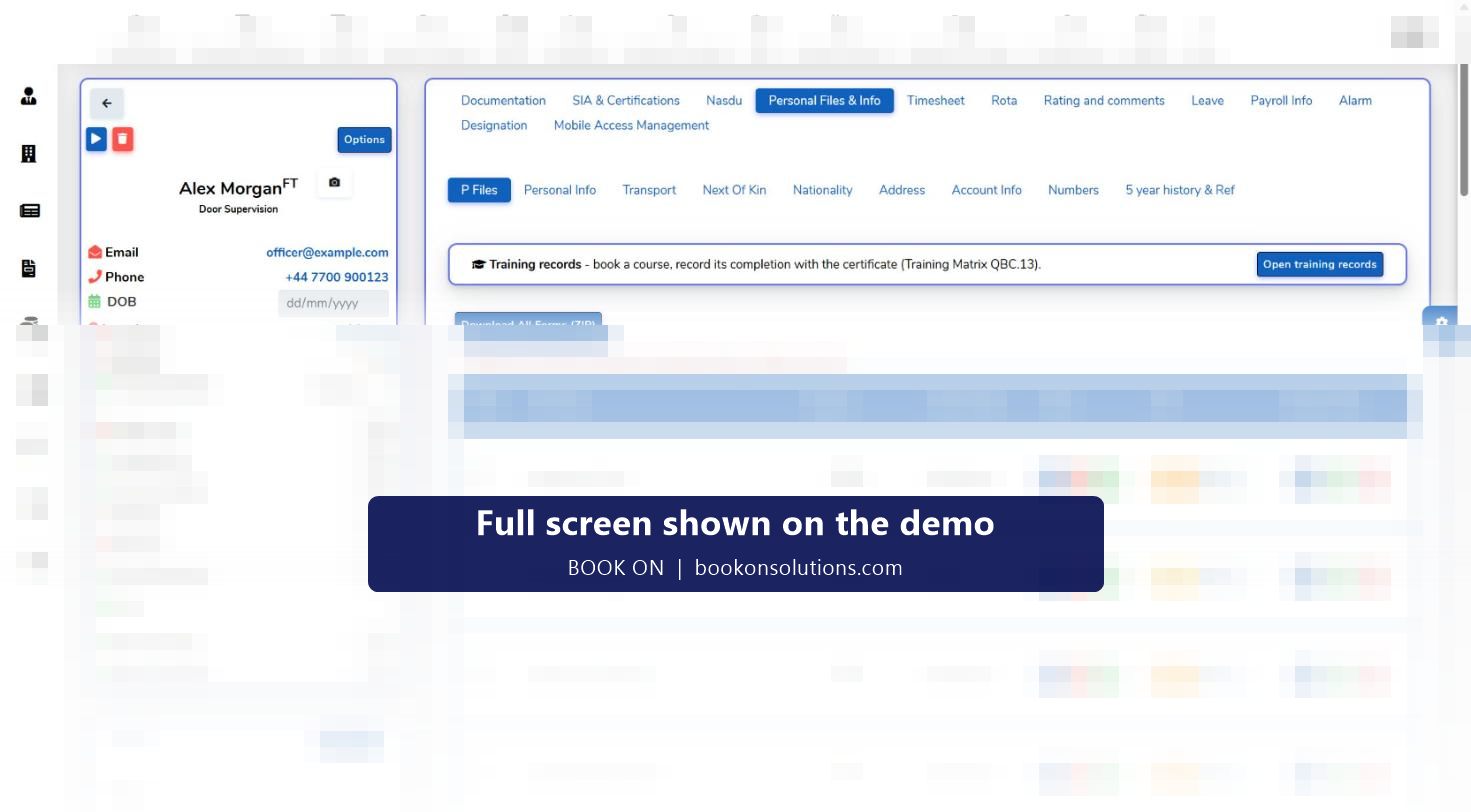
What the control room sees from the app
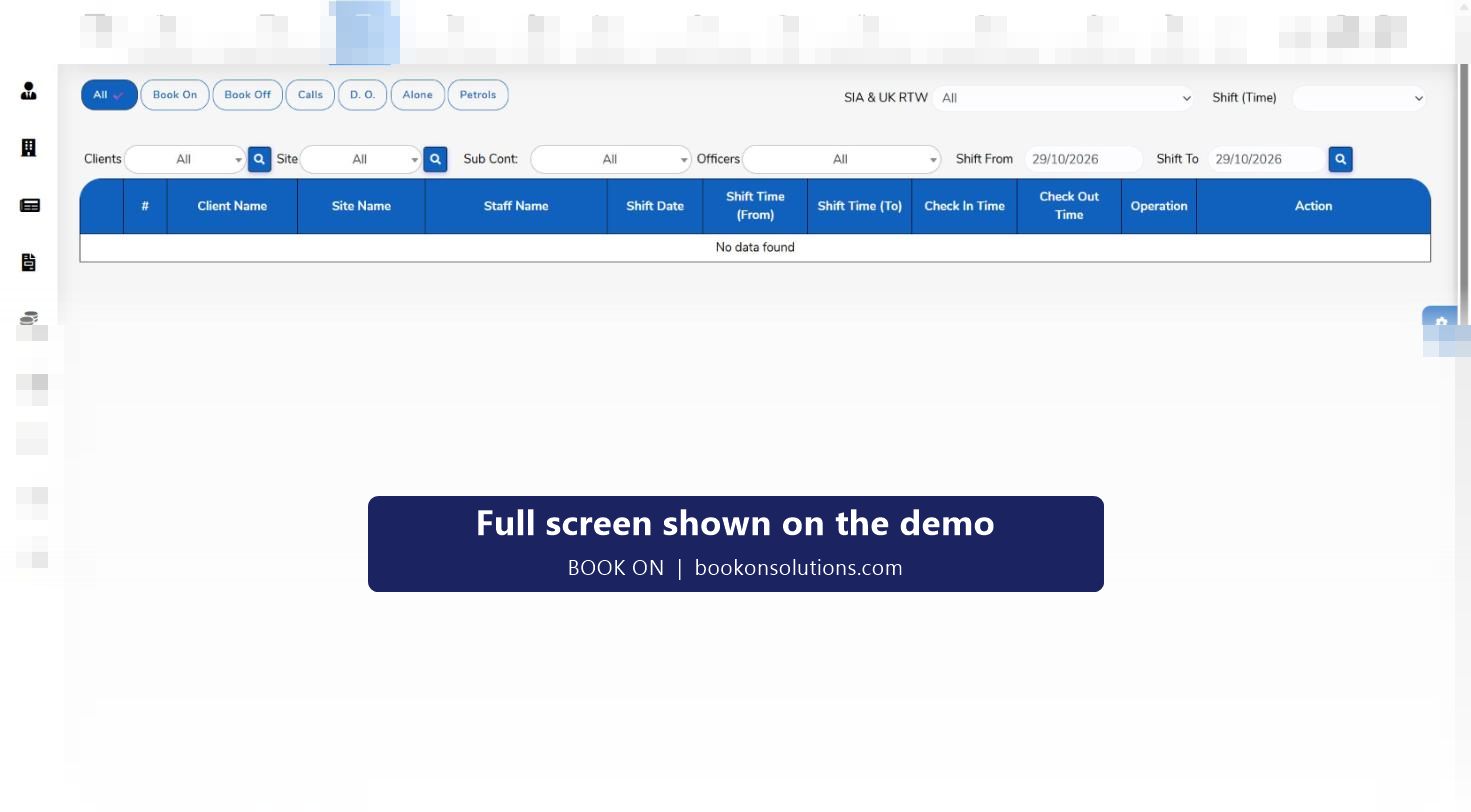
Every action in the app lands on a screen in the CRM. Book-ons and book-offs appear on the live monitor with the client, site, officer and shift times. Check calls, patrols, daily occurrence entries and lone-worker records have their own filters. Incident and event reports appear in the shift events list with a PDF and an email action. Location appears on the monitor location map and in the officer movement history.
Officer app questions
What app do security guards use in the UK?
Officers use the app their employer provides. BOOK ON is the employer’s system: the company registers the officer, sends an invitation link and an activation code, and the officer books on, answers check calls and reports from the app for that company’s sites.
Is the app free for officers?
Yes. The app is free on the App Store and Google Play. The employer pays for BOOK ON per officer per month.
Does it work with low signal?
The app needs a connection to send a book-on, check call or report to the control room. Behaviour on sites with poor coverage, including what is held and sent later, is confirmed with you during onboarding for the sites you cover.
Does it track my location all the time?
Location is recorded for the shift so the control room can see officers on site and respond to a lone-worker or welfare issue. Access is managed per officer by the employer under Mobile Access Management, and the employer’s privacy notice explains the lawful basis.
How do I book on?
Open the app at the site, select today’s shift and book on. The time and location are recorded and the control room sees you on the live monitor. Book off the same way at the end of the shift.
What if I cannot book on?
Contact the control room; they can book you on or off and check you in or out from the roster, and the change is recorded on the shift.
Related pages
Put the app in your officers’ hands
Invite one officer during the demo and watch the book-on land on the monitor.