
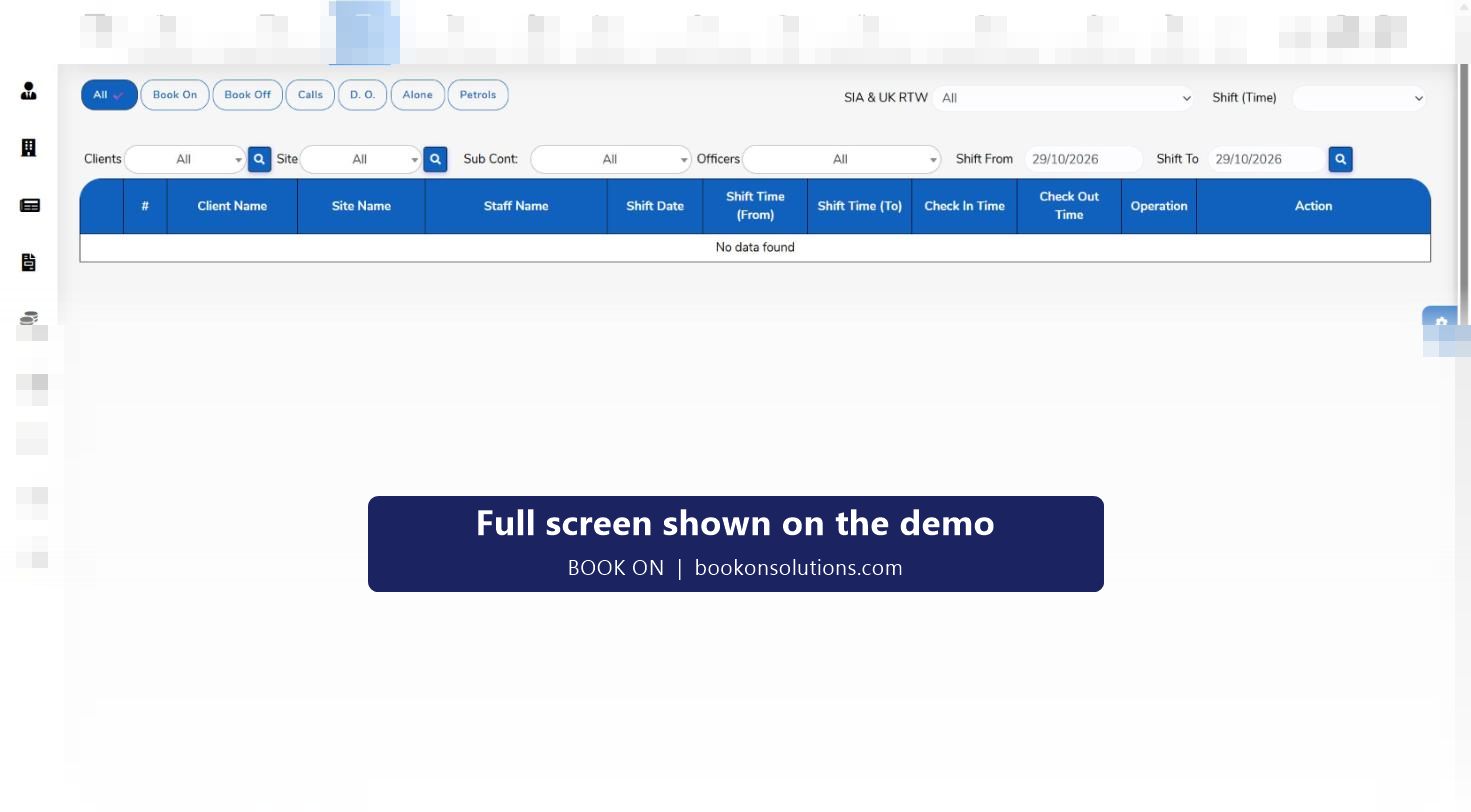
A patrol only counts if it can be shown. In BOOK ON an officer records a patrol from the app, the control room sees it on the live monitor’s Patrols filter against the shift, the officer’s movement for that shift can be replayed on the map, and a patrol report goes to the client as a PDF. The same records cover internal patrols on a static site and the mobile patrol rounds of a keyholding contract.
How a patrol is recorded
Patrol expectations on the post
The site record and assignment instructions say how often a patrol is due. The control room knows which shifts should produce patrol entries.
Officer logs the patrol
From the BOOK ON app the officer records the patrol as a shift event, with a description and any photos of what was found.
Control room sees it
The live monitor’s Patrols filter lists patrols against the client, site, officer and time. A shift with no patrol entry by the expected time is the controller’s prompt to call.
Movement is kept
Officer Movement on the Monitor Location screen replays where the officer went during the shift, and the Zig Zag Report exports it.
Client gets the evidence
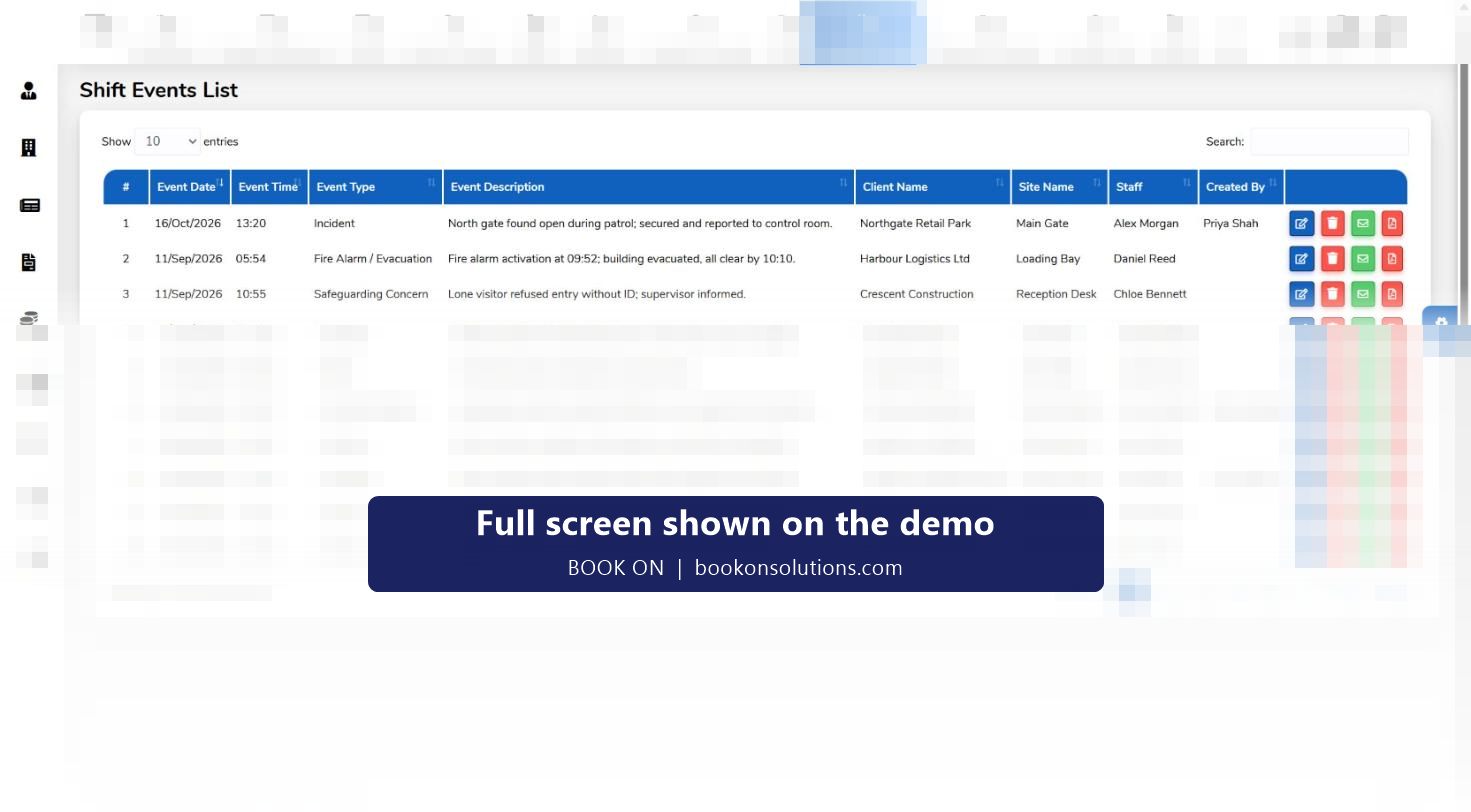
Patrol events appear in the shift events list with the other report types and can be emailed or exported as PDF; operational reports summarise patrols by site and period.
Patrol findings become incident reports
Most patrol findings are not incidents: a gate left open, a light out, a vehicle where it should not be. BOOK ON records them as shift events so they are on file, and when something serious is found the officer raises an incident, fire alarm, safeguarding or accident report from the same screen. Lock and unlock reports cover the opening and closing rounds on a commercial site.
- Patrol, lock and unlock, and incident reports in one events list
- Each event tied to the client, site, officer, date, time and the user who created it
- Edit, email and PDF actions per event
- Event reports from officers queued on the manager dashboard for review
Mobile patrols and alarm response
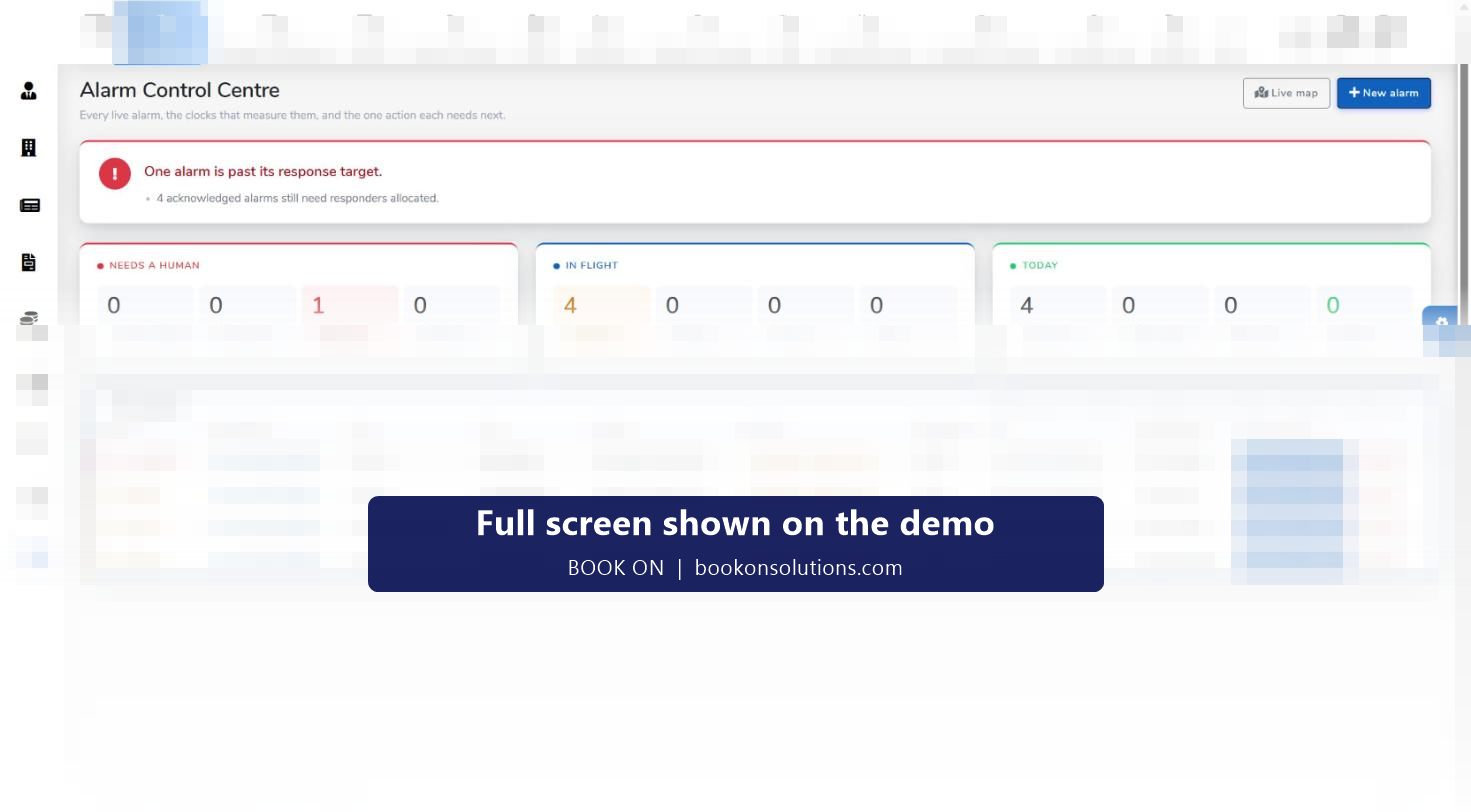
For a mobile patrol and keyholding contract, the unit of work is a visit rather than a shift on a fixed post. BOOK ON’s alarm control centre adds the response side: alarms with priority, SLA clocks and responders, keyholding records and response reports. Routine mobile patrol visits are recorded as patrol events against the site, so a client’s monthly report shows visits and response times together.
Patrol records at a glance
| Record | Created by | Seen on | Used for |
|---|---|---|---|
| Patrol event | Officer, from the app | Live monitor (Patrols), shift events list | Proof of patrol, client PDF |
| Lock and unlock report | Officer | Shift events list | Opening and closing evidence |
| Movement trail | Officer app location on shift | Monitor Location, Officer Movement | Zig Zag Report for disputes |
| Daily occurrence entry | Officer | Live monitor (D.O.) | Electronic daily occurrence book |
| Incident raised on patrol | Officer | Shift events list, manager dashboard | Client, insurer or police report |
Patrol questions
Do you support checkpoint tags such as NFC or QR codes?
Patrols in BOOK ON are recorded from the officer app and verified against the officer’s movement trail. If your contracts require tagged checkpoints, tell us on the demo and we will confirm the current options for your sites.
How does the control room know a patrol was missed?
The live monitor’s Patrols filter shows patrols logged against each shift. A shift with no patrol entry by the expected time is visible at a glance, and the controller phones the officer or raises a check call.
Can the client see patrol reports?
Yes. Patrol events can be emailed or exported as PDF, and operational and client reports summarise them. Client dashboards are part of the reports module.
Can officers attach photos?
Shift events from the app carry a description and images, which appear with the event in the control room.
Does it work for mobile patrol rounds?
Yes. Visits are recorded as patrol events against each site, and the alarm control centre handles the response side of a keyholding contract.
Related features
See a patrol land on the monitor
On the demo an officer logs a patrol from a phone and we show it on the live monitor, the map and the client PDF.