
The daily occurrence book is the official record of a security site: who was on duty, what happened, when, and what was done about it. In BOOK ON the officer makes daily occurrence entries from the app during the shift, the control room sees them on the live monitor’s D.O. filter against the client, site and officer, and the shift logs and events reports turn them into a record that can be searched months later and sent to a client as a PDF. No paper book to lose, no handwriting to decipher.
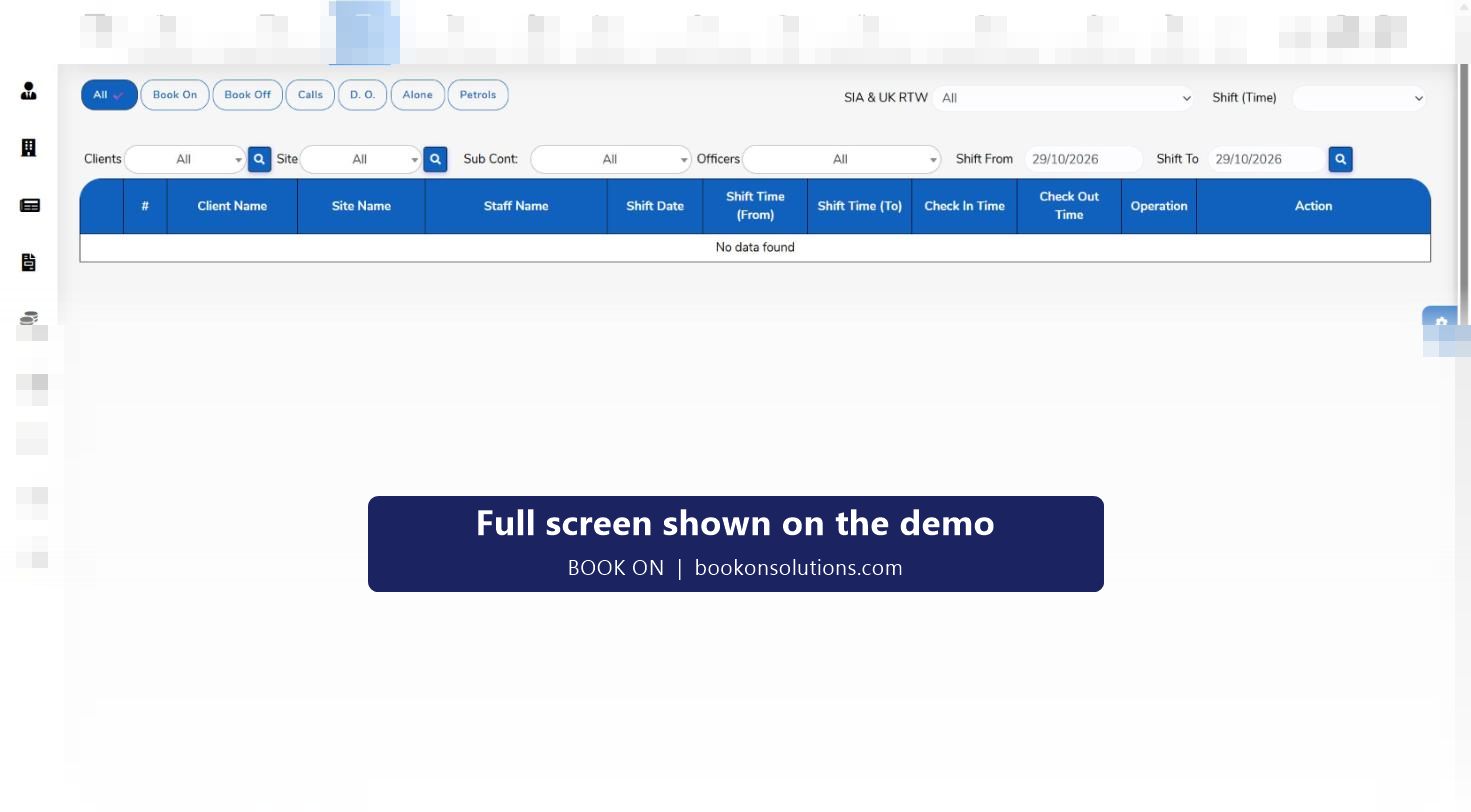
What goes in the electronic DOB
Book on and book off
The start and end of every duty, written automatically from the app.
Daily occurrence entries
Routine entries during the shift: visitors, deliveries, contractors on site, keys issued, lights out, gates checked.
Patrols and check calls
Each patrol and each welfare call recorded with its time.
Events and incidents
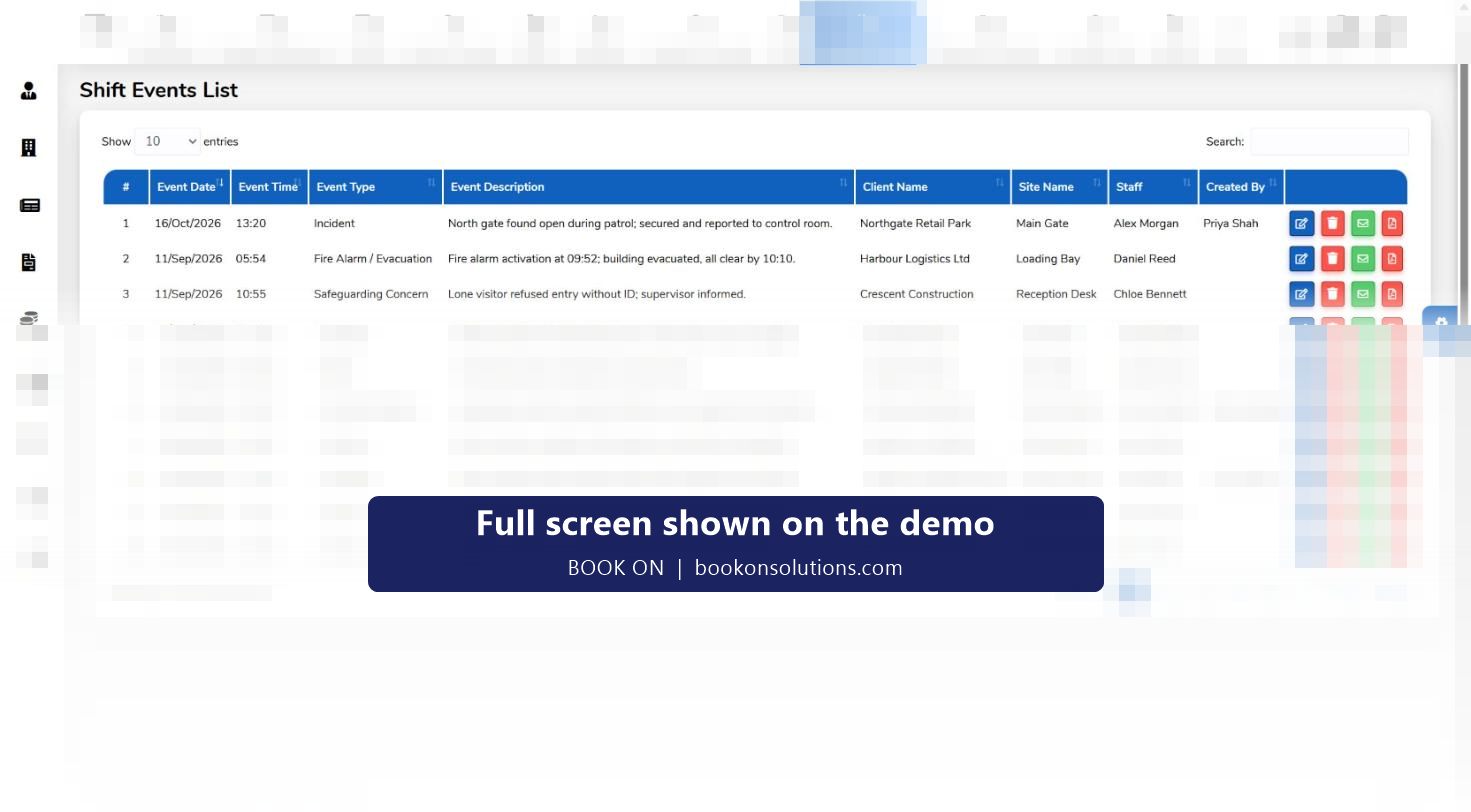
Typed reports for incidents, fire alarms, accidents, lock and unlock, complaints and safeguarding concerns.
From a notebook to a searchable record
A paper DOB answers questions only for the person holding it. BOOK ON’s entries are stored against the shift, so a question about a site on a given night is answered from the live monitor’s date range, the shift logs report or the events report, filtered by client, site, officer and date. Each entry carries the officer and the user who created it, and history and log reports show later changes.
- Entries typed on the officer’s phone at the time, not written up later
- Live monitor D.O. filter with a date range for past shifts
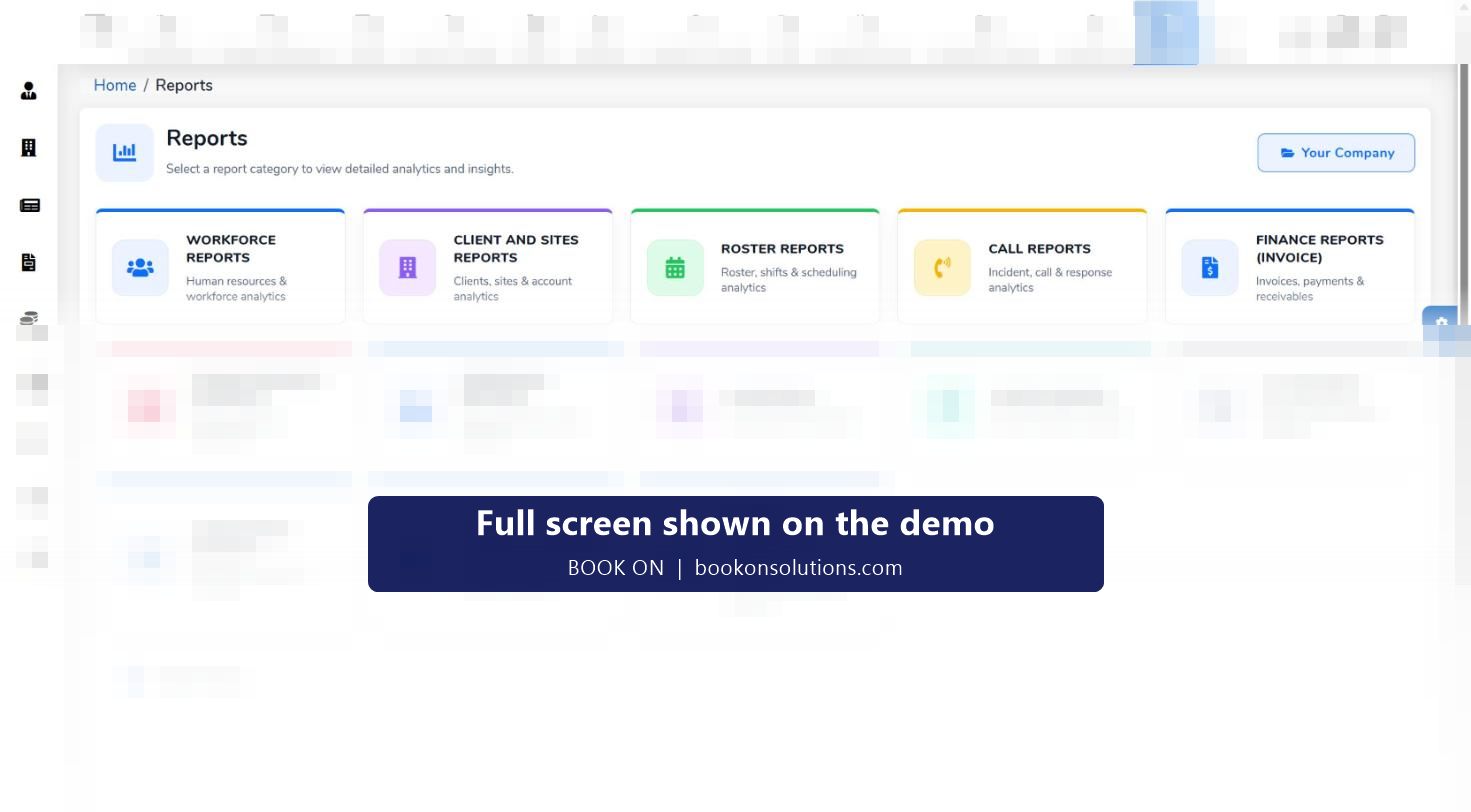
- Shift Logs, Events and Operational reports by site and period
- Edit, email and PDF on event entries for clients, insurers and police
Handover without the gap
The DOB is also how the day shift learns what the night shift saw. BOOK ON’s Handover and Tickets screens pass tasks between shifts and departments with attachments and unread counts, so an open item at 06:00 is still open at 06:05 for the next officer rather than lost in a book nobody reads.
Paper DOB against electronic DOB
| Question | Paper book | BOOK ON |
|---|---|---|
| Who was on duty at 02:00? | Find the book, read the page | Live monitor date range by site |
| What did the officer record? | Handwriting, if it was written at all | Daily occurrence entries typed at the time, with officer and time |
| Was the 03:00 patrol done? | An entry says so | Patrol event plus the officer’s movement trail |
| Send the client the record | Photocopy | PDF of the event or an events report for the period |
| Who changed an entry? | Crossings out | History and log reports |
| Is the record still there in two years? | If the book was not lost | Stored with the shift |
Electronic DOB questions
Is an electronic DOB acceptable to clients and assessors?
Yes. BS 7499 asks for records of occurrences on site; it does not require paper. Clients ask for a record that is complete, timed and retrievable, which is what the typed entries and reports give.
Can officers still make entries if the phone has no signal?
Entries are made from the BOOK ON officer app. Behaviour on sites with poor coverage is set up with you during onboarding; the officer app page describes the app as it is today.
Can the control room make entries on an officer’s behalf?
The control room records book-ons, book-offs and check-ins from the roster and can raise events, with the user who created each entry stored on the record.
Can entries be printed for a site file?
Events export to PDF and the shift logs and events reports cover a site and period for printing or filing.
Does this replace the incident report?
No. Routine occurrences are daily occurrence entries; anything serious is raised as a typed event (incident, fire alarm, accident, safeguarding) and reviewed on the manager dashboard. See incident reporting.
Related features
Retire the paper book
On the demo an officer makes a daily occurrence entry from a phone and we find it on the monitor and in the report.