
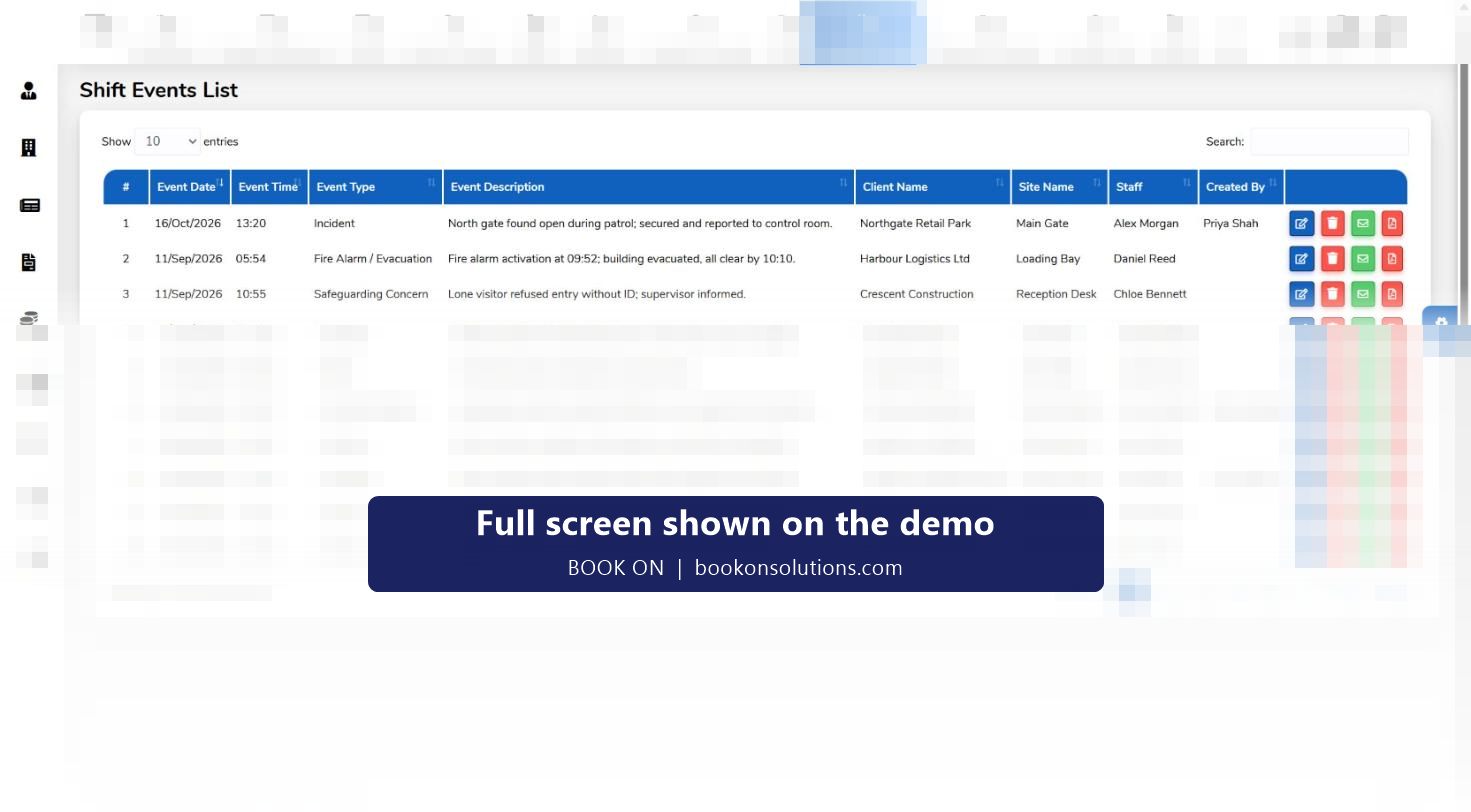
An incident report written on a phone at 03:10 is worth more than one typed from memory the next morning. BOOK ON’s officer app raises typed shift events, including incident, fire alarm and evacuation, safeguarding concern, accident and complaint, against the shift, site and client. The control room sees them in one list, the duty manager reviews new ones on the manager dashboard, and each can be edited, emailed or exported as a PDF for the client, insurer or police.
Event types seen in BOOK ON
Incident
Theft, trespass, criminal damage, suspicious activity, anything that needs a record and a client notification.
Fire alarm and evacuation
Activation time, evacuation, roll call and all-clear, for the fire log and the client.
Safeguarding concern
Concerns about vulnerable people on site, routed to the right manager rather than left in a notebook.
Accident
Injuries to officers, staff or the public, the starting point for an accident book entry and a RIDDOR decision.
Lateness
Officer-reported late arrival with reason, approved or rejected on the manager dashboard.
Patrol
Routine patrol findings, so the client’s report shows presence as well as problems.
Lock and unlock
Opening and closing reports for commercial premises.
Complaint
Client or public complaints, linked to the complaints register and CAPA process.
From the officer’s phone to the client’s inbox
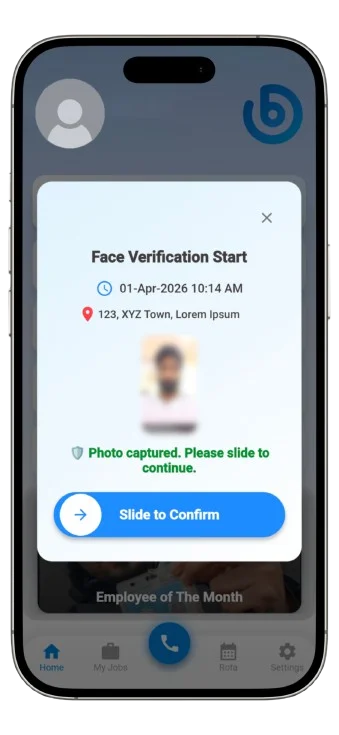
The officer raises the event from the app with a type, description and images. It appears in the shift events list with the date, time, client, site, officer and the user who created it, and new event reports from officers queue on the manager dashboard so a duty manager reviews each one. The control room can edit the wording, then email it or export it as a PDF. Nothing is retyped, and the original author and time are kept.
- Typed events with description and photos from the app
- Manager dashboard queue of officer event reports
- Edit, email and PDF per event
- Filter by client, site, officer, type and date
Complaints, service reviews and CAPA
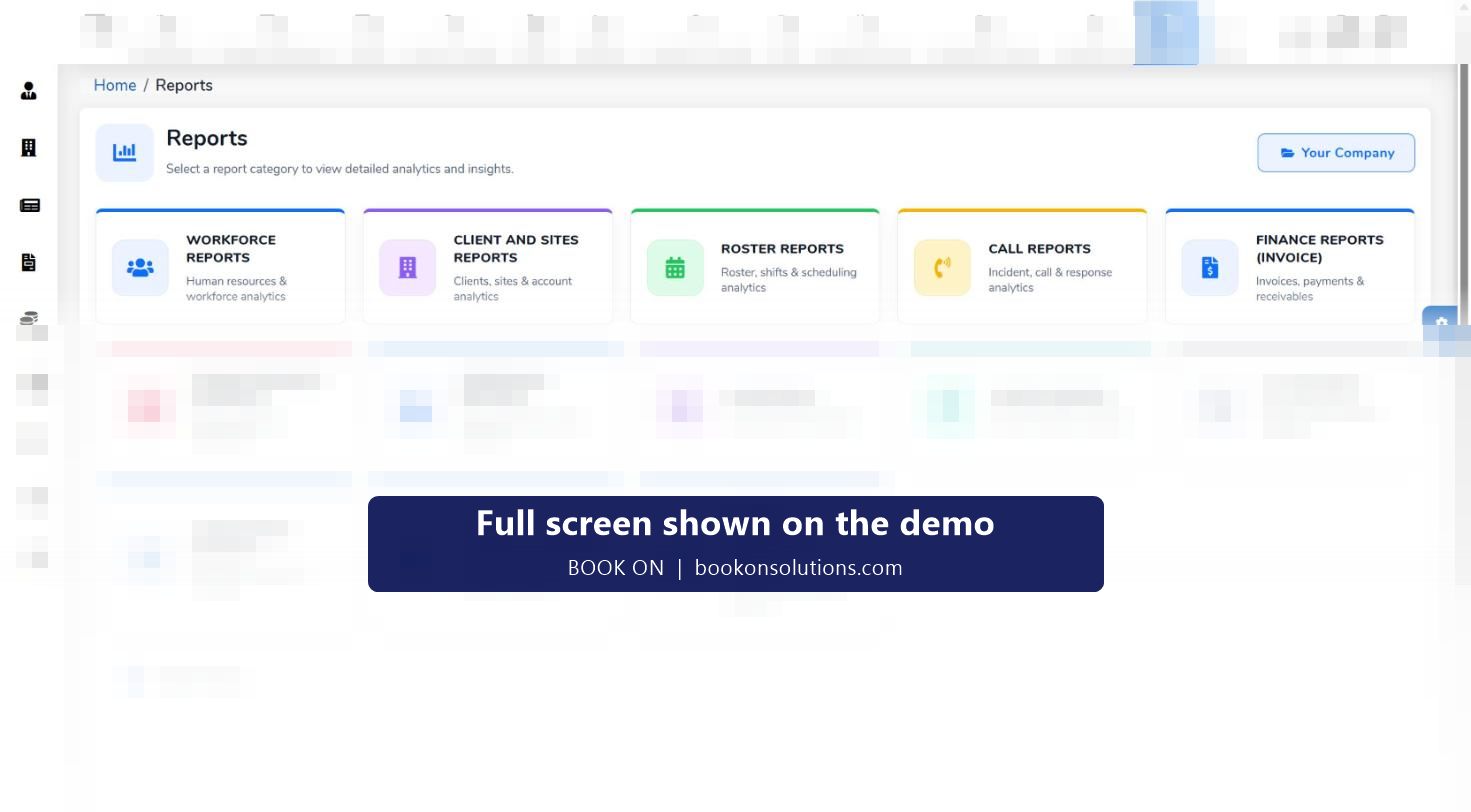
A complaint is not closed when the report is sent. BOOK ON’s registers hold complaints and service reviews with corrective and preventive actions (CAPA), the structure an ACS assessor expects to see under the customer-focus and service-delivery sections. An equipment register sits alongside for radios, torches and body cameras. Event, operational and compliance reports in the reports module bring the incident history together by site and period.
Incident records at a glance
| Record | Where it lives | Who sees it | Output |
|---|---|---|---|
| Shift event (any type) | Incident and Events list | Control room, account manager | Edit, email, PDF |
| Officer event report | Manager dashboard queue | Duty manager | Reviewed and actioned |
| Complaint | Registers: Complaints | Operations, compliance | Complaint record with resolution |
| Service review and CAPA | Registers: Service Reviews and CAPA | Compliance manager | ACS evidence |
| Event and operational reports | Reports module | Clients, management | Period summaries by site |
| News and events | News, Events and Incidents | Officers via the app feed | Company-wide notices |
Incident reporting questions
Can officers attach photos?
Events raised from the app carry a description and images, which appear with the event in the control room and in the PDF.
Can the control room correct an officer’s report before it goes to the client?
Yes. Each event has an edit action. The original officer, date and time stay on the record, and history reports show the change.
Does it produce RIDDOR reports?
Accident events give you the facts for a RIDDOR decision. The statutory report itself is made to the HSE through its online form.
Can a client raise an incident or complaint?
Complaints are logged in the complaints register by your team. Client-facing reporting is through emailed PDFs, client reports and client dashboards.
How do incident reports support Martyn’s Law preparation?
Consistent incident, evacuation and suspicious-activity records at a venue are part of showing that procedures exist and are followed. See the Martyn’s Law page for how customers use BOOK ON records.
Related features
Raise an incident on the demo
We submit an incident from a phone with a photo and send the PDF to your inbox during the call.