
A field service company sends engineers, technicians and mobile crews to other people’s premises and then has to show what happened there: who attended, when, for how long, and what they found. BOOK ON gives each engineer their jobs as shifts in the app, records the book-on and book-off at each job with the position, shows the day’s movement on the map, and keeps a typed job report with photos against each visit for the client.
What a mobile team needs
Jobs as shifts
Each visit is a shift at a client site with a start time and duration; the engineer sees the day’s list in the app.
Attendance at the job
Book on and book off at each site with the position recorded, so the time on site is a fact on the record.
Movement on the map
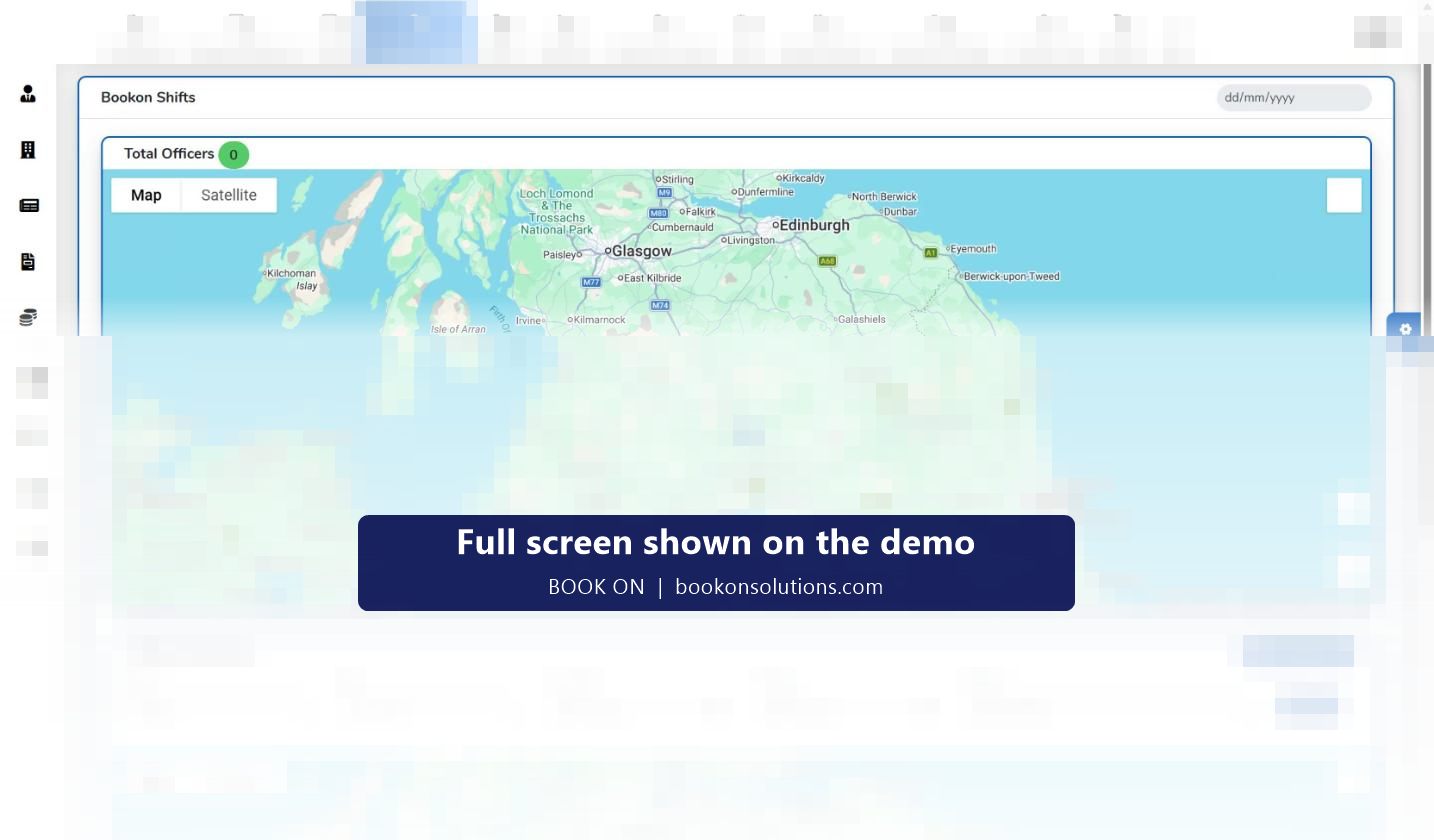
The Monitor Location map shows where each engineer is now and the movement trail for a client, site and date range.
Job reports with photos
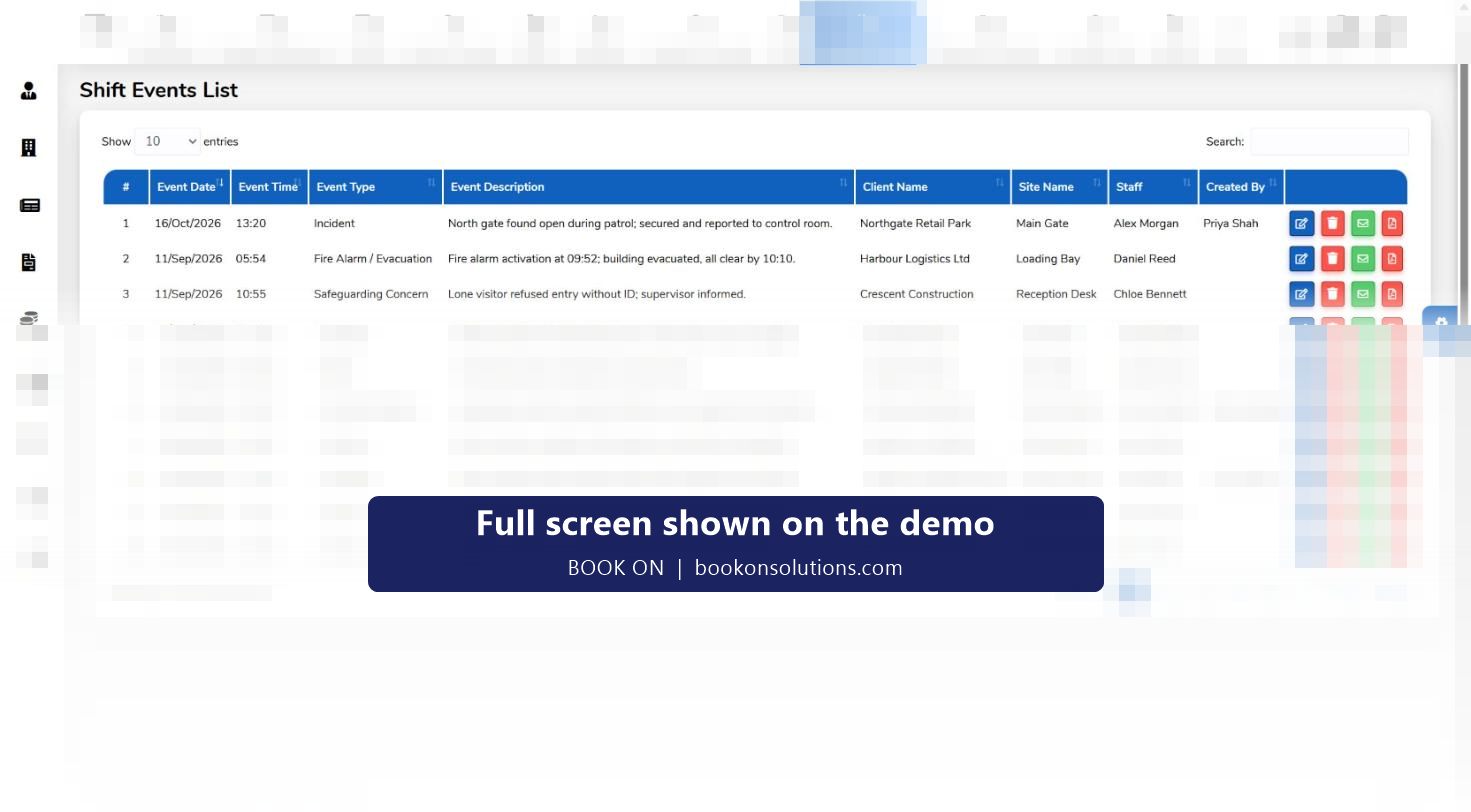
Typed reports from the app for the work done, a defect found or a part needed, reviewed in the office and sent as PDF.
Lone engineers
Check calls at set intervals for engineers working alone in plant rooms, roofs or remote sites, with the Alone filter on the live monitor.
Competence and equipment
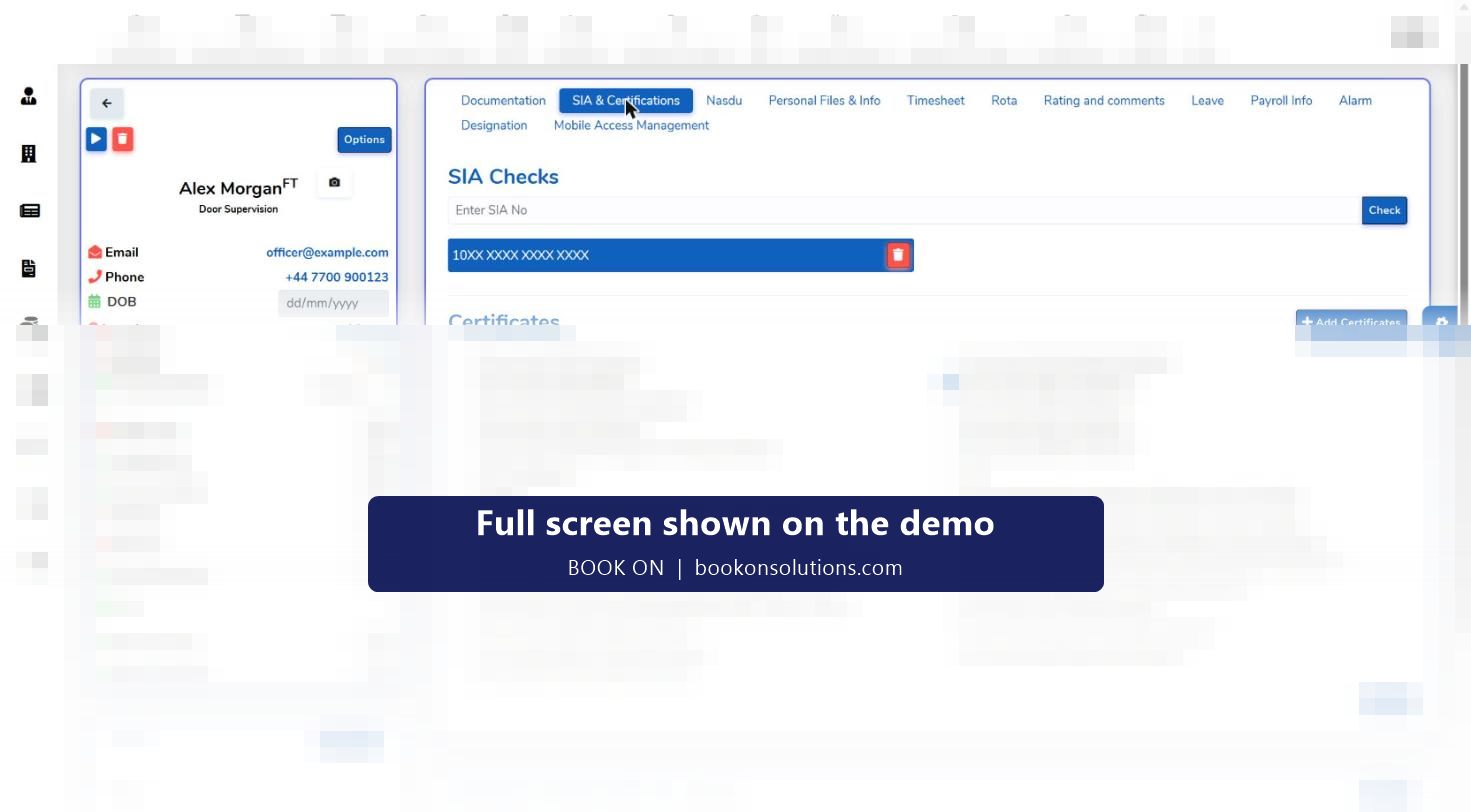
Gas, electrical, working at height and other certificates with expiry dates; uniform and equipment issue recorded per engineer.
An engineer’s day, job by job
- The day’s jobs are on the rota as shifts at client sites and appear in the engineer’s app.
- Book on at the first site shows on the live monitor; the office sees the engineer move from job to job on the map.
- Each job gets a typed report with photos before book off, timestamped against the visit.
- An urgent call-out is covered from the postcode search, filtered by the certificate the job needs.
- Hours by client feed the timesheet, payroll and the invoice.
Where BOOK ON stops
BOOK ON records attendance, position, reports, competence and hours. It does not plan routes, hold a parts inventory or run a job-costing ledger; those stay in your job management or accounting system, and exports and integrations are confirmed during onboarding. For companies whose main problem is proving the visit and keeping the engineer safe and compliant, the attendance record, the map and the typed report are usually the pieces that were missing.
Field services on BOOK ON at a glance
| Need | BOOK ON screen | Who uses it |
|---|---|---|
| Plan the day | Client roster with shifts per site, Excel import | Dispatchers |
| Prove the visit | Book on and book off from the app, Monitor Location map, movement trail | Office, clients |
| Record the work | Typed events with photos, event reports as PDF | Engineers, account managers |
| Lone worker welfare | Check calls, Alone filter, Check Calls Log report | Office |
| Competence | Staff record certificates with expiry, training matrix, equipment issue | HR, health and safety |
| Pay and bill | Timesheets, Generate Payroll, sales invoice from timesheets | Finance |
Field service questions
Does BOOK ON plan routes?
No. Jobs are planned as shifts by site and time; route optimisation stays in your job management tool.
Can the client get a visit report?
Event reports and attendance reports are produced per client and sent as PDF or export; a client login is confirmed during onboarding.
Does the app work without signal?
Offline behaviour is confirmed during onboarding; the book-on records the time and position when it is sent.
Can I see where an engineer was last Tuesday?
Yes. The movement trail is shown for a client, site and date range on the Monitor Location screen.
How are call-outs covered?
The cover search finds engineers within a radius of the postcode, filtered by certificate and transport, and the shift is offered through the app.
Related pages
Run a day of jobs on the demo
Bring one engineer’s week and see the attendance, the map and the job reports in BOOK ON.