
A security officer’s personnel file has more in it than most HR systems expect: SIA licences, right-to-work evidence, BS 7858 screening, references, training certificates, uniform and equipment issued, site bans, and the forms signed at induction. BOOK ON keeps all of it in one P-File per officer, with progress rings that show which sections are complete, and HR reports that turn 300 files into one list.
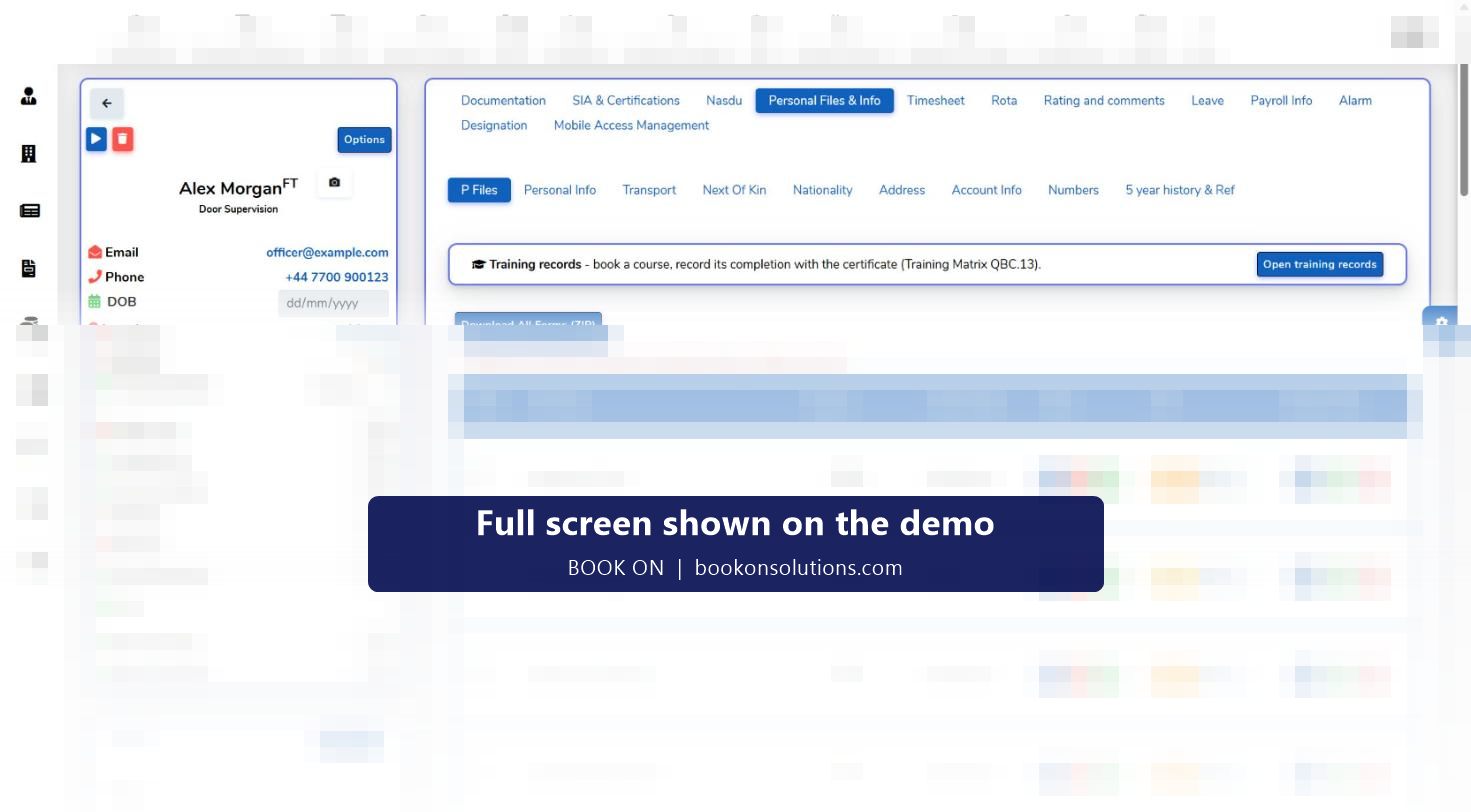
What a P-File holds
Identity and right to work
Identity documents, share codes, visa and passport details with expiry, nationality and address history.
Licences and certificates
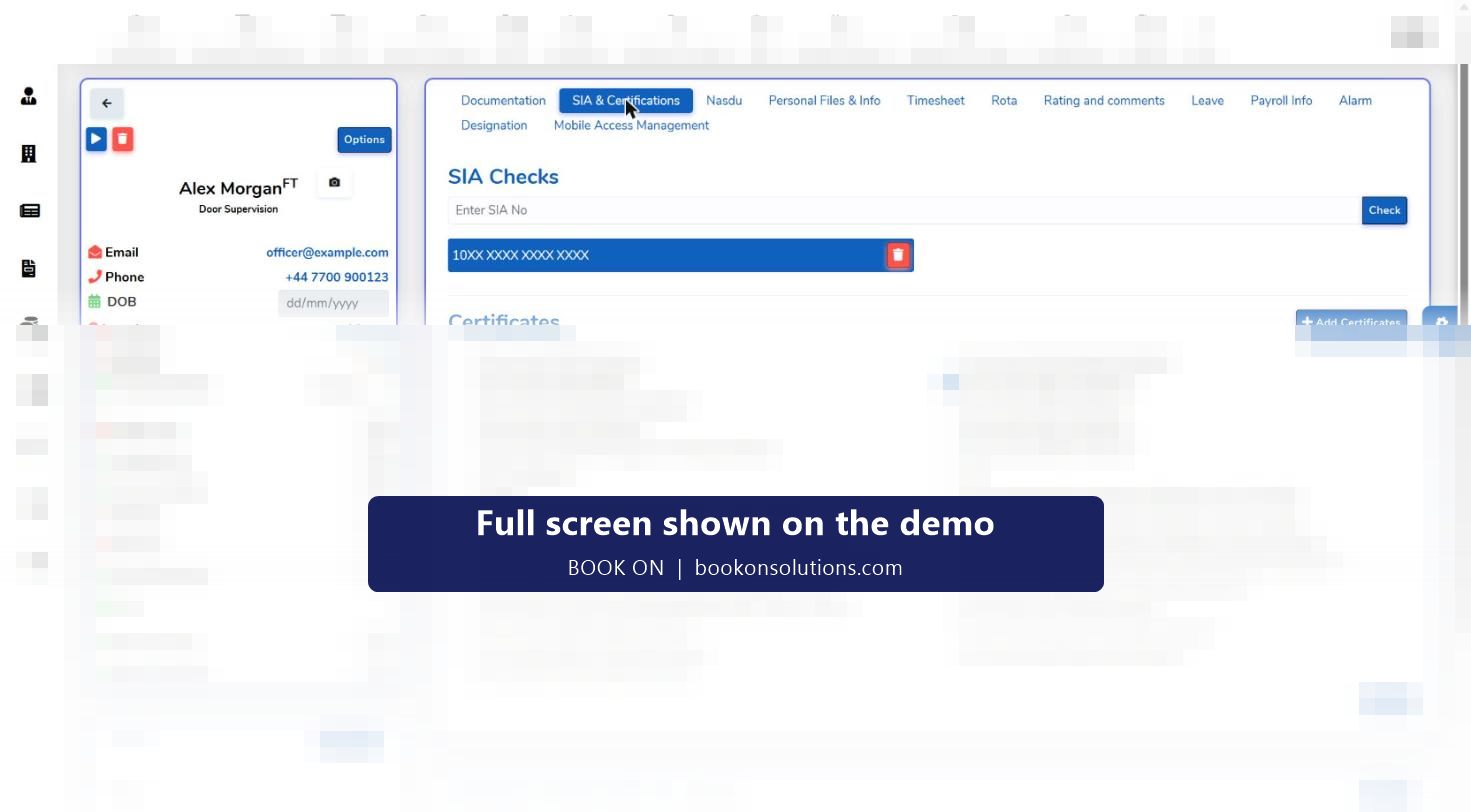
SIA licences by category with number and expiry, an SIA check card, and additional certifications such as NASDU and first aid with from and to dates.
Screening
The documentation and vetting checklist, telephone screening, references and BS 7858 status.
Employment
Employment and education history, positions, pay rates by site, salary, loans, benefits and next of kin.
Forms and declarations
Application form, new employee form, disclaimer, questionnaires and signed forms from administration.
Kit and conduct
Uniform issued, equipment and assets, transport details, site bans, absences and the officer’s activity log.
Built from the officer’s own registration
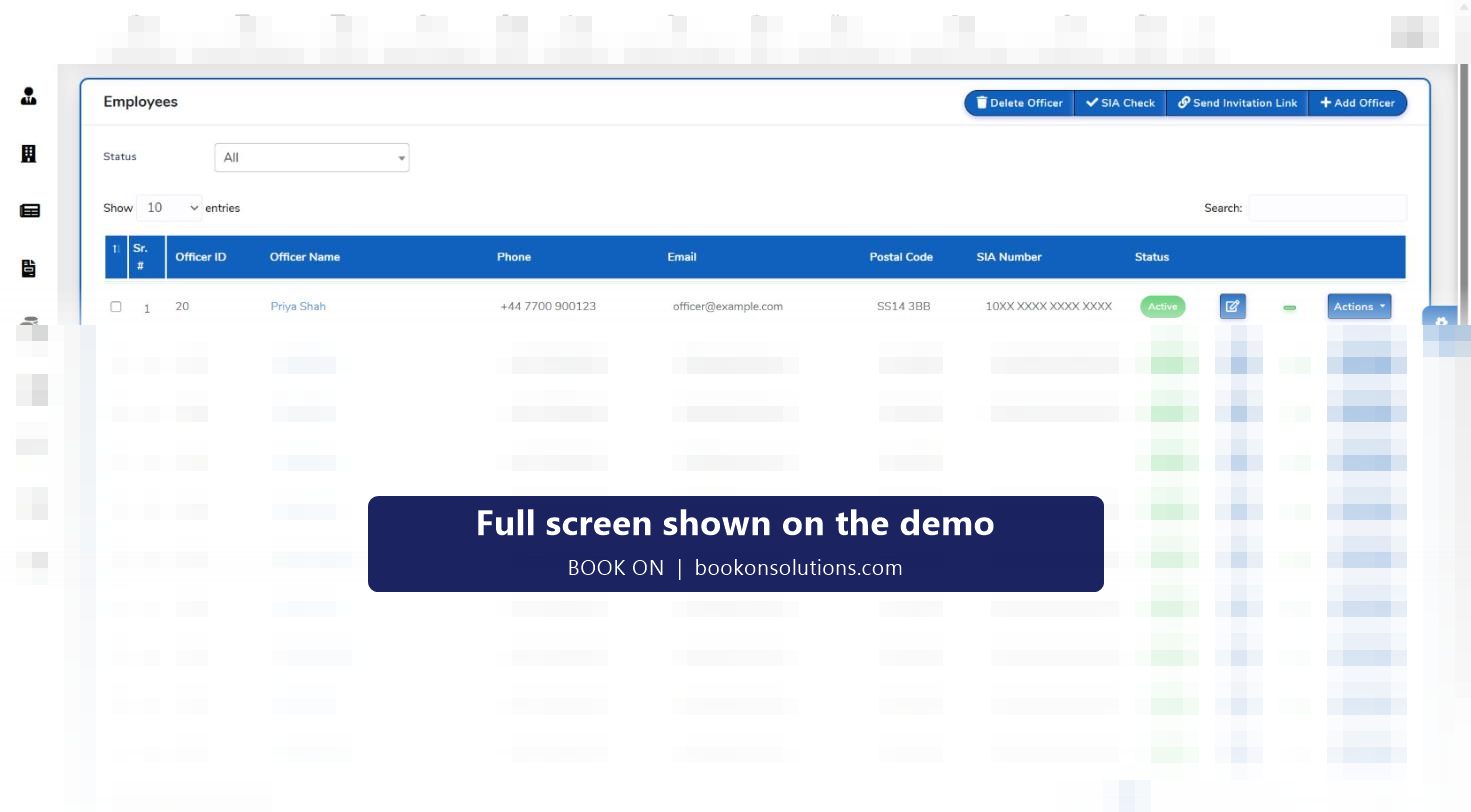
An invitation link brings the officer into BOOK ON. They complete their details and upload documents through the app; HR checks the P-File, ticks the documentation checklist and runs the SIA check. The pending lists on the HR dashboard are the queue: officers awaiting telephone screening and officers awaiting BS 7858 completion, each with the days since registration.
- Invitation link and pending invitations list
- Employees, sub officers and all officers views of the workforce
- Progress rings per section of the file
- Profile lock once the file is approved
HR reports from the same records
Workforce and HR reports read the P-Files directly: a staff list, the application and new employee forms, the disclaimer report, a training matrix report, a new staff report, an Employee Wise Holiday Report and an officer and subcontractor rates with SIA report. The HR dashboard charts officer type, gender, employment type, licence type, banned status and BS 7858 status, and lists licence, visa and passport expiry with days remaining.
P-File sections and the reports that read them
| Section | Held on | Report |
|---|---|---|
| Personal details and next of kin | Officer record | Staff List, New Employee Form |
| Identity, visa, passport | Identity documents, documentation checklist | HR dashboard expiry tables |
| SIA licences and certificates | Licence records, additional certifications | SIA expiry tables, Officer and Subcontractor Rates with SIA, Training Matrix |
| Screening | Vetting checklist, references, telephone screening | Pending screening lists, Compliance and ACS Evidence reports |
| Declarations | Questionnaires, forms, disclaimer | Application Form, Disclaimer Report |
| Pay and loans | Salary, site rates, loans | Payroll reports, Loan Report |
| Leave and absence | Leave requests, absences | Employee Wise Holiday Report, Paid / Unpaid Shifts and Holidays |
| Uniform and equipment | Uniform issue, employee assets, equipment register | Equipment register |
P-File questions
Can officers update their own details?
Officers register and upload documents through the app via the invitation link; HR reviews and approves, and a profile lock stops further changes once the file is approved.
How long are records kept after an officer leaves?
Officers can be made inactive and records retained for the period your retention policy sets, in line with UK GDPR and BS 7858. Retention is agreed in your data processing terms.
Can I store scanned documents?
Yes. Identity, right-to-work and other documents are uploaded to the officer’s P-File and ticked on the documentation checklist.
Does it track training?
Additional certifications record courses with from and to dates, the Training Matrix report lists them across the workforce, and the training provider tabs track officers due for SIA renewal training.
Who can see a P-File?
Roles and permissions in administration control access by screen, and permission and login reports show who has seen what.
Related features
See a complete P-File
On the demo we open one officer’s file from invitation to approval and run the staff list and training matrix reports.