
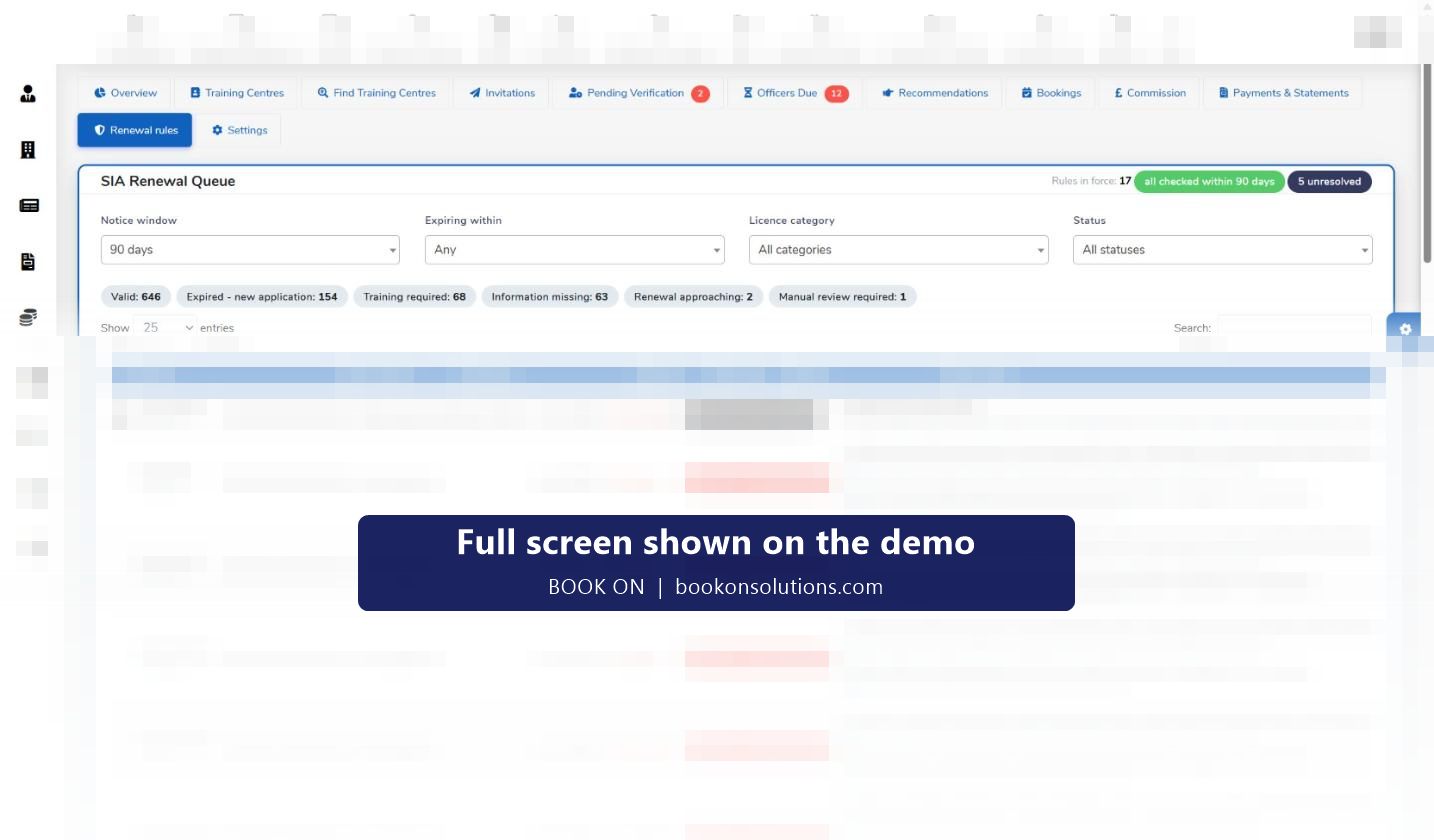
Deploying an officer with a lapsed SIA licence is a criminal offence for the company as well as the officer. BOOK ON holds every officer’s licence number, category and expiry, counts the days remaining on the HR dashboard for employees and subcontractor officers alike, and runs an SIA Renewal Queue that groups licences into valid, renewal approaching, training required, information missing, expired and manual review, with a plain-English next action and the date BOOK ON last checked each one.
How licences are tracked
Licence on the officer record
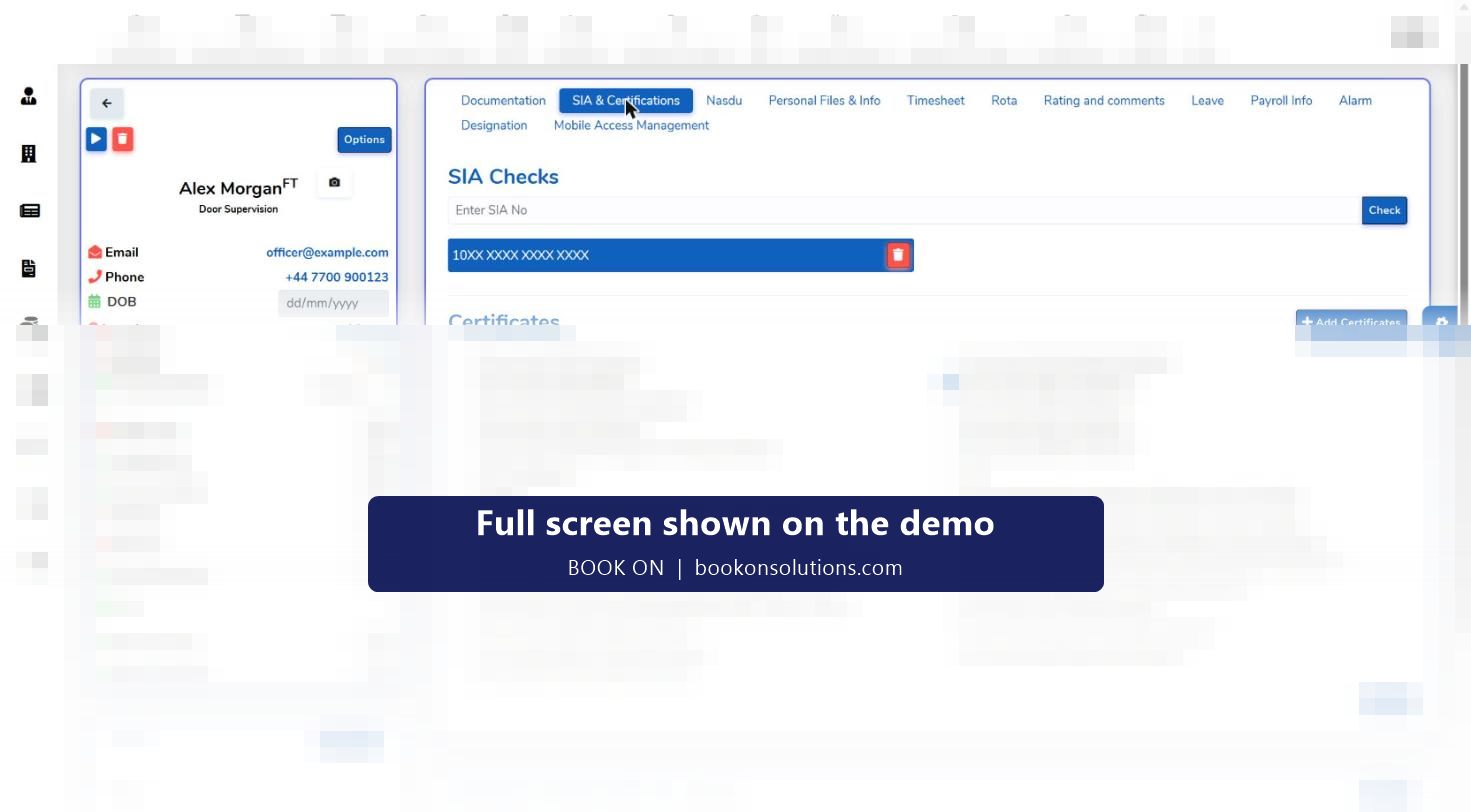
Each officer holds one or more SIA licences with number, category (door supervision, security guarding, CCTV, close protection) and expiry, plus the certificates that sit behind them.
SIA check per officer
The employees list has an SIA Check action and the officer page shows an SIA check card, so a licence can be verified before a shift is assigned.
Expiry tables on the HR dashboard
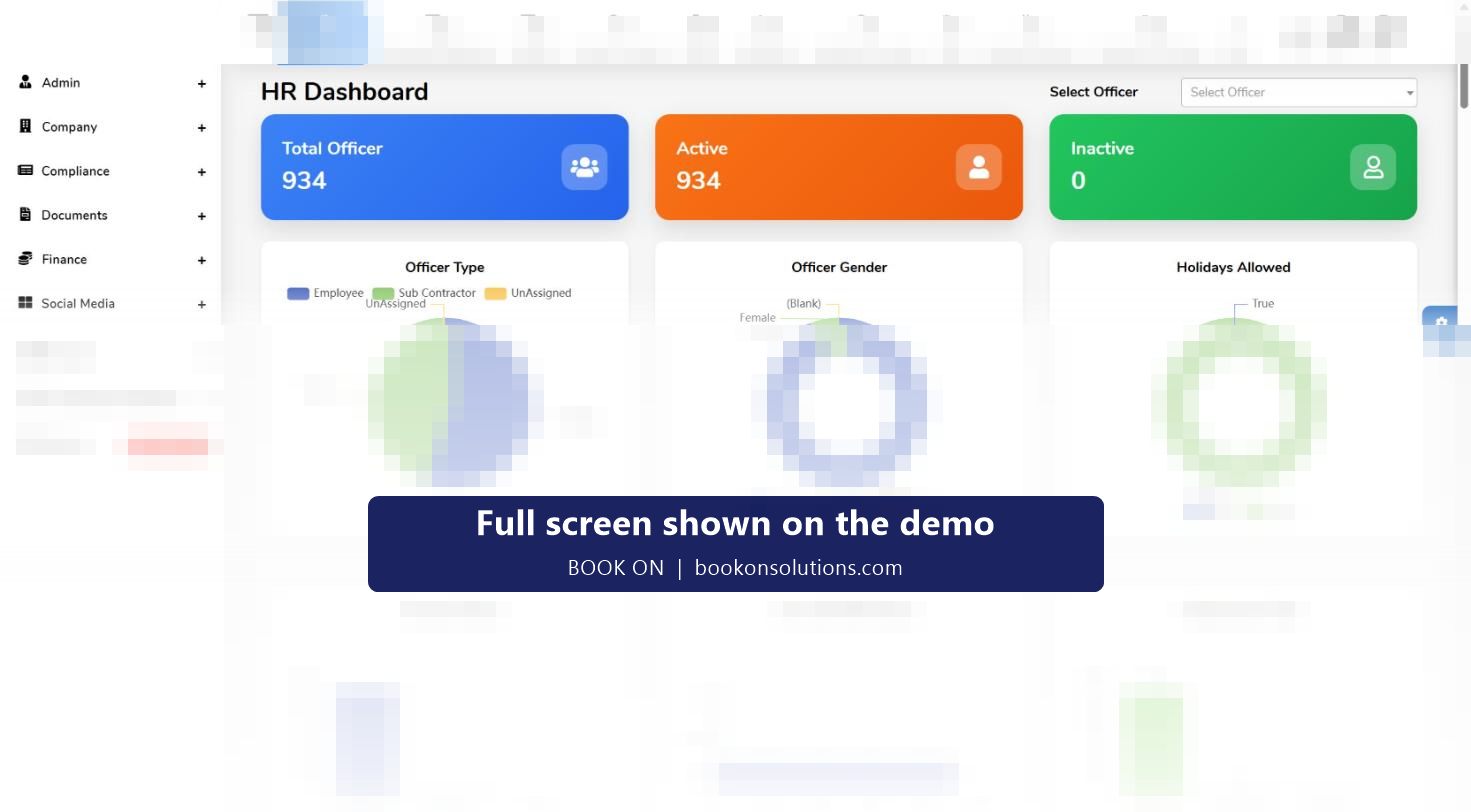
SIA Licence Expiry tables for employees and sub-employees list name, number, category and days remaining, including negative days for licences already expired.
Renewal queue sets the order
Filters for notice window, expiring within, category and status; counters by status; a next-action column that says whether the officer must renew, retrain or make a new application, with the date BOOK ON last checked.
Training is arranged
The training provider tabs find training centres by postcode, invite them, track officers due and bookings, and record commission and payments.
Rota and monitor show status
The live monitor’s SIA and UK right-to-work filter shows compliance alongside attendance, so an expired licence is visible to the control room as well as HR.
Why a queue beats a spreadsheet
A spreadsheet of expiry dates tells you who expires when. It does not tell you that an officer whose door supervisor licence expired more than three years ago must make a new application and retake the training, or that a CCTV licence needs a human to look at it. The renewal queue applies those rules, counts the licences in each state, and writes the next action against each officer with its source. Rules in force and the last-check date are shown at the top of the queue.
- Status counters: valid, renewal approaching, training required, information missing, expired (new application), manual review required
- Next action per officer with the rule it comes from
- Notice window and expiring-within filters for weekly and monthly reviews
- Separate tables for subcontractor officers so a master-vendor contract is covered
Licences, visas and passports together
Right-to-work status expires too. The HR dashboard lists visa expiry and passport expiry for employees and sub-employees in the same format as licences, with days remaining, and charts the workforce by licence type. A compliance manager can see in one screen the officers who will fall out of deployment in the next 90 days for any reason.
SIA tracking at a glance
| Screen | What it shows | Used by |
|---|---|---|
| Officer record | Licence number, category, expiry, certificates, SIA check card | HR, vetting |
| Employees list: SIA Check | Per-officer check action | HR, operations |
| HR dashboard: SIA Licence Expiry | Employees and sub-employees with days remaining | Compliance manager |
| SIA Renewal Queue | Status counters, filters, next action, last checked | Compliance manager, HR |
| Training providers | Centres by postcode, officers due, bookings, commission, payments | HR, training coordinator |
| Live monitor: SIA and UK RTW filter | Compliance status next to attendance | Control room |
| Compliance and ACS Evidence reports | Licence status by period for assessors | Compliance manager |
SIA licence questions
Does BOOK ON check licences against the SIA register automatically?
The renewal queue records the date BOOK ON last checked each licence and shows “all checked within 90 days” when that is true, and the employees list has an SIA Check action per officer. How checks are scheduled for your company is confirmed during onboarding.
What happens when a licence expires?
The officer moves to the expired status in the renewal queue with the next action (renew or new application), the HR dashboard shows negative days remaining, and the live monitor’s SIA filter shows the status to the control room.
Can it track subcontractor officers’ licences?
Yes. Sub-employee expiry tables on the HR dashboard list each subcontractor’s officers with licence category and days remaining, and the officer records are held by subcontractor.
Does it handle the SIA top-up training requirement?
The queue has a training-required status and the training provider tabs track officers due, training centres and bookings.
Can an officer see their own expiry?
Officer records and documents are visible to the officer through the app, and expiry reminders are part of the compliance workflow agreed at onboarding.
Related features
See your licence position in one screen
Bring your current licence spreadsheet to the demo and we will show the renewal queue built from it.