
Holiday in a guarding company is a rota problem before it is an HR problem: a post still has to be covered. BOOK ON’s leave tracker holds leave types and policies for a leave year, takes requests, queues them for HR with the number of days and whether they are paid, records absences, and reports paid and unpaid shifts and holidays per employee for payroll. Approved leave is visible when the rota is planned, so cover is arranged before the week starts.
How leave runs in BOOK ON
Set the leave year and policies
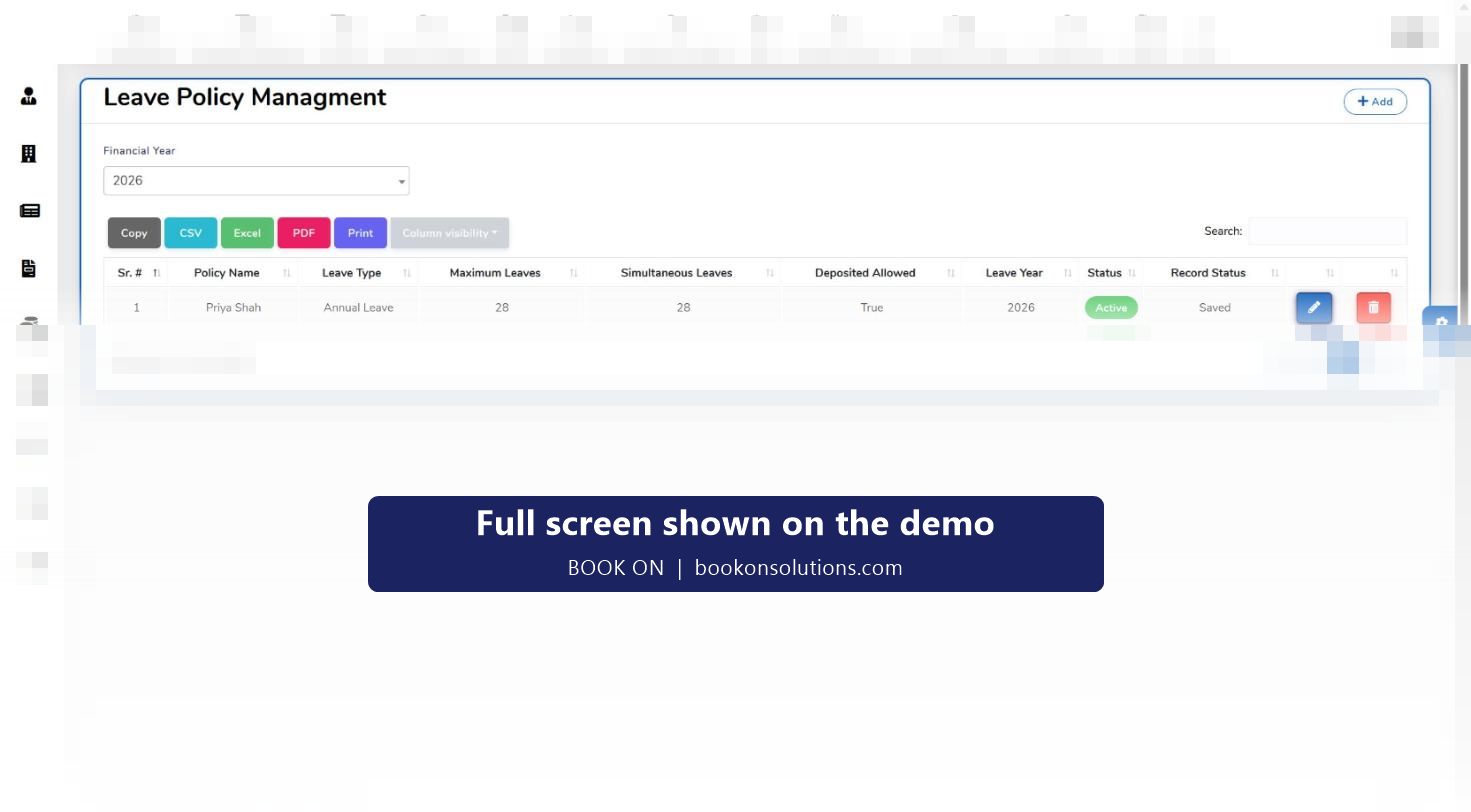
A financial year is defined for leave, and leave policies set the leave type, maximum leave, simultaneous leave allowed and whether unused leave can be deposited.
Make policies applicable
Leave Applicable links policies to employees, so zero-hours officers, full-time officers and office staff can carry different entitlements.
Request and approve
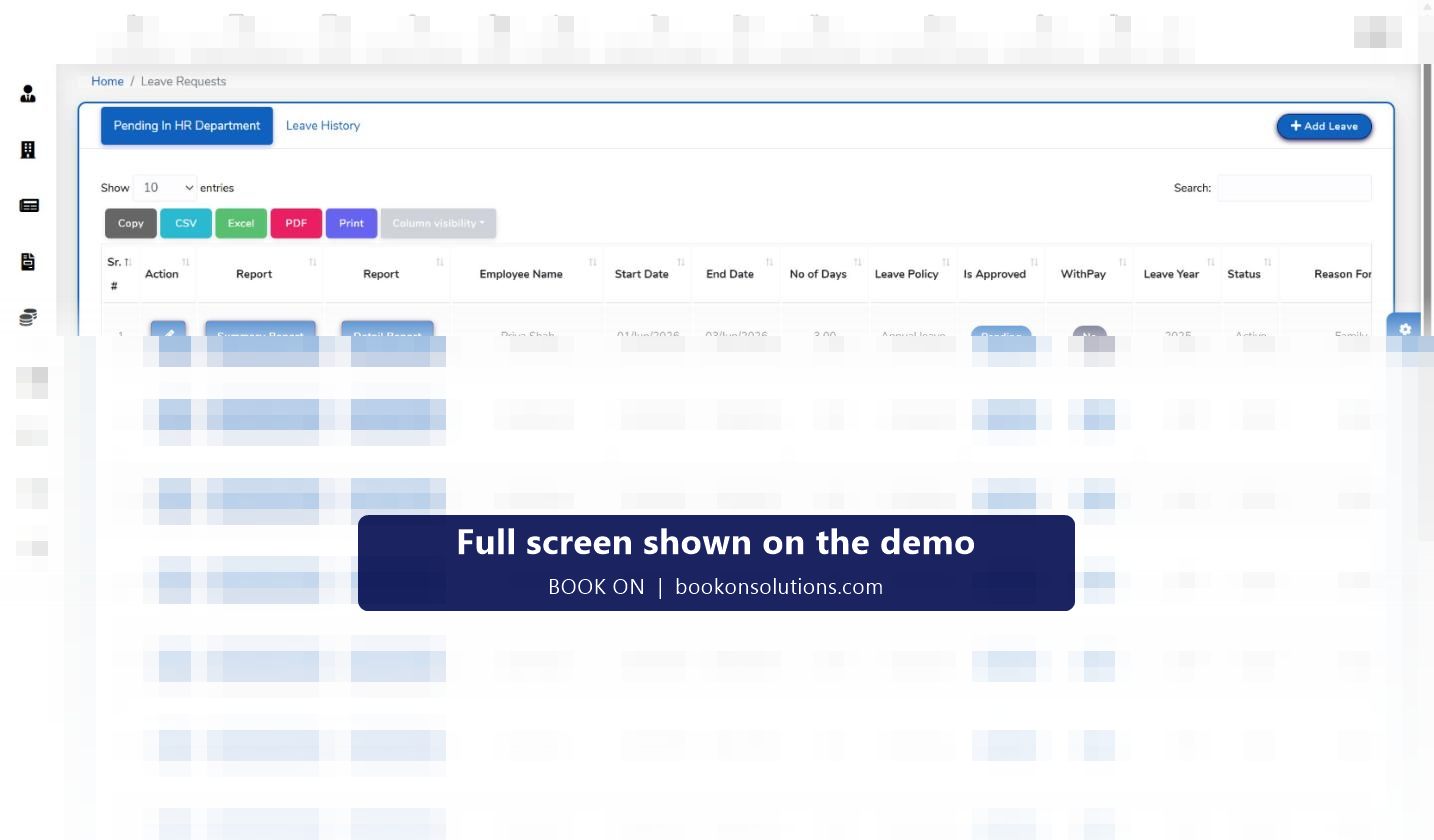
A request is raised with dates, days and reason; it sits in Pending in HR Department until approved or rejected, with pay or without. Leave History keeps the record.
Cover the post
Approved leave is known before the roster is built, so the planner assigns cover rather than discovering a gap on the day.
Record absence
Unplanned absence is recorded on the Absentees screen against the officer, with the shift marked as a no-show if cover was needed.
Pay it correctly
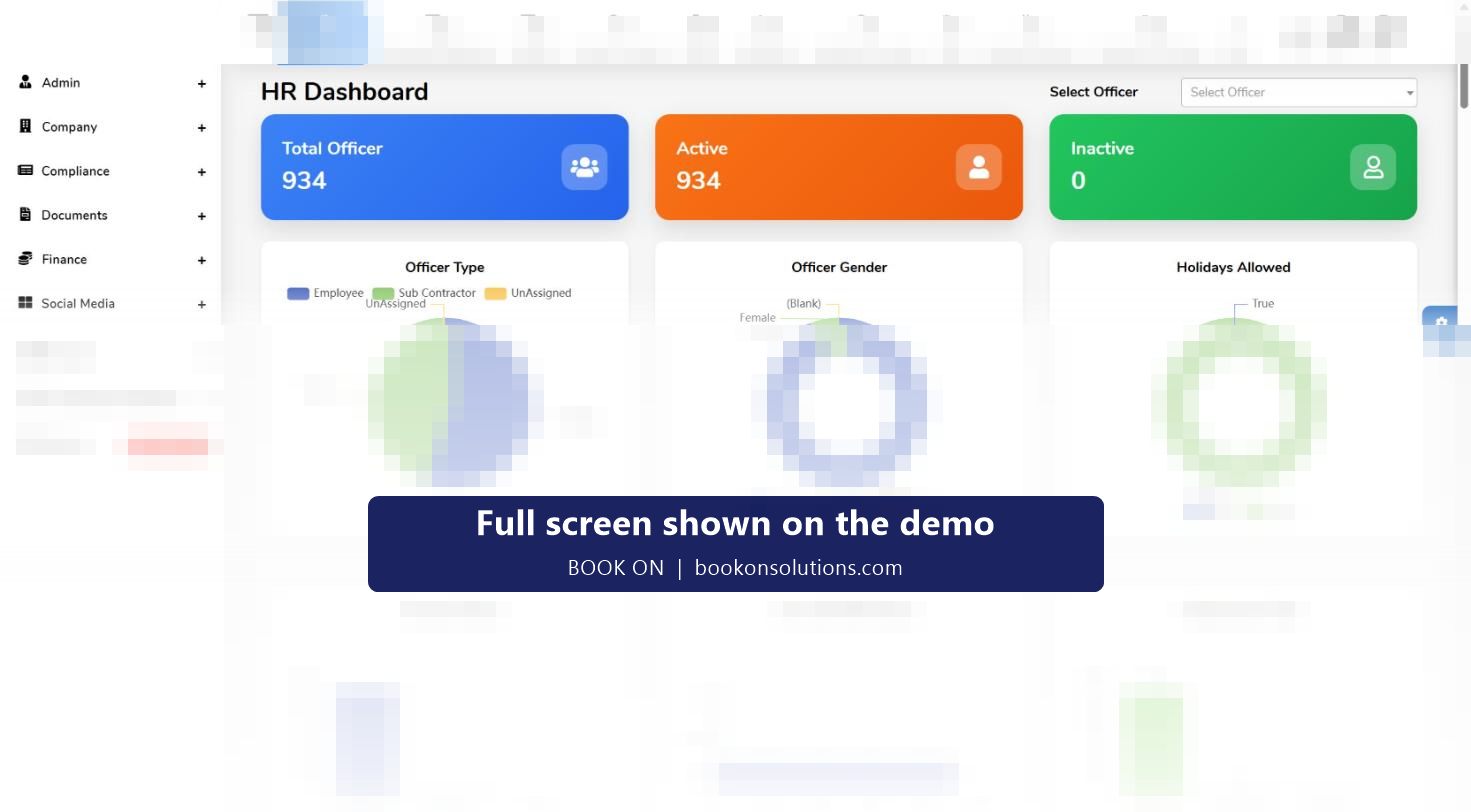
The Paid / Unpaid Shifts and Holidays and Employee Wise Holiday Reports carry the leave into payroll, and the HR dashboard charts holidays allowed across the workforce.
Entitlement rules that fit guarding
Officers on variable hours accrue holiday differently from salaried staff, and many companies run a leave year that does not match the calendar. BOOK ON’s leave policies are defined per leave year with a maximum, a limit on simultaneous leave (so a site is never emptied by two requests for the same week) and a deposit rule for carry-over, and are applied per employee. The with-pay flag on each request tells payroll what to do without a separate note.
- Leave types and leave policies per financial year
- Maximum leave, simultaneous leave and deposit allowed on each policy
- Leave Applicable per employee
- Summary and detail reports per request
Leave and the rota
Because leave and shifts are in the same system, the planner sees who is away when the week is built, the seven-day consecutive-work alert on the manager dashboard shows who has had no rest, and the Rest breaks and working time guide explains the rules the rota has to meet.
Leave screens and reports
| Screen or report | Purpose | Who uses it |
|---|---|---|
| Leave Type | Annual leave, sickness, unpaid and other types | HR |
| Leave Policy | Maximum, simultaneous and deposit rules per leave year | HR |
| Financial Year | The leave year | HR, finance |
| Leave Applicable | Which policy applies to which employee | HR |
| Leave Requests | Pending in HR, Leave History, Add Leave, summary and detail reports | HR, managers |
| Absentees | Unplanned absence by officer | Operations, HR |
| Paid / Unpaid Shifts and Holidays; Employee Wise Holiday Report | Leave carried into payroll | Payroll |
Holiday and leave questions
Can officers request leave from the app?
Leave requests are managed in the leave tracker and appear in Pending in HR Department; officer-side requests through the app are confirmed for your setup during onboarding.
How is holiday pay calculated for variable-hours officers?
BOOK ON records the leave and whether it is paid, and reports paid and unpaid shifts and holidays per employee. The statutory calculation for irregular-hours workers is applied in your payroll process from those figures.
Can I stop two officers from the same site being off together?
Each policy has a simultaneous-leave limit, and approved leave is visible when the roster is planned.
Does it handle sickness and unpaid leave?
Leave types are defined by you, each request carries a with-pay flag, and unplanned absence is recorded on the Absentees screen.
Can unused leave be carried over?
The deposit-allowed setting on a policy controls carry-over into the next leave year.
Related features
See leave meet the rota
On the demo we approve a request, build the week around it and run the holiday report for payroll.