
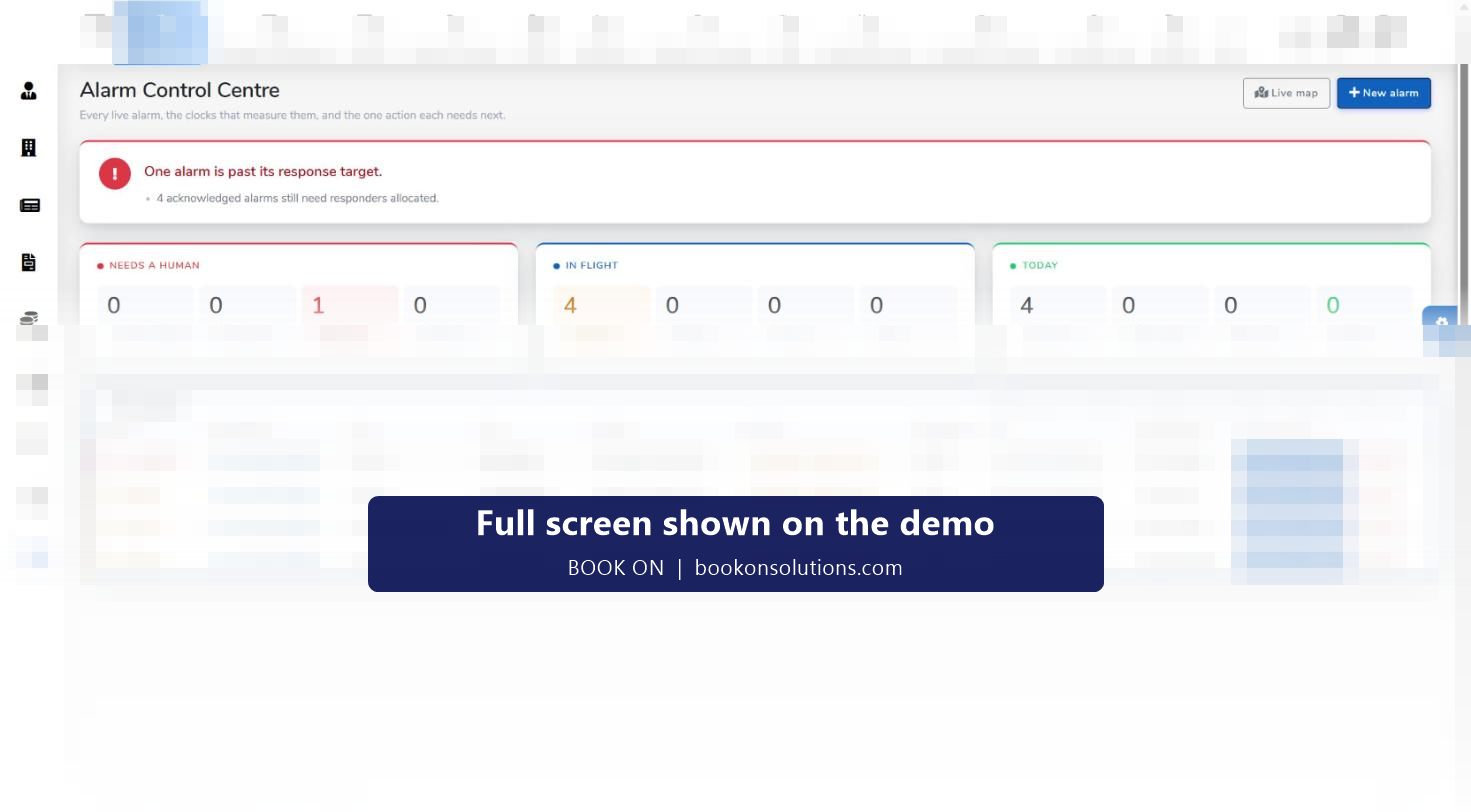
Keyholding and alarm response is measured in minutes: the time from activation to allocation, to arrival, to the all-clear. BOOK ON’s alarm module runs that clock. The Alarm Control Centre lists every live alarm with its priority, reference, type, site, client, status, time received, SLA time remaining, responder and next action, with counters for alarms that need a human, alarms in flight and today’s totals. A Live Alarm Monitor maps the alarm site and the responder’s last known position, All Alarms is the searchable history, and alarm reports give SLA performance, breaches, false alarms and officer response by site and period.
An alarm from activation to report
Alarm raised
A new alarm is created with its type (intruder, fire, lone worker device), site, client and priority, from P1 immediate to scheduled visits, and given a reference.
Responder allocated
Offers go out to officers; the board shows “allocating, offers are out” until a responder accepts, and the counter for alarms with no responder tells the controller where to intervene.
En route and on site
Status moves through allocated, en route and on site, and the Live Alarm Monitor shows the alarm site and the responder’s last fix, with the age of the position stated so an old fix is never read as live.
SLA clock runs
SLA time remaining is computed by the system for each alarm; alarms past target and nearing target are counted on the board so a breach is seen before it happens.
Outcome recorded
The responder records the outcome (for example attended, searched, no cause found), the alarm is resolved and a report is produced for the client.
History and reports
All Alarms holds every alarm for search by reference, site or client; alarm reports analyse the period.
Reports a keyholding client asks for
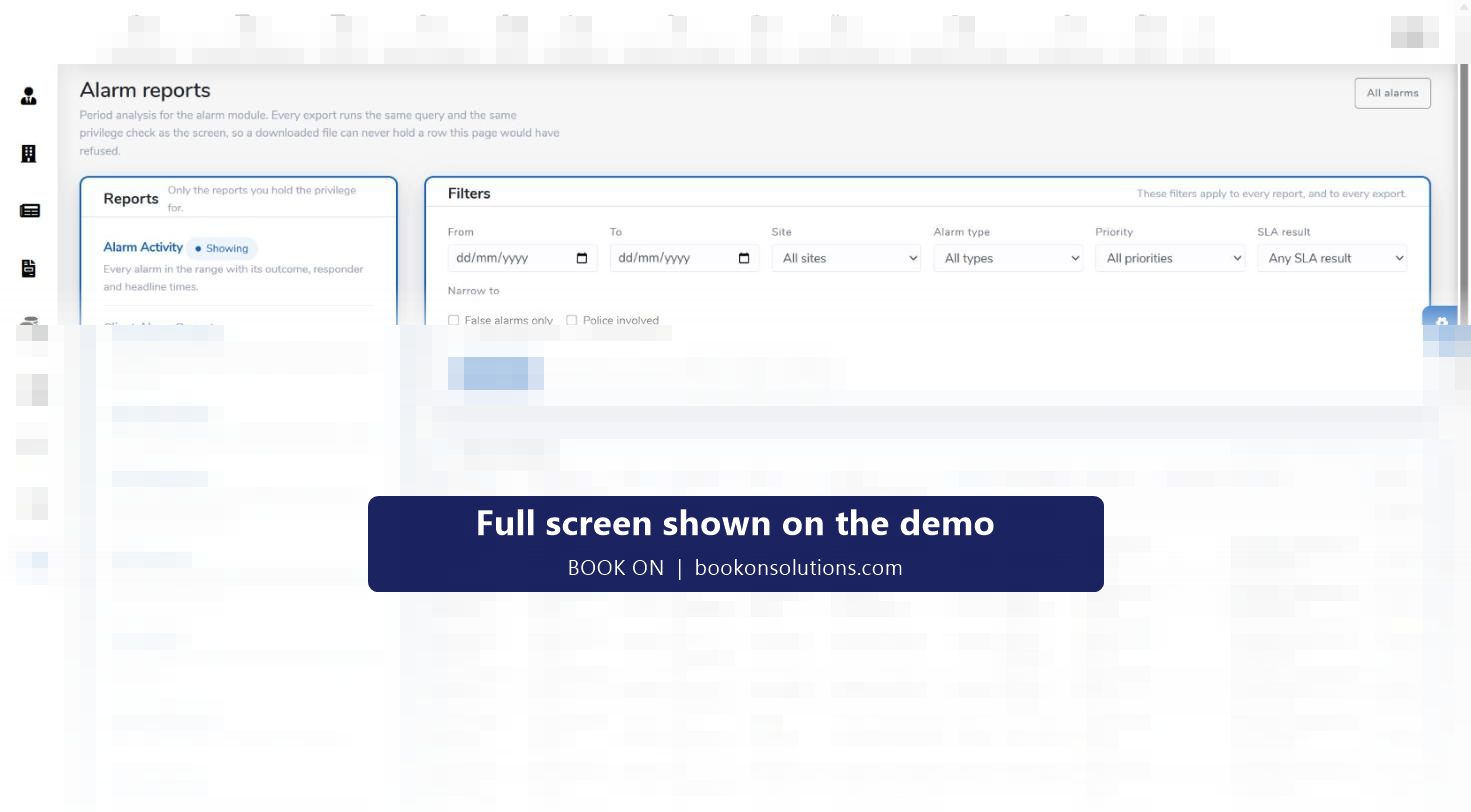
Every export runs the same query and the same privilege check as the screen, so a downloaded file never holds a row the user could not see. Filters for date range, site, alarm type, priority and SLA result apply to every report, with narrowing to false alarms only or police involved, and each report exports to CSV, Excel and PDF.
- Alarm Activity: every alarm in the range with outcome, responder and headline times
- Client Alarm Report and Site Alarm Report: volumes, attendance, false-call share, repeat activations
- SLA Performance and SLA Breaches: verdict counts, medians and every red measurement with its margin
- False Alarms and Repeat Activations: each site’s rolling URN exposure
- Officer Response: offers, accepts, declines, attendances and response times per officer
Answering “what happened to that alarm?”
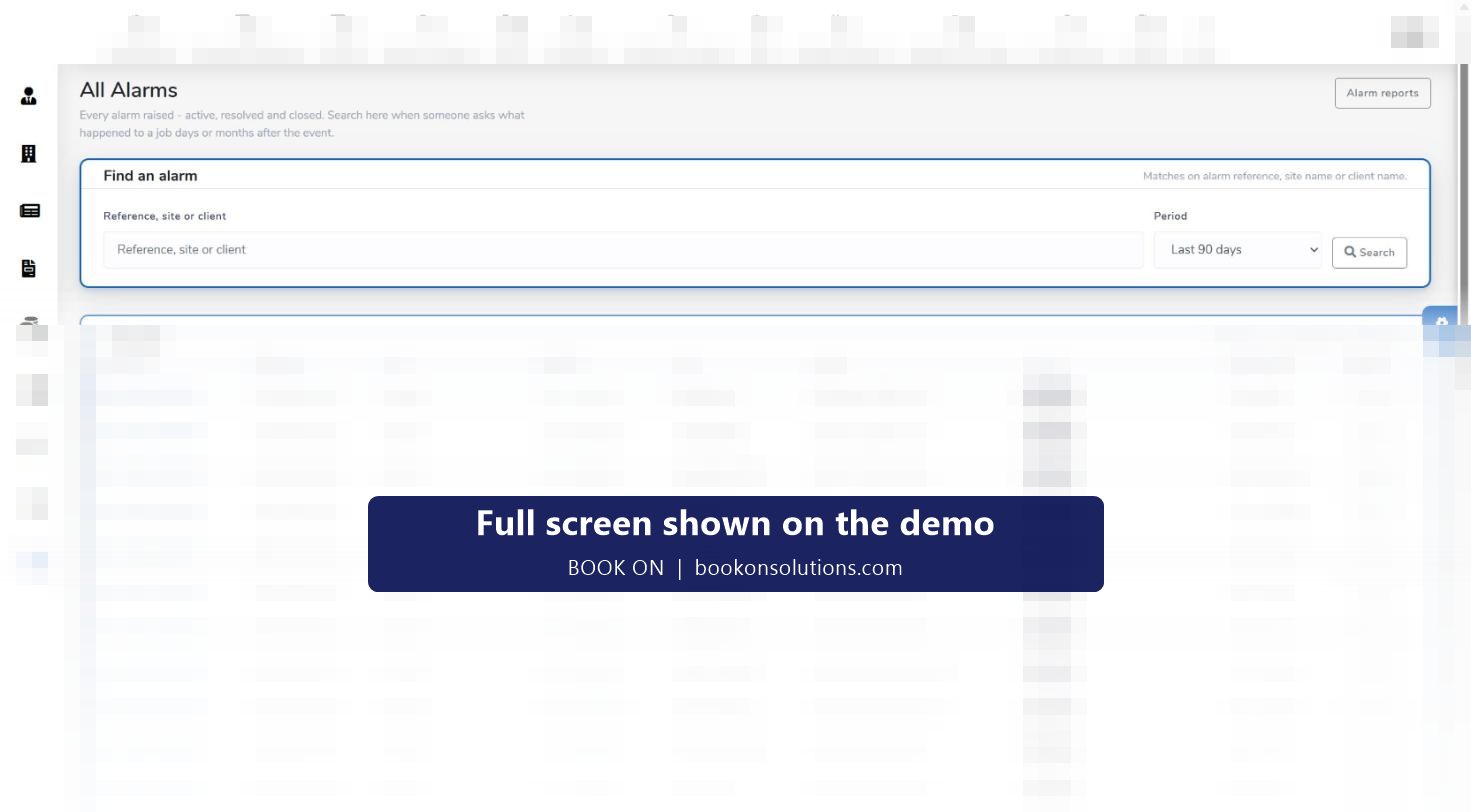
Clients ask days or months after the event. All Alarms is the searchable history: type a reference, site or client, choose the period, and the results list every alarm with its received time, type, priority, site, client, status, responder and a report button. Keyholding records and alarm settings sit in the same module, and the Live Alarm Monitor links back to the control centre.
Alarm module at a glance
| Screen | What it holds | Who uses it |
|---|---|---|
| Alarm Control Centre | Live alarms with priority, SLA remaining, responder and next action; needs-a-human, in-flight and today counters | Response desk |
| Live Alarm Monitor | Map of alarm sites and responders’ last fixes; open alarms list | Response desk |
| All Alarms | Searchable history by reference, site, client and period | Account managers, clients’ queries |
| Keyholding | Keyholding records for the sites covered | Operations |
| Alarm reports | Activity, client, site, SLA performance, SLA breaches, false alarms, repeat activations, officer response | Directors, account managers |
| Alarm settings | Priorities, targets and rules for the module | Administrators |
| Call Out Invoice report | Billing for call-outs | Accounts |
Keyholding questions
Does BOOK ON receive alarms from the ARC automatically?
Alarms are raised in the control centre with a New Alarm action. How signals from your alarm receiving centre reach BOOK ON for your contracts is confirmed during onboarding.
How are response targets set?
Priorities from P1 immediate to scheduled, and the targets behind the SLA clock, are configured in alarm settings; the SLA result is computed by the system for every alarm.
Can I show a client their response times?
Yes. The Client Alarm Report and SLA Performance report give volumes, attendance and SLA verdicts for the client’s sites, exported to PDF, Excel or CSV.
What about false alarms and URN exposure?
The False Alarms report lists false-classified activations and each site’s rolling URN exposure, and Repeat Activations shows sites with more than one activation in the range.
Does it work alongside mobile patrols?
Yes. Routine visits are recorded as patrol events against the site and alarms run through the control centre, so a keyholding contract’s month shows visits and responses together.
Related features
Run an alarm through the control centre
On the demo we raise a P1 alarm, allocate a responder, watch the SLA clock and produce the client’s SLA report.