
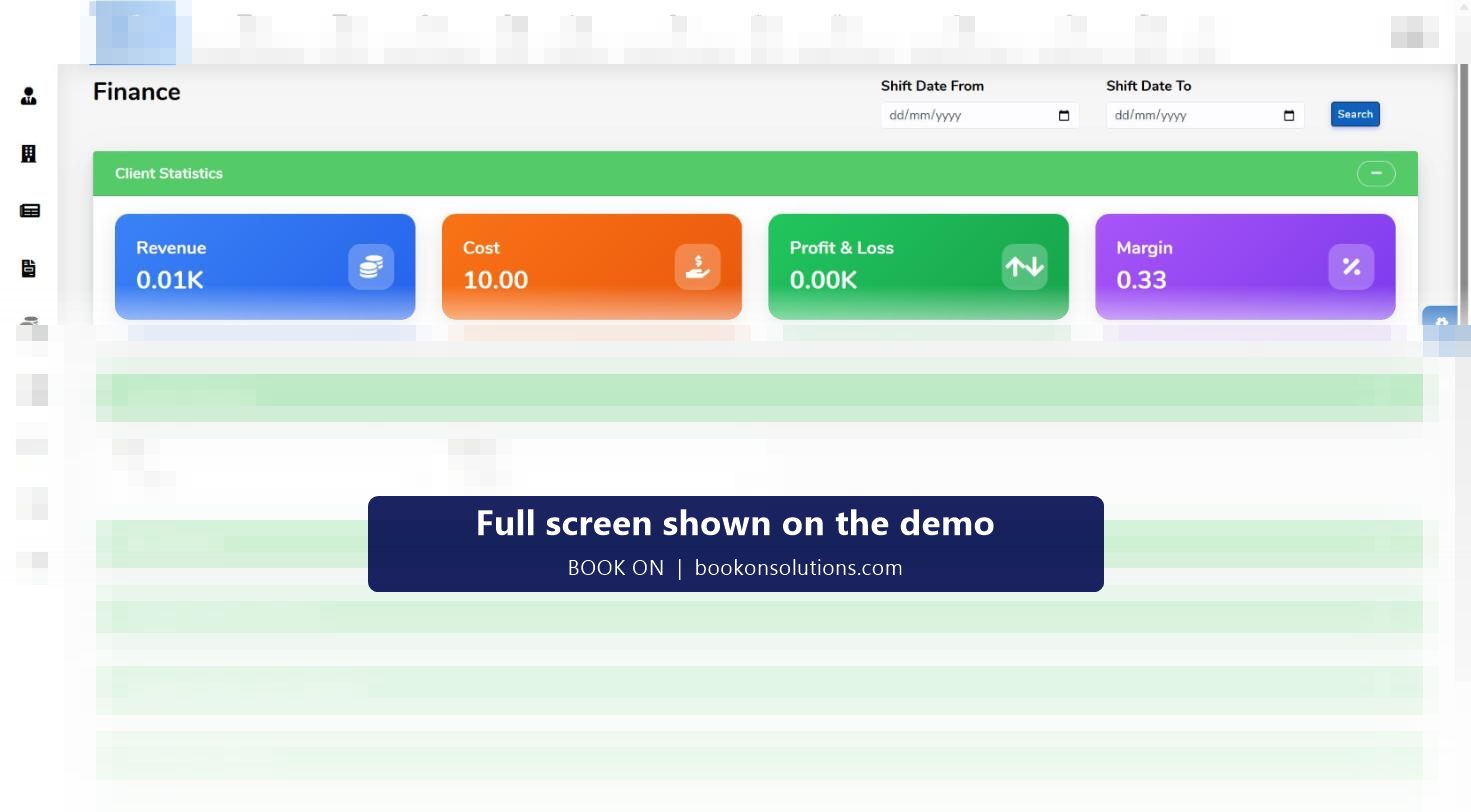
A guarding contract makes or loses money one shift at a time: the pay rate on the shift against the charge rate on the shift. BOOK ON holds both on the same record, lets a controller change the rate for a single shift when a night, weekend or bank holiday uplift applies, and shows revenue, cost, profit and loss and margin on the finance dashboard for any date range, with summaries by site and by officer.
Where the margin comes from
Rates on the officer and the site
Each officer has pay rates by site, and each site has its charge rate. The Officer and Subcontractor Rates with SIA report lists them side by side.
Rates on the shift
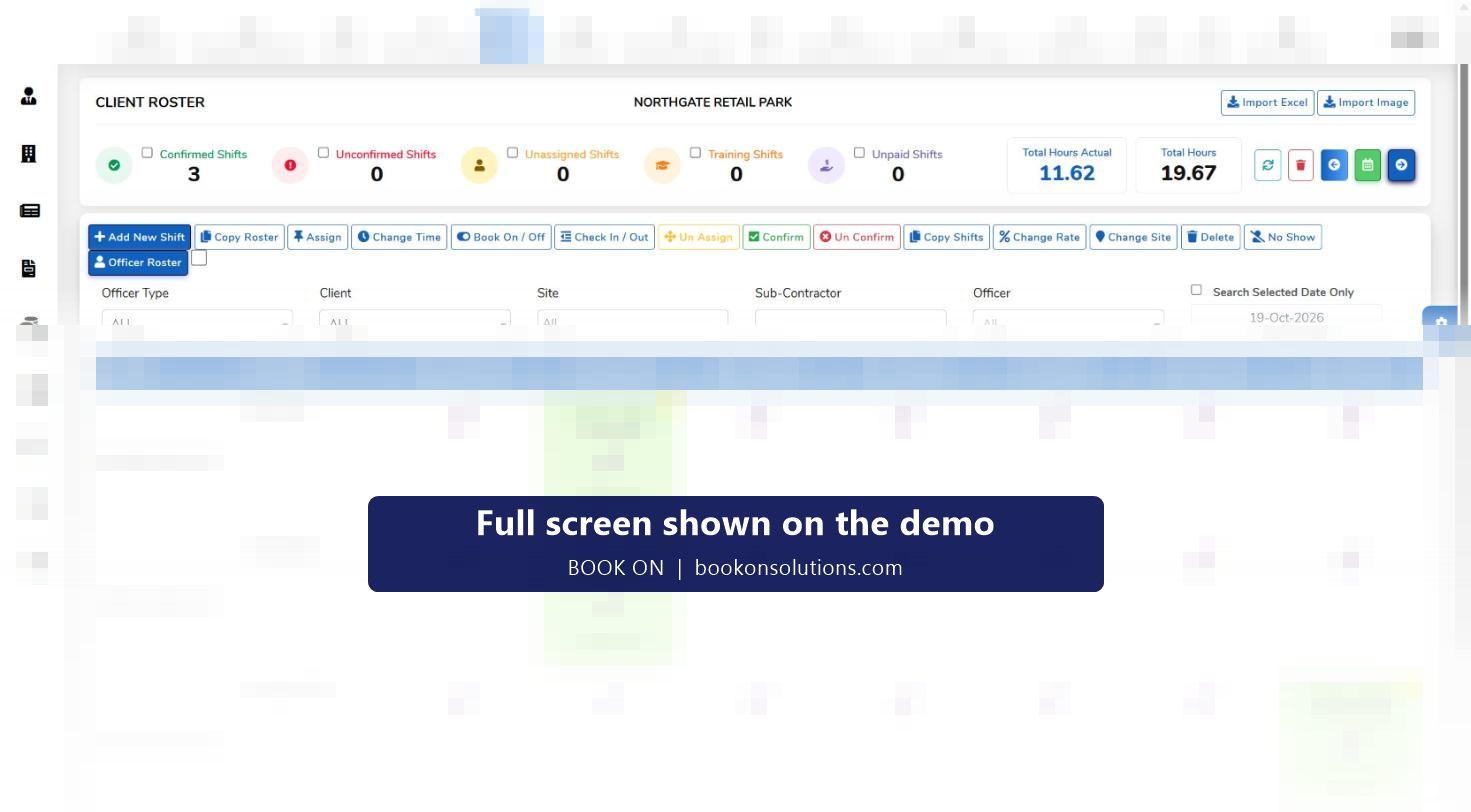
When a shift is created it takes the rates. Change Rate on the roster sets a different rate for that shift only, for example a bank holiday or short-notice cover uplift.
Hours are actual, not planned
Book-on and book-off times give the hours worked; planned hours sit beside them. No-shows are excluded.
Cost and revenue meet on the dashboard
The finance dashboard totals cost (pay) and revenue (charge) for the date range and shows profit and loss and margin, then breaks it down by site and by officer.
Reports for the month end
Profit and Loss Statement, Client Hours Analysis, Master Payroll and Invoice report, Contracted Hours and Weekly Contracted Hours reports, and Payment Calculation.
Catching the contract that slipped
Margin erodes quietly: a few hours of overtime cover, a subcontractor at a higher rate, a bank holiday charged at the standard rate. Because every shift carries both rates, the site summary on the finance dashboard shows which contract moved, and the individual officer summary shows whether the cause was cover, overtime or rate. The Client Hours Analysis and Contracted Hours reports compare the hours delivered with the hours the contract allows.
- Revenue, cost, profit and loss and margin for any date range
- Site summary and individual officer summary
- Complete officers hours allocation and a performance indicator
- Client invoice and site-wise invoice with bank holidays
Pricing a contract with real numbers
When a tender asks for a charge-out rate, the figures that matter are the pay rate, employer’s National Insurance, holiday pay, pension, uniform and equipment, cover and the margin you need. BOOK ON gives you the actual hours and rates from existing contracts to price the next one, and our charge-out rate guide walks through the calculation.
Margin screens and reports
| Screen or report | Shows | Who uses it |
|---|---|---|
| Finance dashboard | Revenue, cost, profit and loss, margin; financial, site and officer summaries; hours allocation; performance indicator | Directors, finance |
| Roster: Change Rate | Per-shift pay or charge rate | Operations |
| Officer and Subcontractor Rates with SIA | Rates by officer and subcontractor with licence | Finance, operations |
| Profit and Loss Statement | Period P&L | Directors |
| Client Hours Analysis, Contracted Hours, Weekly Contracted Hours | Hours delivered against contract | Account managers |
| Master Payroll and Invoice report | Pay and charge on one report, with officer ID detail | Finance |
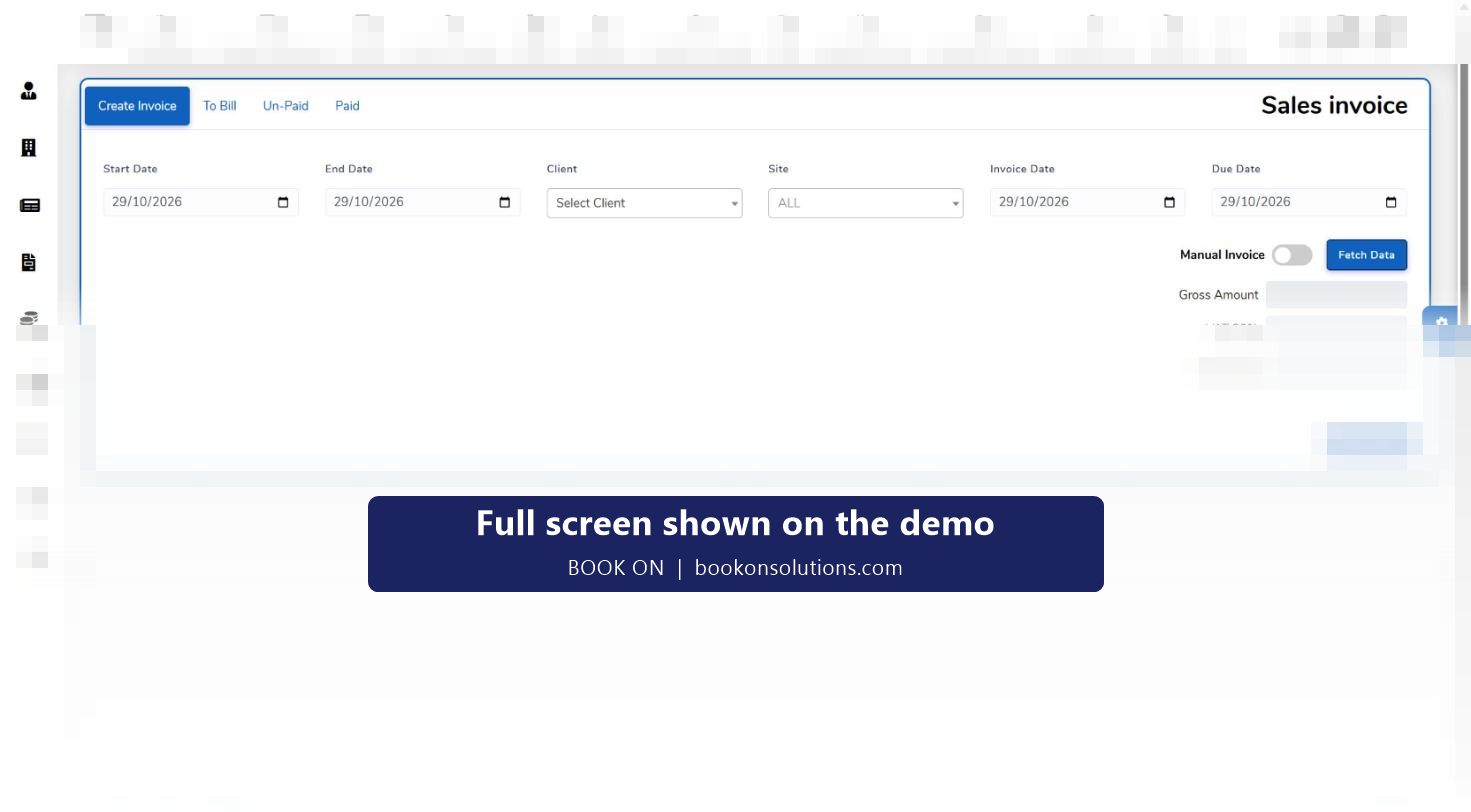
| Client Invoice with Bank Holidays, Site-wise Invoice with Bank Holidays | Uplifted invoice lines | Accounts |
Margin questions
Can I set different pay rates for the same officer on different sites?
Yes. Officer pay rates are held by site, and Change Rate on the roster overrides the rate for a single shift.
How are bank holidays handled?
Bank holiday rates are applied per shift, and the Client Invoice with Bank Holidays and Bank Holidays Employee-wise Payroll reports show the uplifted lines on both sides.
Does the margin include subcontractor cost?
Subcontractor shifts carry their rate and are reported on the Subcontractor Hours and Subcontractor Invoice reports, so the cost side of a contract includes them.
Can I see margin by client?
The finance dashboard breaks the period down by site, and sites belong to clients, so a client’s contracts can be read together.
Is there a budget or target?
The performance indicator section on the finance dashboard is where period performance is read; targets for your contracts are set up during onboarding.
Related features
See the margin on one contract
Bring a contract’s rates to the demo and we will show its month on the finance dashboard.