
An event or hospitality company staffs a Saturday with people it may not have worked with on Friday: stewards, bar and floor staff, hosts, security. The job is to get the right number of the right people to the right entrance, know who turned up, and invoice the organiser or venue for the hours that were actually worked. BOOK ON imports the staffing plan, finds people by postcode, books them on at the door from the app and builds the timesheet and the invoice from that record.
What an event team needs
Bulk rostering
Import the staffing plan from Excel by position and time, then fill each slot from the staff list or the cover search.
Staff by postcode
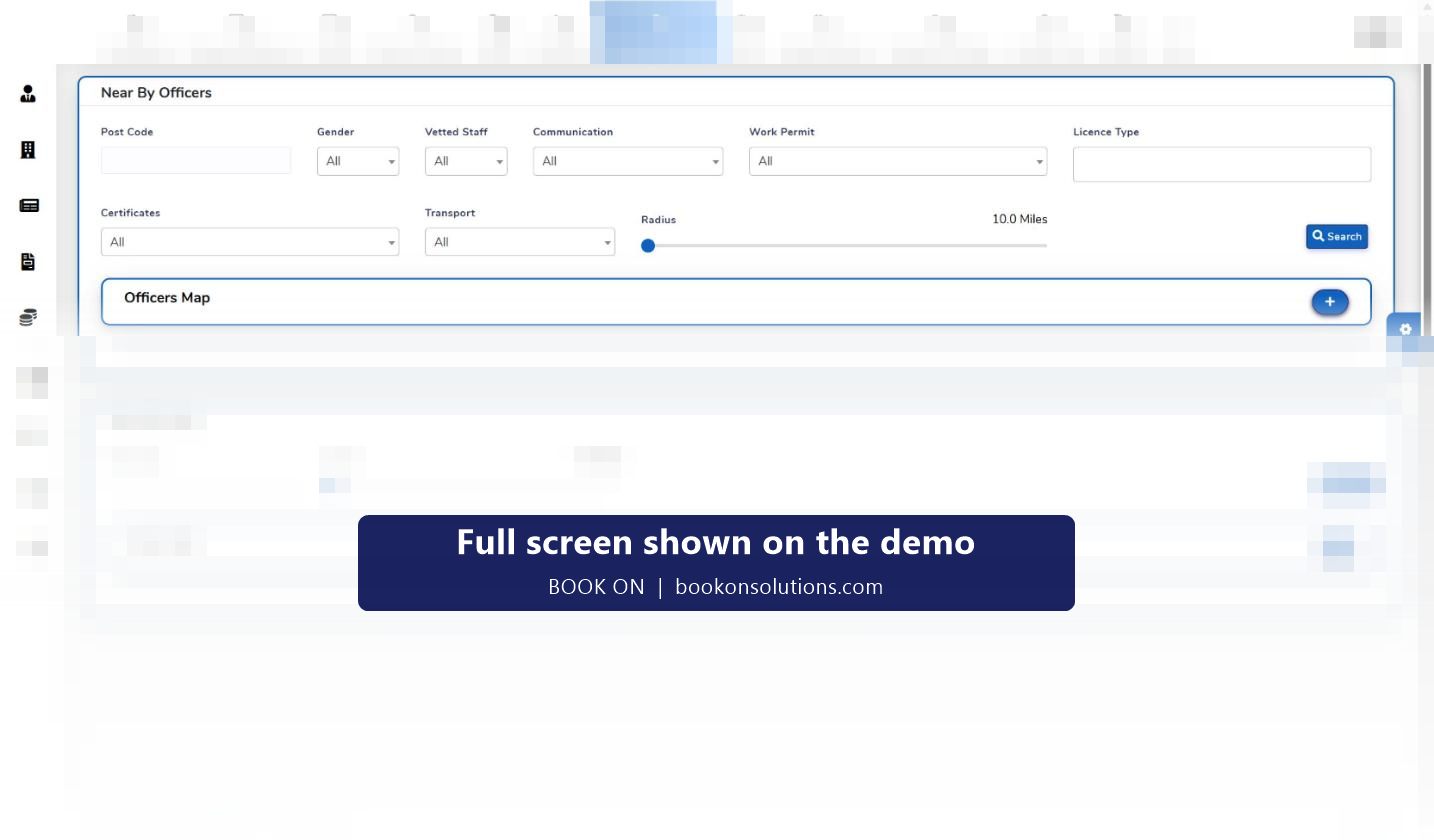
Search within a radius of the venue, filtered by certificate, right to work and transport, and offer the shift to those who can get there.
Book on at the door
Everyone books on from the app when they arrive, with the position recorded, so the head count is known before doors open.
Incidents and welfare
Typed incident reports with photos from the floor, and check calls for staff posted alone at a gate or car park.
Right-to-work and personal licences
Right-to-work expiry, personal alcohol licences, food hygiene and first aid certificates held per person with expiry dates.
Invoice the organiser
Charge rate per role and pay rate per person on every shift; the invoice is fetched from the approved timesheet for the event.
Event day, hour by hour
- The plan arrives as a spreadsheet of positions and times; it is imported as shifts under the event’s site.
- Slots are filled from the staff list and the postcode search; confirmations come back through the app.
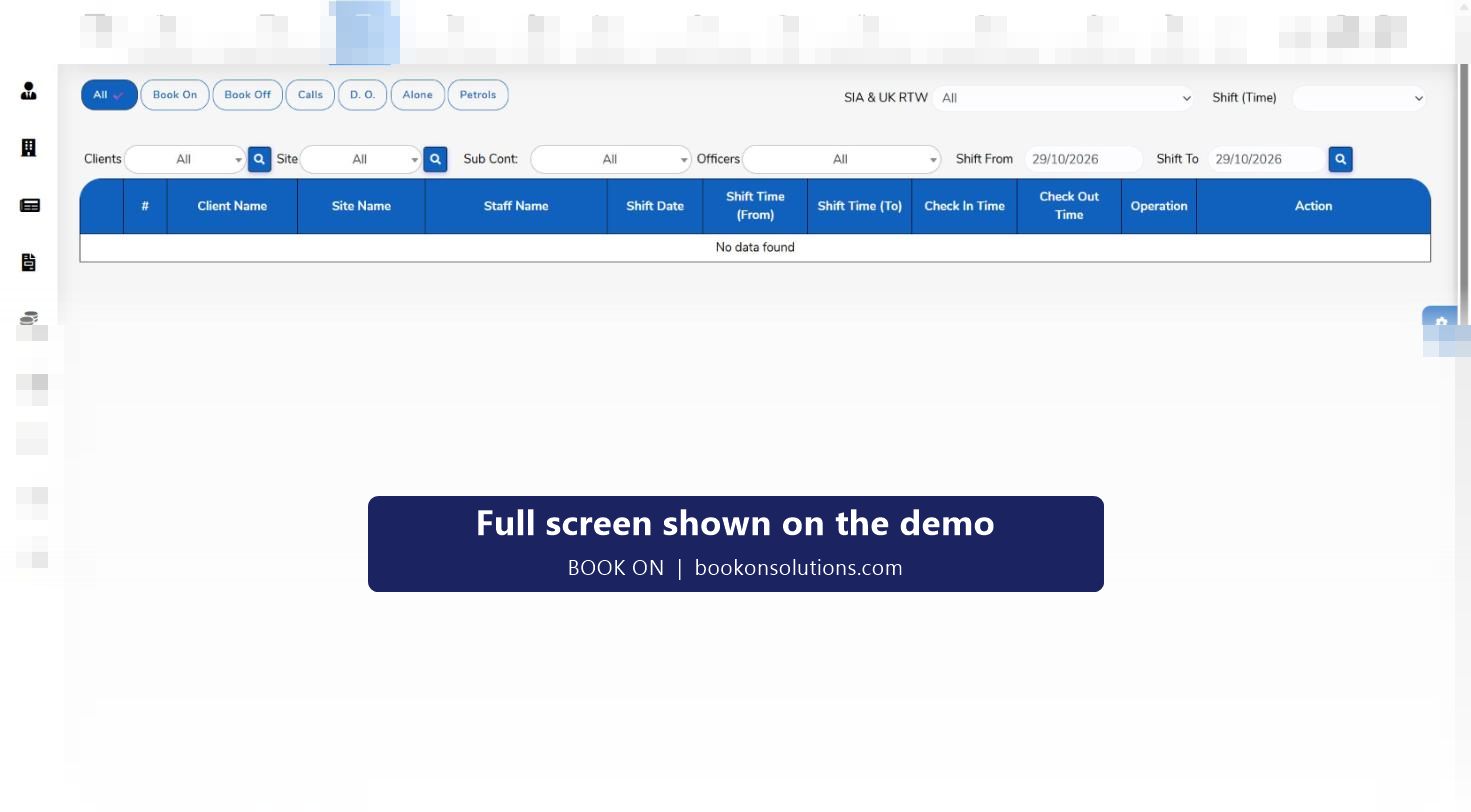
- Staff book on at the venue from the app; the organiser’s head count is read off the live monitor.
- Incidents, refusals and welfare issues are typed in from the floor and reviewed by the duty manager.
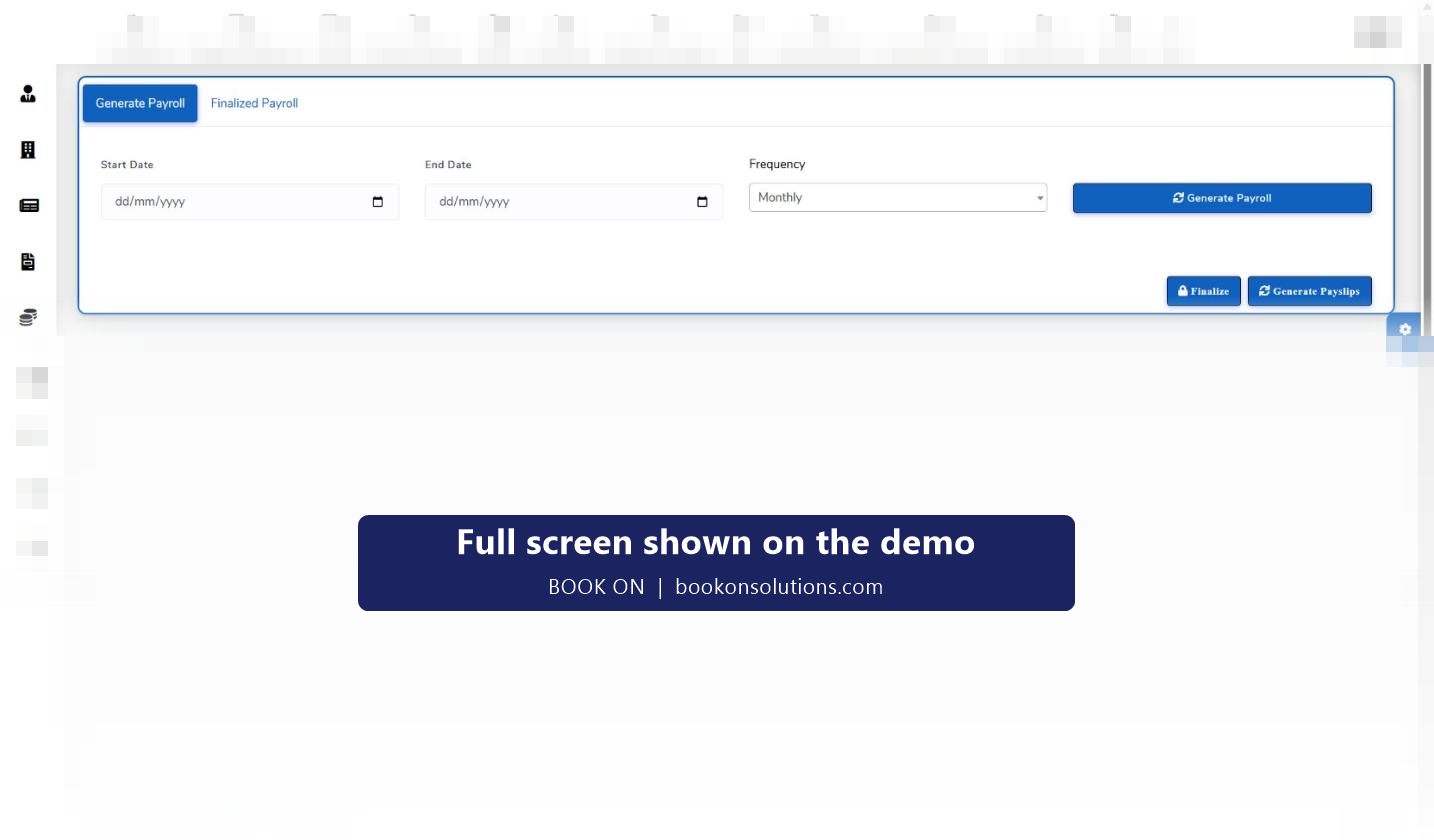
- Book off closes each shift; the timesheet, the payslips and the invoice come from the same record.
Hospitality rotas between events
For hotels, venues and hospitality staffing agencies the same screens run the week: rotas by venue and department, copied forward and changed per shift; book on and book off as the attendance record; leave requests and absences from the app; and payroll by period with payslips. Where staff are supplied to a venue under contract, the charge rate and pay rate on each shift show the margin by client, and the invoice is built from the approved timesheet rather than from a spreadsheet. Event security is covered on its own page, with the SIA licence checks that licensed roles need.
Events and hospitality on BOOK ON at a glance
| Need | BOOK ON screen | Who uses it |
|---|---|---|
| Staff the event | Excel import, client roster, Near By Officers search | Staffing managers |
| Know who turned up | Book on from the app, live monitor, roster reports | Duty managers, organiser |
| Record incidents | Typed events with photos, event reports as PDF | Floor staff, duty managers |
| Keep staff eligible | Staff record, right-to-work expiry, certificates with expiry | HR |
| Pay and bill | Timesheets, Generate Payroll, sales invoice from timesheets | Finance |
| Licensed security roles | SIA licence tracking, SIA renewal queue | Compliance |
Events and hospitality questions
Can staff pick up shifts themselves?
Shifts are offered to staff found by the cover search and confirmed through the app. An open shift marketplace is confirmed during onboarding.
How fast can a 200-person event be rostered?
The plan is imported from Excel in one step, so the time goes into filling slots, which the postcode search and the staff filters shorten.
Can the organiser get the attendance list?
Roster and attendance reports are produced per event and sent as PDF or export; a client login is confirmed during onboarding.
Does it handle casual and zero-hours staff?
Yes. Each person has a record with their documents and rates; hours are recorded per shift and paid by period.
What about SIA-licensed roles at events?
Licensed roles use the same SIA licence tracking and renewal queue as a security company; see the event security page.
Related pages
Run your next event on the demo
Bring the staffing plan and your rates, and see the roster, the book-on and the invoice in BOOK ON.