
An event is a temporary site with a large team, a hard start time and a client who counts heads. BOOK ON treats the event as a site under its client, takes the staffing plan in from Excel, rosters licensed officers and event stewards by position, finds extra staff within a radius of the venue’s postcode, books everyone on at the gate from the app, records incidents during the event, and invoices the organiser from the shifts actually worked.
What event security needs
Licensed and unlicensed roles
Licensed officers for licensable activities and event stewards for stewarding roles. BOOK ON flags officers as event stewards on their record and holds SIA licences by category for the rest.
Bulk rostering
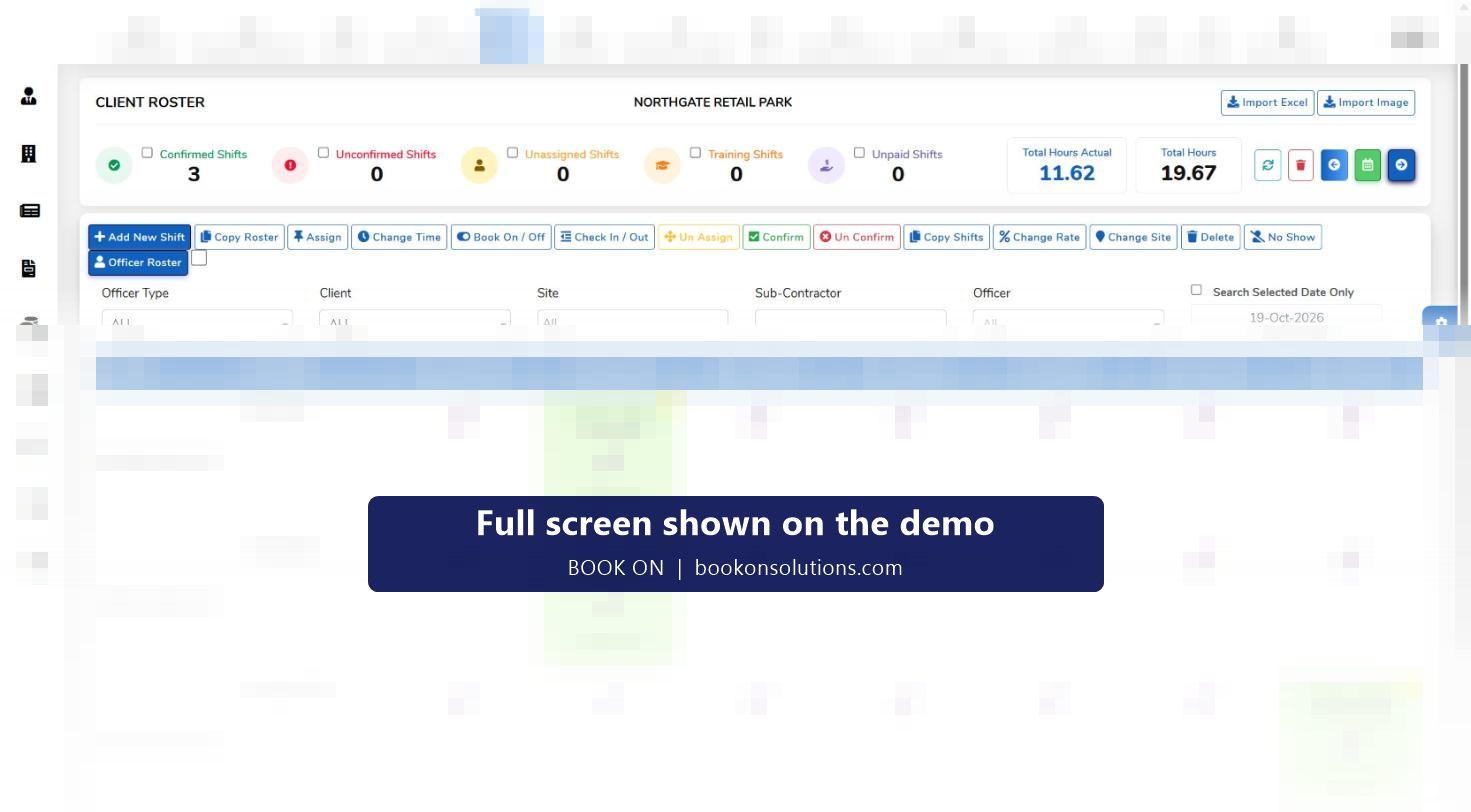
A 200-position plan is imported from Excel, copied across event days and assigned by position, with counters for unassigned and unconfirmed shifts.
Staff who can get there
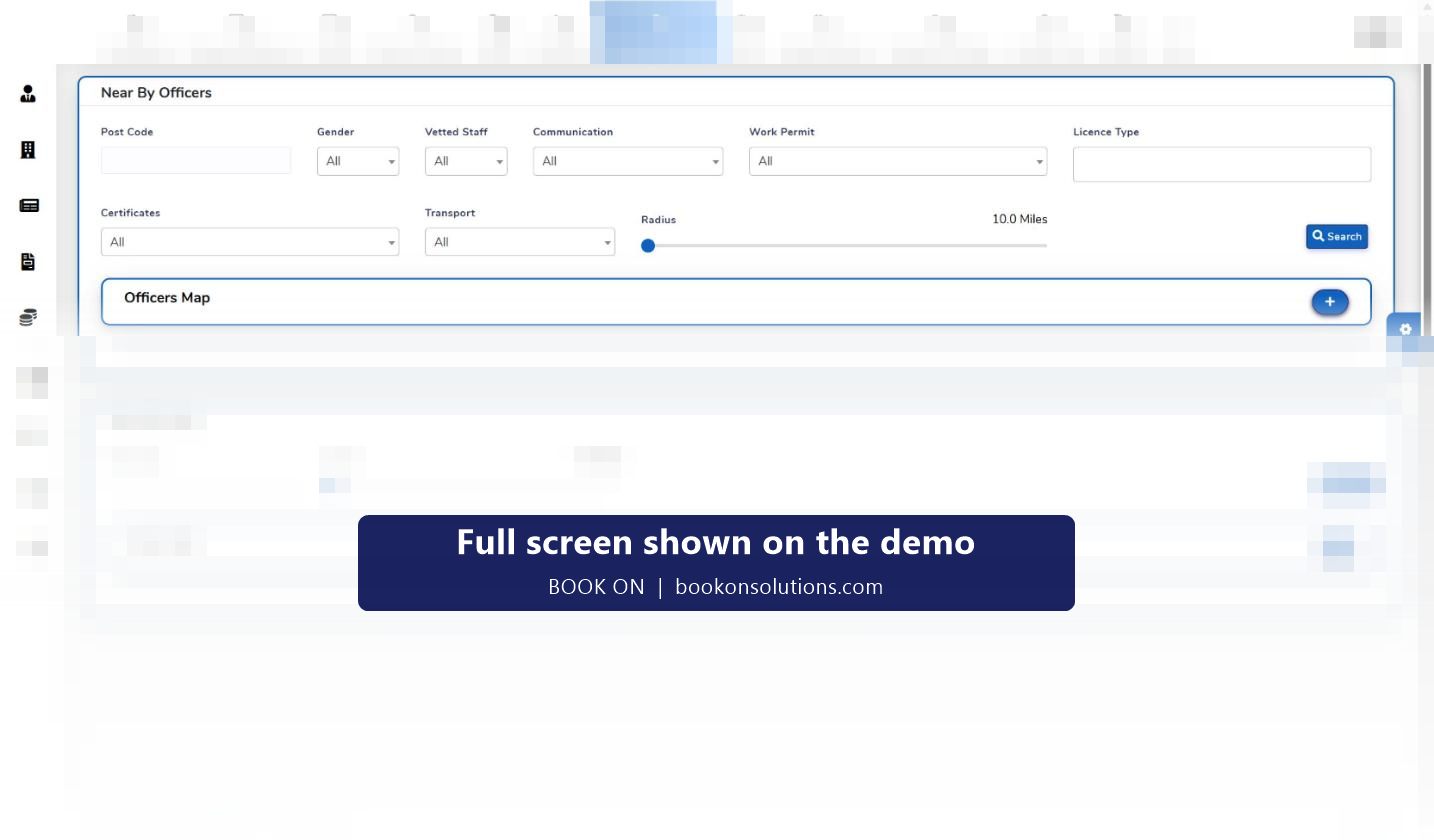
Near By Officers searches by postcode and radius with a transport filter, so a 05:00 call time is filled by people who can reach it.
Book-on at the gate
Every officer books on from the app; the live monitor shows the head count against the plan as the team arrives.
Incidents during the event
Ejections, medical incidents, lost property and crowd issues are raised as typed events from the app with photos, reviewed on the manager dashboard.
Invoice the organiser
The invoice is fetched from the shifts worked, with day rates set per shift, so the organiser’s query about head count is answered from the book-on record.
An event weekend in BOOK ON
- The event is created as a site under the organiser with its postcode and contact; the staffing plan is imported from Excel.
- Positions are assigned to licensed officers and stewards; gaps are filled with Near By Officers.
- Shifts are confirmed and appear in every officer’s app with call time and position.
- Officers book on at the gate; the control room watches the count on the live monitor.
- Incidents are raised from the app; the duty manager reviews them on the manager dashboard.
- Officers book off; actual hours are checked against planned hours and no-shows marked.
- Payroll is generated for the event period and the organiser is invoiced from the timesheets, with the events report as backing.
Built around UK event security compliance
Licensable activities at events need SIA-licensed officers, and BOOK ON tracks each licence with its expiry and SIA check. Stewards are recorded as event stewards on the officer record so the roster shows which roles are licensed. BS 8406, the code of practice for event stewarding and crowd safety services, expects briefed, identifiable staff and records of incidents; the roster, book-on records and typed events provide them. For venues within the scope of Martyn’s Law, the same records show trained staff on site and incidents and evacuations logged.
Event security on BOOK ON at a glance
| Need | BOOK ON screen or report |
|---|---|
| Staffing plan | Client roster, Import Excel, Copy Roster, Copy Shifts |
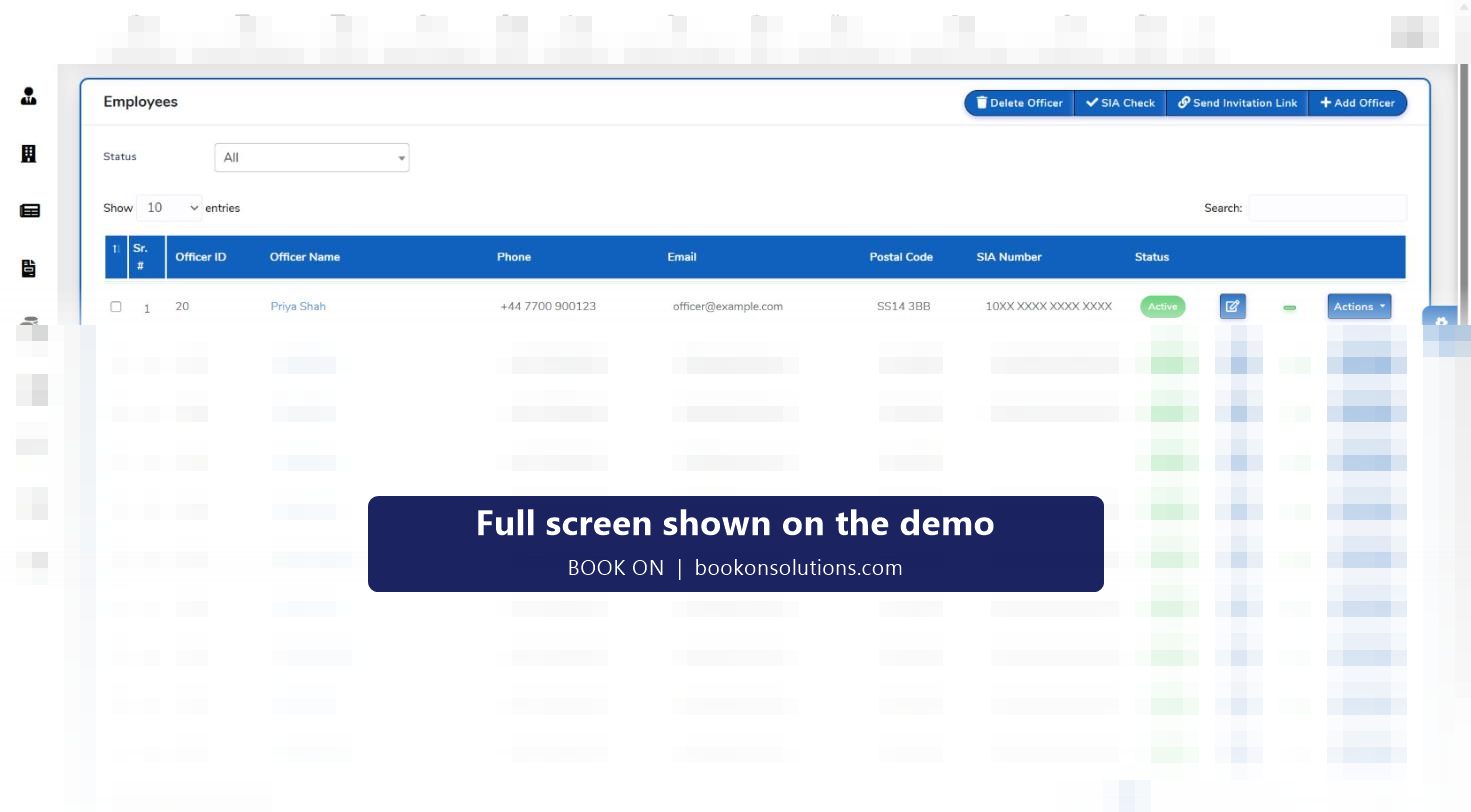
| Licensed and steward roles | Officer record licence category, event stewards flag, SIA Check |
| Finding staff | Near By Officers by postcode, radius, licence, vetting and transport |
| Head count on the day | Book on and book off, live monitor, Shift Status report |
| Incidents | Typed events from the app, manager dashboard, Events report |
| Day rates and pay | Change Rate per shift, Generate Payroll for the event period |
| Organiser invoice | Sales invoice from timesheets, Site Report with Total Staff Hours |
Event security questions
Can I import a staffing plan from a spreadsheet?
Yes. The roster has an Import Excel action; the column layout is agreed during onboarding.
How do I tell stewards from licensed officers on the roster?
Officers are flagged as event stewards on their record and licence categories are held per officer, so the roster is filtered by officer type.
Can casual staff use the app for one event?
Yes. An invitation link registers them; they book on and off and submit reports through the app like any officer.
How do I prove the head count to the organiser?
Book-on and book-off on every shift and the roster and site reports show who was on site and when.
Can I pay a day rate?
Rates are set per shift with Change Rate, so a day rate or an event rate is applied to the shifts of that event.
Does it work with poor signal at a greenfield site?
The officer app is used on sites with poor coverage; the exact behaviour is set up with you during onboarding and described on the officer app page.
Related pages
Import an event plan on the demo
Send us a staffing spreadsheet and we will roster it, book a team on and invoice it in front of you.