
Payroll in a guarding company is the hardest in any sector: hundreds of shifts, night and bank holiday rates, cover at short notice, subcontractors, and clients who dispute the hours. BOOK ON gives the payroll administrator one source for all of it: the shift, with its book-on and book-off times and its rate. Payroll is generated for a period and frequency, finalised and turned into payslips; the sales invoice is fetched from the same timesheets; subcontractor hours are totalled for the invoice check; and the finance reports close the month.
What finance and payroll get
Hours that are already right
Book-on and book-off times from the app, planned against actual, with no-shows and approved lateness already marked by operations.
Rates on the shift
Officer pay rates by site, charge rates by site, and Change Rate for a single shift’s night, weekend or bank holiday uplift. Bank holiday payroll and invoice reports show the uplifted lines.
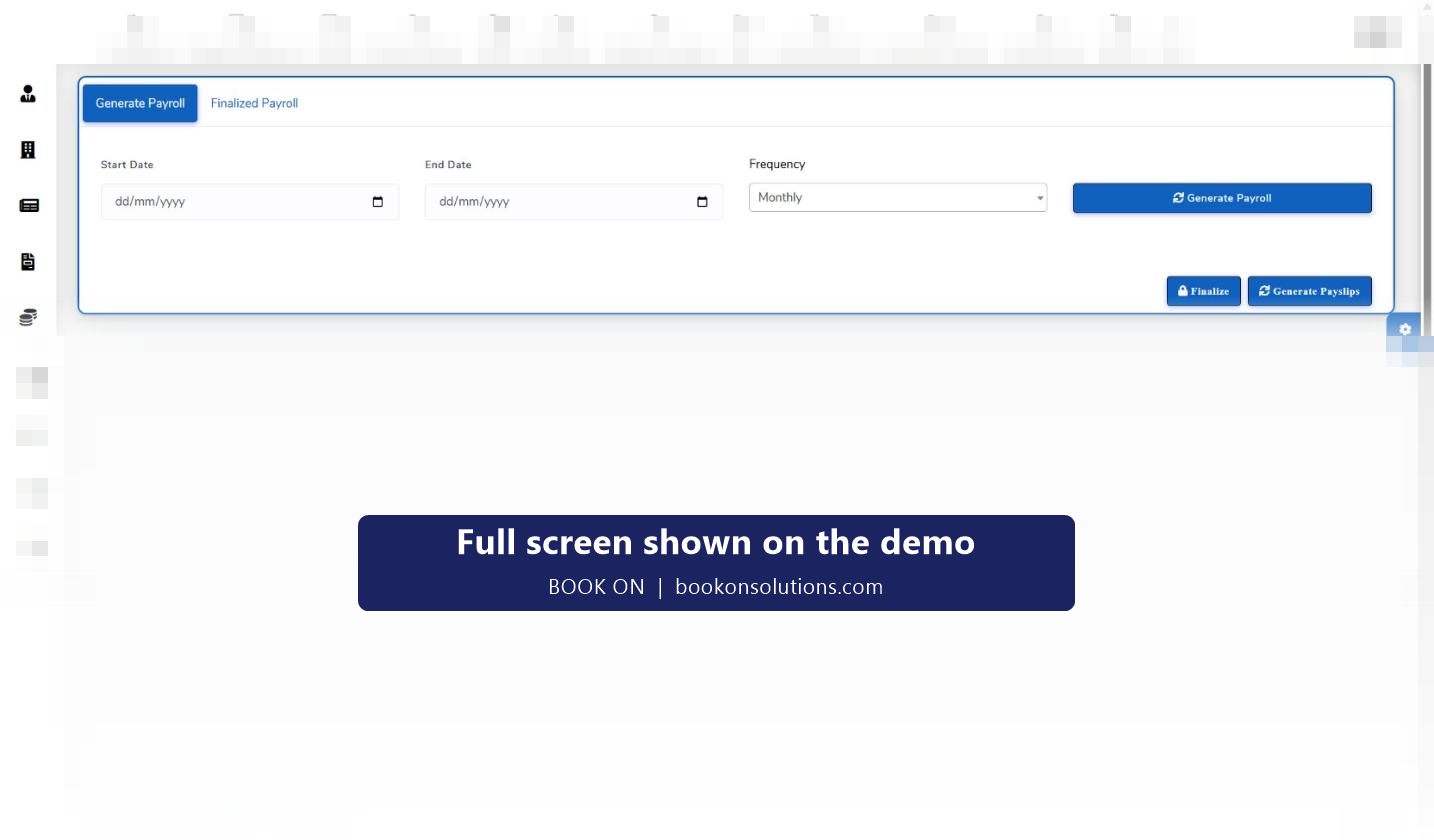
Payroll in three actions
Generate Payroll for the period and frequency, Finalize to lock it, Generate Payslips. Finalized Payroll keeps past runs.
Invoices from the same record
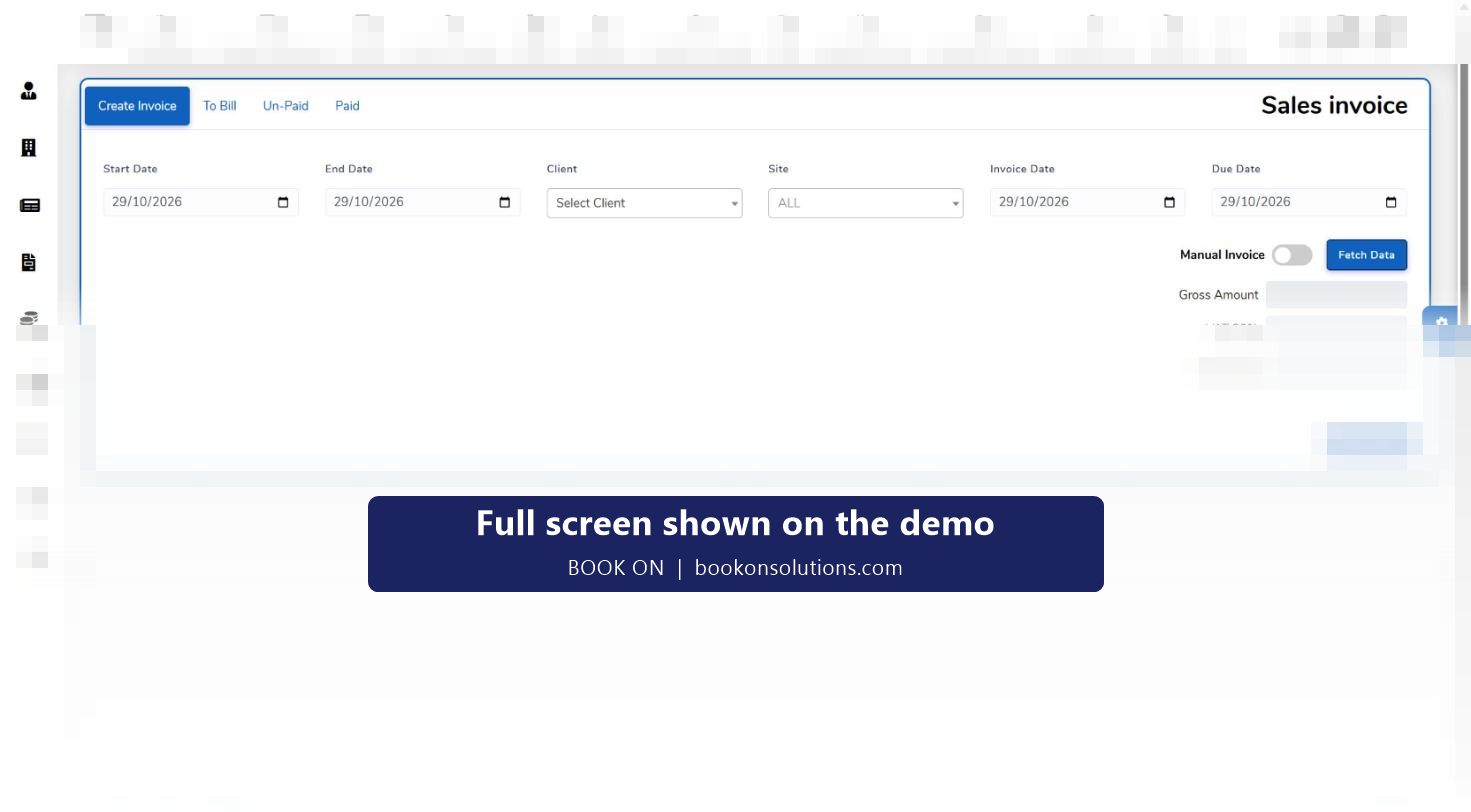
Sales invoice fetched from timesheets by client, site and period with VAT; payments recorded; outstanding invoices and aged ledgers.
Subcontractors checked
Subcontractor timesheet and hours reports total each supplier’s shifts for the period against their invoice.
Month-end reports
Master Payroll and Invoice report, Profit and Loss Statement, Payment Calculation, Loan report, Employee Wise Holiday Report, trial balance and ledgers.
A pay run in BOOK ON
- Operations has confirmed the period’s shifts, marked no-shows and approved late arrivals.
- Leave requests for the period are approved with their with-pay flag; absences recorded.
- Generate Payroll for the start date, end date and frequency.
- Check the Employee Wise Payroll, Paid / Unpaid Shifts and Holidays and Bank Holidays reports.
- Finalize the run and Generate Payslips; officers see earnings in the app.
- Fetch the client invoices from the same timesheets and send them with the roster report as backing.
The accounts behind it
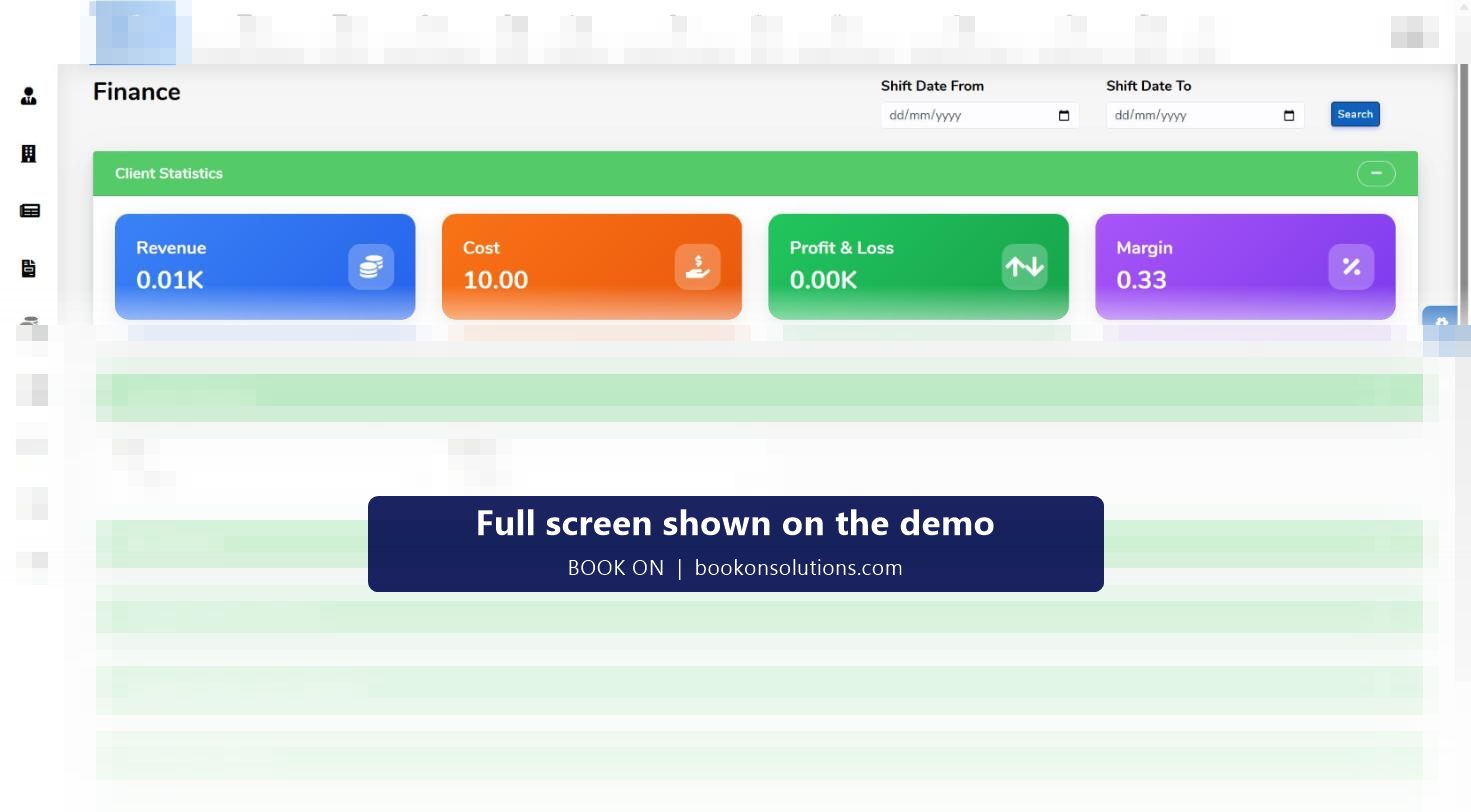
BOOK ON Accounts holds a chart of accounts, vouchers, ledgers, a trial balance, party ledgers with ageing and financial years, so invoices and payroll post into a ledger rather than a separate spreadsheet. The finance dashboard reads revenue, cost, profit and loss and margin from the same shifts, with site and officer summaries and an hours allocation.
The payroll administrator’s screens
| Task | Screen or report |
|---|---|
| Check the hours | Roster planned against actual, Time Sheet report, Weekly Time Sheet |
| Check the rates | Officer and Subcontractor Rates with SIA report, Change Rate on shifts |
| Run payroll | Generate Payroll, Finalize, Generate Payslips, Finalized Payroll |
| Leave and absence | Leave requests and the with-pay flag, Absentees, Employee Wise Holiday Report |
| Invoice clients | Sales invoice from timesheets, Client Invoice, Site-wise Invoice, invoices with bank holidays |
| Check subcontractors | Subcontractor timesheet, Subcontractor Hours, Subcontractor Invoice report |
| Close the month | Master Payroll and Invoice, Profit and Loss Statement, trial balance, aged ledger |
Finance and payroll questions
Does BOOK ON calculate PAYE and National Insurance?
BOOK ON generates payroll from approved shifts and produces payslips. Statutory calculations and HMRC submissions are handled in your payroll software or by your bureau; how BOOK ON’s output is passed to them is agreed during onboarding.
Can I run weekly and monthly payrolls?
Yes. Payroll is generated for a start date, end date and frequency, so separate runs can be made for different groups.
How are disputed invoice lines handled?
The line is a shift with a book-on and book-off record, so the dispute is answered from the attendance record and the roster report.
Can officers see their pay before payday?
Yes. The officer app includes a Show Earning view, which cuts payroll queries.
Does it export to Xero, QuickBooks or Sage?
BOOK ON Accounts has its own ledger. How invoice and payroll output is passed to your accounting software or accountant is agreed during onboarding.
Can I record officer loans and deductions?
Loans are held on the officer record and reported on the Loan report; deductions appear in the Finance Reports (Payroll) family.
Related pages
Run a payroll and an invoice on the demo
We generate payroll for a sample period, produce payslips and fetch the invoice from the same shifts.