
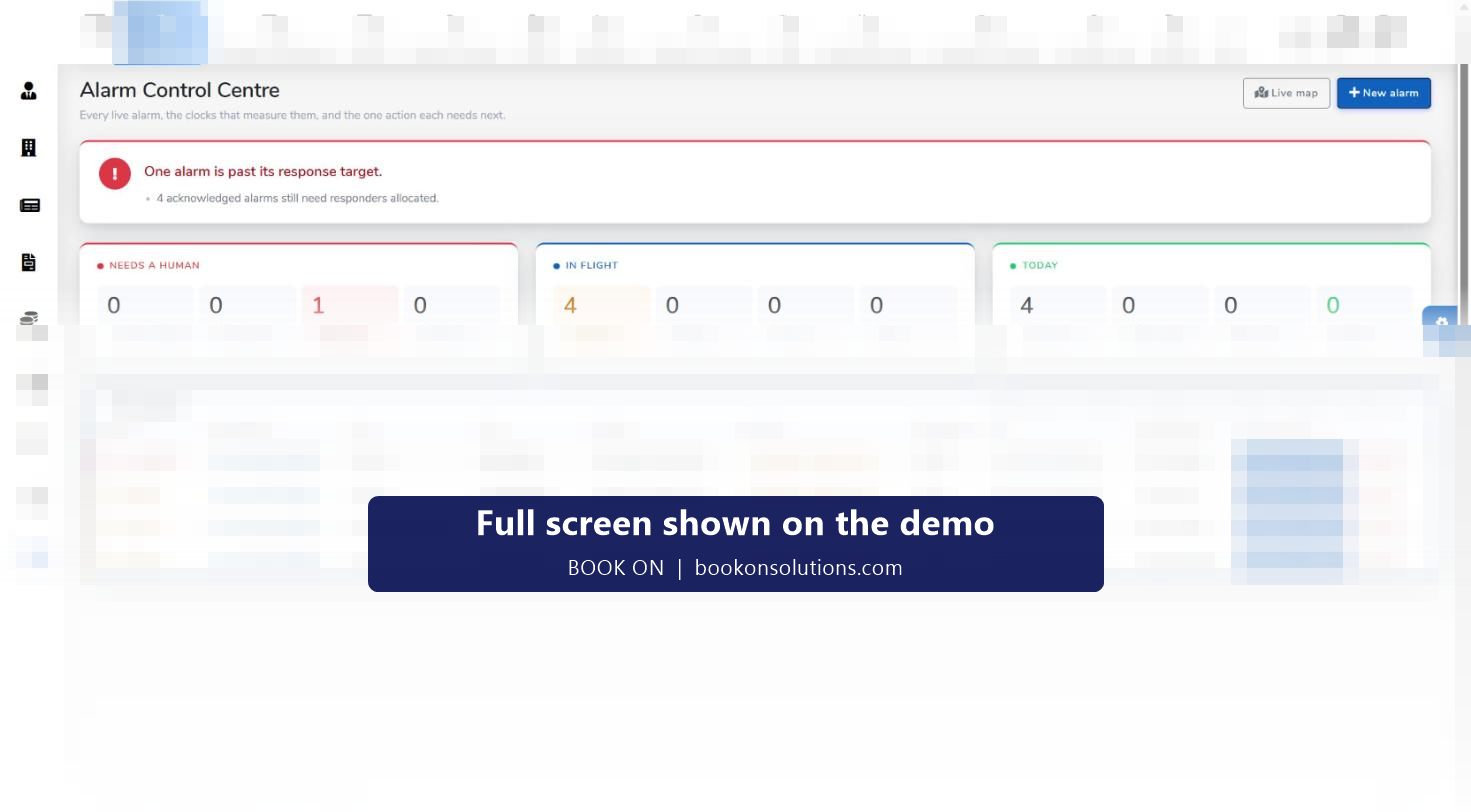
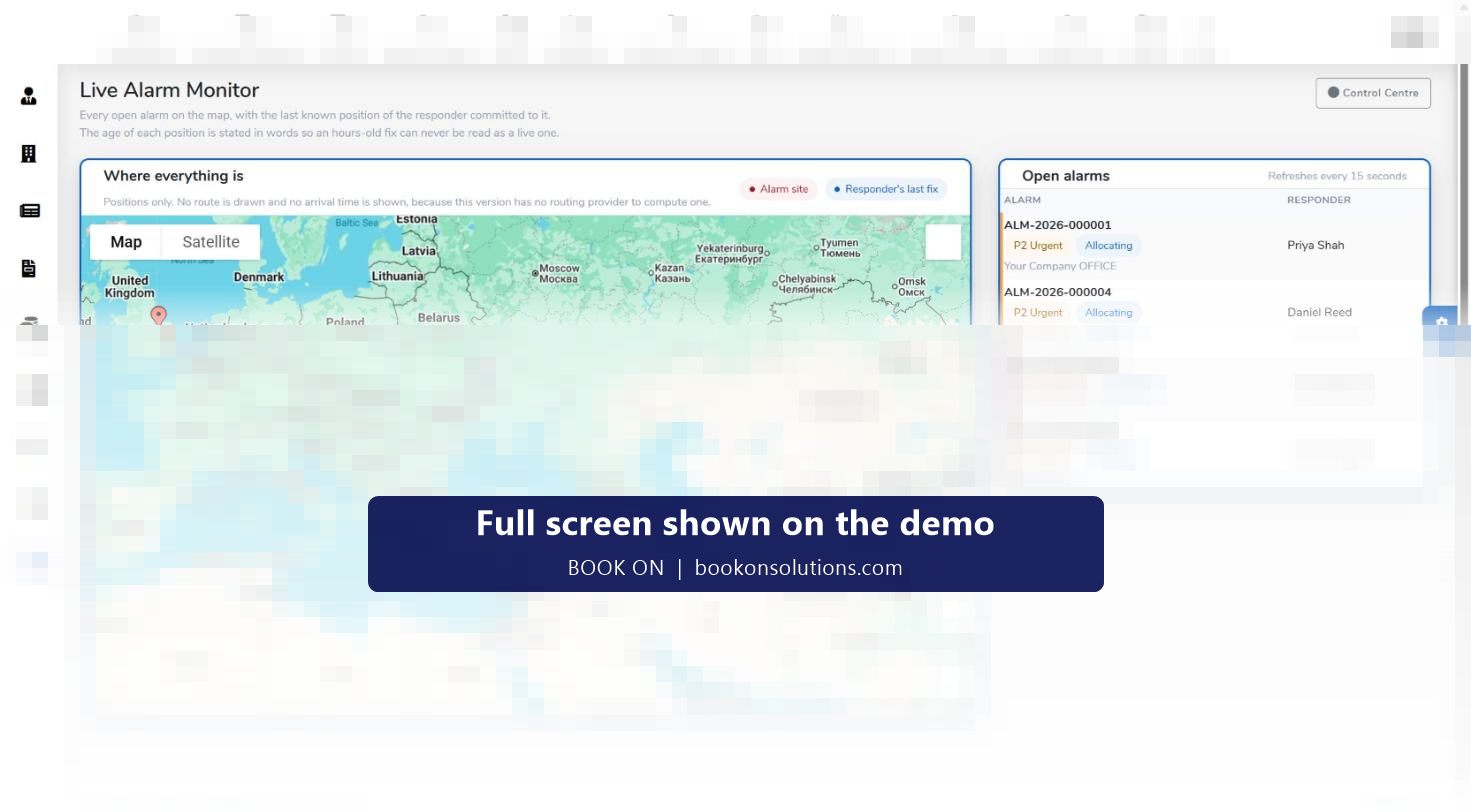
A keyholding company sells response time and proof of visits. BOOK ON’s alarm module runs the response: every live alarm on the Alarm Control Centre with its priority, SLA time remaining, responder and next action, a Live Alarm Monitor that maps the alarm site and the responder’s last known position, and alarm reports that show a client their response times, false alarms and repeat activations. Routine mobile patrol visits are recorded as patrol events against each site, so the month’s report shows visits and responses together, and call-outs are invoiced from the record.
What a keyholding contract needs
Response within the SLA
Alarms carry a priority from P1 immediate downwards and an SLA clock computed for each one; the board counts alarms past target and nearing target.
A responder, quickly
Offers go out to officers; the board shows allocating until one accepts, and the Live Alarm Monitor shows where the responder is.
Proof of the visit
Mobile patrol visits are patrol events against the site with time and photos, and the officer’s movement trail backs them up.
The outcome on record
Each alarm closes with an outcome, for example attended, searched, no cause found, and All Alarms keeps the history for search by reference, site or client.
Reports for the client
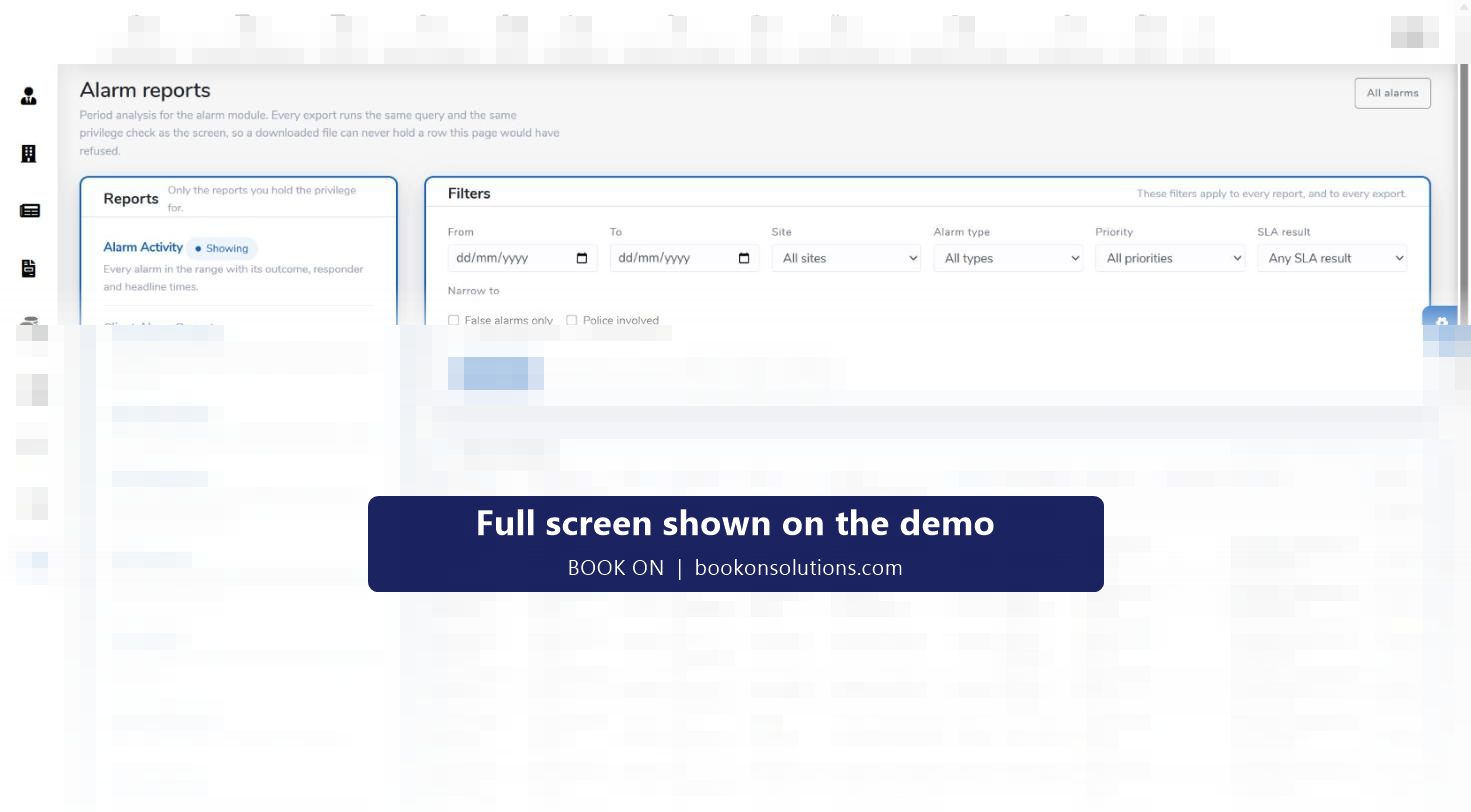
Client Alarm Report, Site Alarm Report, SLA Performance, SLA Breaches, False Alarms, Repeat Activations and Officer Response, exported to PDF, Excel or CSV.
Call-out billing
The Call Out Invoice report bills attendances, and routine visits are invoiced from the shifts worked.
An activation, minute by minute
- The alarm is raised in the control centre with type, site, client and priority, and gets a reference.
- Offers go to officers; a responder accepts and the status moves to allocated.
- The Live Alarm Monitor shows the alarm site and the responder’s last fix, with the age of the position stated.
- Status moves to en route and on site while the SLA clock runs.
- The responder records the outcome; the alarm is resolved and the report produced.
- The activation appears in All Alarms and in the period’s alarm reports.
Built around UK keyholding compliance
Keyholding and alarm response is covered by BS 7984-1, the code of practice for keyholding and response services, which expects response-time targets, records of each activation and its outcome, and training and licensing of response officers. BOOK ON’s SLA clock, outcome record, All Alarms history and SLA reports are that evidence, and each responder’s SIA licence and screening are tracked like any officer. Mobile patrols fall under BS 7984-3, and the patrol events and movement trail provide the visit record it expects. The alarm reports’ false alarm and repeat activation figures support a client’s URN management with the police.
Keyholding on BOOK ON at a glance
| Need | BOOK ON screen or report |
|---|---|
| Live alarms and SLA | Alarm Control Centre, alarm settings |
| Responder position | Live Alarm Monitor, Monitor Location |
| Activation history | All Alarms, Alarm Activity report |
| Mobile patrol visits | Patrol events, Patrols filter, Zig Zag Report |
| Client response reporting | Client Alarm Report, Site Alarm Report, SLA Performance, SLA Breaches |
| False alarms and URN exposure | False Alarms, Repeat Activations |
| Responder performance | Officer Response report |
| Billing | Call Out Invoice report, sales invoice from timesheets |
Keyholding questions
Does BOOK ON take alarms straight from the ARC?
Alarms are raised in the control centre with a New Alarm action. How your alarm receiving centre’s signals reach BOOK ON is confirmed during onboarding.
Can I set different response targets per client?
Priorities and the targets behind the SLA clock are configured in alarm settings; each alarm’s SLA result is computed by the system.
How do I show a client their response times?
The Client Alarm Report and SLA Performance report cover the client’s sites for a period and export to PDF, Excel or CSV.
Can routine patrol visits and alarms be on one report?
Visits are patrol events against the site and alarms are in the alarm reports; both are run for the same client and period for the monthly pack.
Are responders tracked?
Responders book on to their shift and their last known position is shown on the Live Alarm Monitor, with the age of the fix stated.
Can I bill call-outs separately from the retainer?
Yes. The Call Out Invoice report bills attendances, and the keyholding retainer and patrol visits are invoiced from the shifts and sites.
Related pages
Run an activation on the demo
We raise a P1 alarm, allocate a responder, watch the SLA clock and produce the client’s SLA report.