
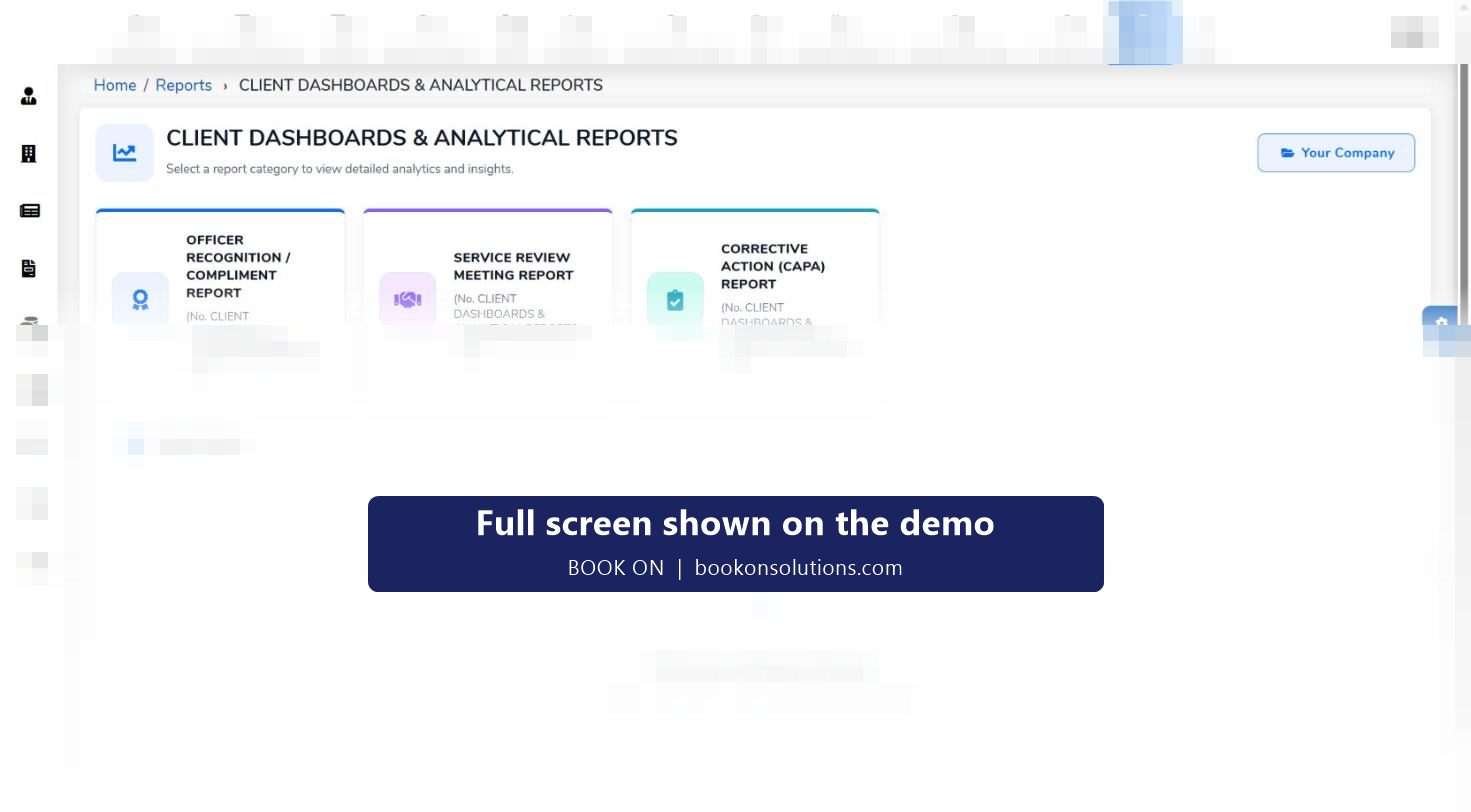
A guarding client wants three things from their contractor: proof that the officers were there, a record of what happened, and a monthly review that shows the service is managed. BOOK ON keeps every client in a register with its sites, holds a client file of the documents a contract starts with, and produces the reports an account manager sends each month: roster and attendance, check calls, events, service review meeting and corrective action reports, and the invoice with its backing.
What a client receives
Attendance
Roster reports for the client’s sites, site report with total staff hours, shift status and lateness reports, all from the book-on record.
Welfare and patrols
Check Calls Log / Lone Worker report, calls report, patrol events and the Zig Zag Report for a disputed patrol.
Occurrences and incidents
Events report, individual incident PDFs, shift logs.
Service management
Monthly Site Visit report, Service Review Meeting report, Corrective Action (CAPA) report, customer and client feedback.
Recognition
Officer Recognition / Compliment report, so good work reaches the client as well as complaints.
Billing
Client invoice, site-wise invoice, client hours analysis, contracted hours and PO / No PO Invoices.
The client file
A contract starts with documents, and BOOK ON keeps them as client file reports against the client and site: site survey, quotation, client contract, assignment instructions and site risk assessment. When a client, an assessor or a new control room operator asks what the post requires, the answer is in the file rather than in an email from two years ago.
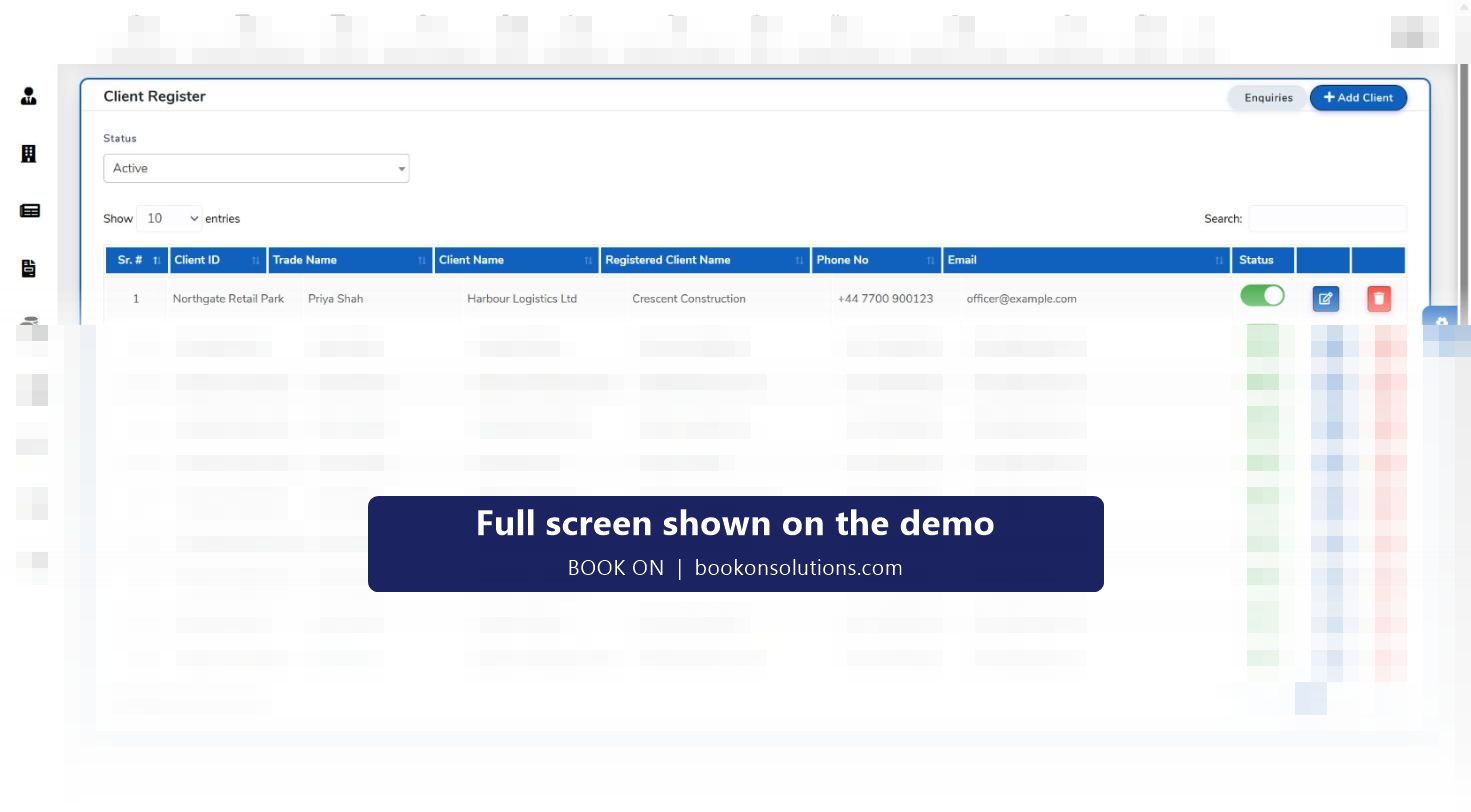
- Client register with trade and registered names, contacts, status and enquiries
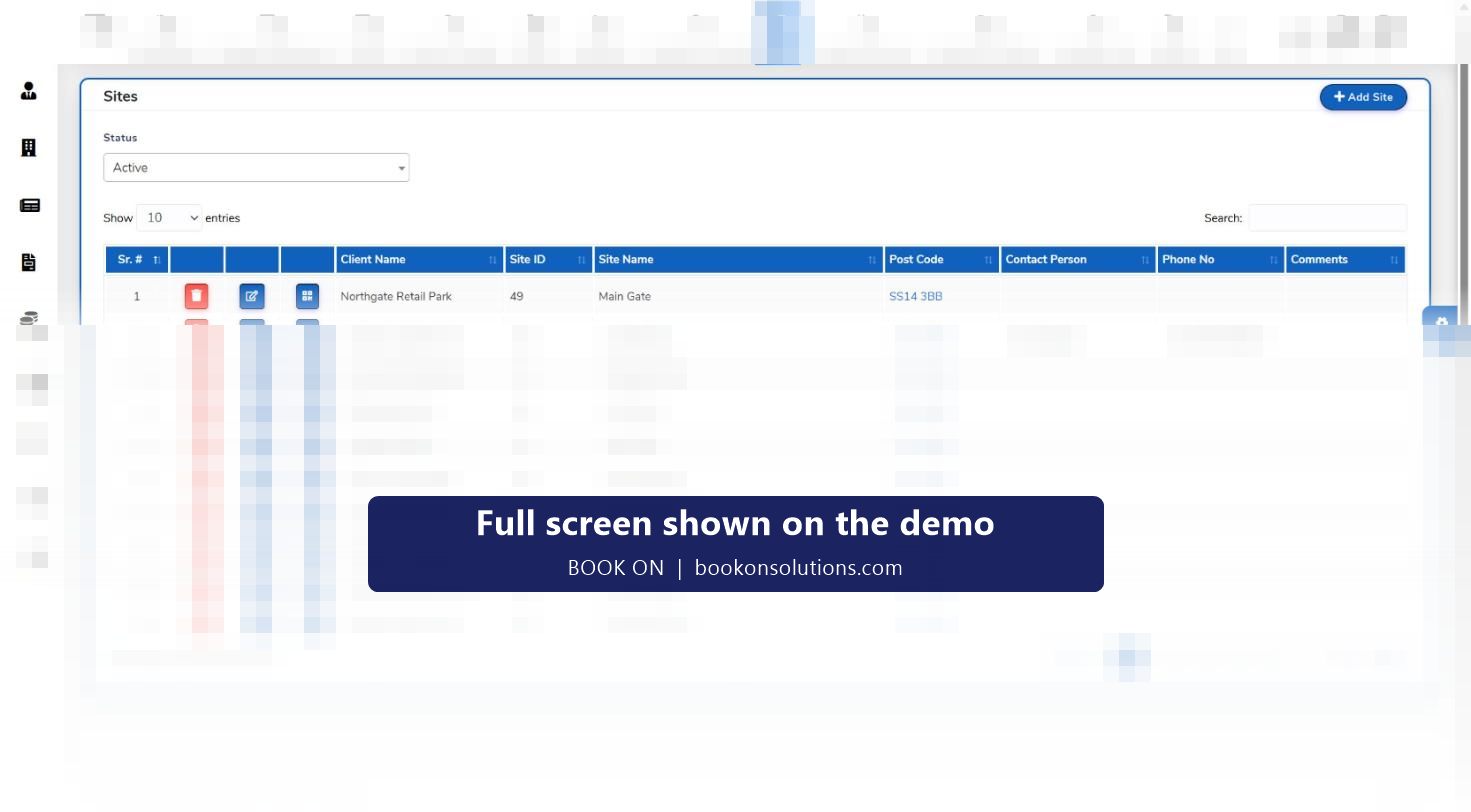
- Sites register with site ID, postcode, contact and phone
- Client file: site survey, quotation, contract, assignment instructions, risk assessment
- Client detail, clients list, site detail and sites list reports
Monthly review that writes itself
The service review meeting is where contracts are kept or lost. BOOK ON’s Service Review Meeting report and CAPA report are built from the month’s events, complaints, check calls and attendance, so the account manager walks in with the figures and the actions rather than a memory of the month. Complaints and service reviews are held in the registers with their corrective actions, which is also what an ACS assessor asks to see.
Client reports at a glance
| Report family | Reports | Typical use |
|---|---|---|
| Client and sites | Client Detail, Clients List, Site Detail, Sites List | Account records |
| Client file | Site Survey, Quotation, Client Contract, Assignment Instructions, Site Risk Assessment, Check Calls Log / Lone Worker, Monthly Site Visit, Customer / Client Feedback, Consumer Feedback, Employee Feedback | Contract start and monthly review |
| Roster | Employees / Client Roster, Site Roster, Shift Status, Site Report with Total Staff Hours, Lateness, Contracted Hours | Attendance evidence |
| Calls and events | Calls Report, Chase Up History, Events Report, Shift Logs | Welfare and occurrences |
| Client dashboards and analytical | Officer Recognition / Compliment, Service Review Meeting, Corrective Action (CAPA) | Service review meeting |
| Invoice | Client Invoice, Site-wise Invoice, Client Hours Analysis, PO / No PO Invoices, Call Out Invoice | Billing and queries |
Client reporting questions
Can my clients log in to BOOK ON?
Reports are produced by your team and sent as PDF, and client dashboards and analytical reports are part of the reports module. A client login for your contracts is confirmed and configured during onboarding.
Can I schedule a monthly client pack?
The reports above are run by client, site and date range. How they are bundled and sent each month is agreed during onboarding.
Can clients see live attendance?
Client-facing output is through reports rather than the live monitor. Roster and attendance reports show planned against actual hours for any date range.
Where do client complaints go?
Into the complaints register, with service reviews and corrective and preventive actions in the registers area, and onto the CAPA report for the next review meeting.
Can a client’s PO number appear on the invoice?
The PO / No PO Invoices report separates invoices with and without a purchase order so missing POs are chased before the invoice goes out.
Related features
Build next month’s client pack on the demo
Tell us a client’s sites and we will run their attendance, calls, events and service review reports in front of you.