
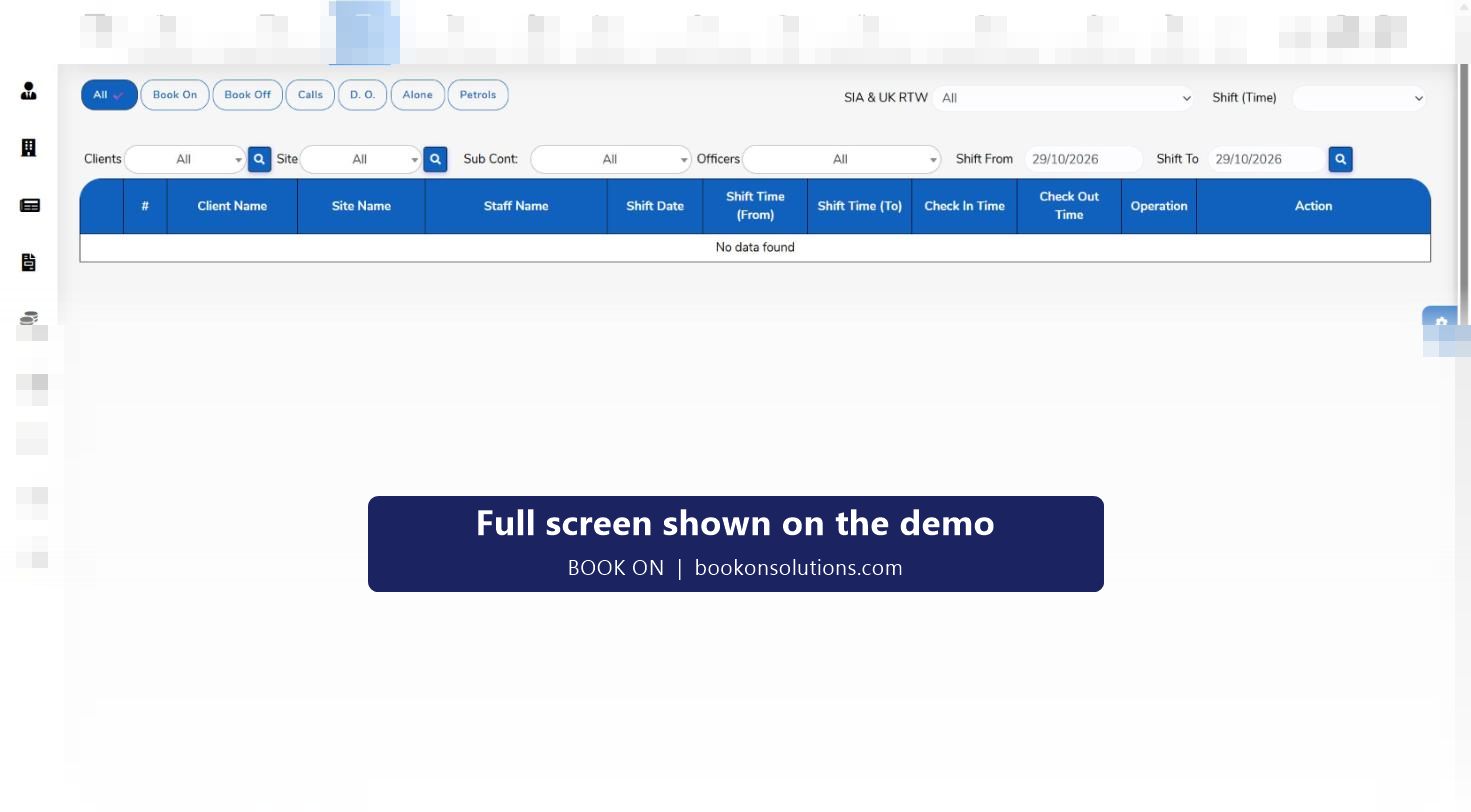
A check call is how a control room knows a lone officer is safe. BOOK ON replaces the phone round with calls answered from the officer app and listed on the live monitor’s Calls filter against the shift, so a missed call stands out and the controller acts on it. Call reports keep the history for every site, which is the evidence a lone-worker policy and an ACS assessment ask for.
How check calls run
Call frequency per post
Assignment instructions set how often a lone officer must check in, typically hourly or every two hours on remote and night posts.
Officer answers from the app
The officer completes the check call from the BOOK ON app; the call is recorded against the shift with its time.
Controller watches the Calls filter
The live monitor shows calls by client, site and officer. The Alone filter narrows the board to lone workers, where a gap in calls matters most.
Missed call is acted on
A due call with no record is the controller’s prompt: phone the officer, then escalate to a supervisor or, on an alarm response contract, raise a lone worker device alarm in the control centre.
History is reported
Call reports in the reports module hold every call by site and period for lone-worker reviews, client reports and ACS evidence.
Welfare and duty of care
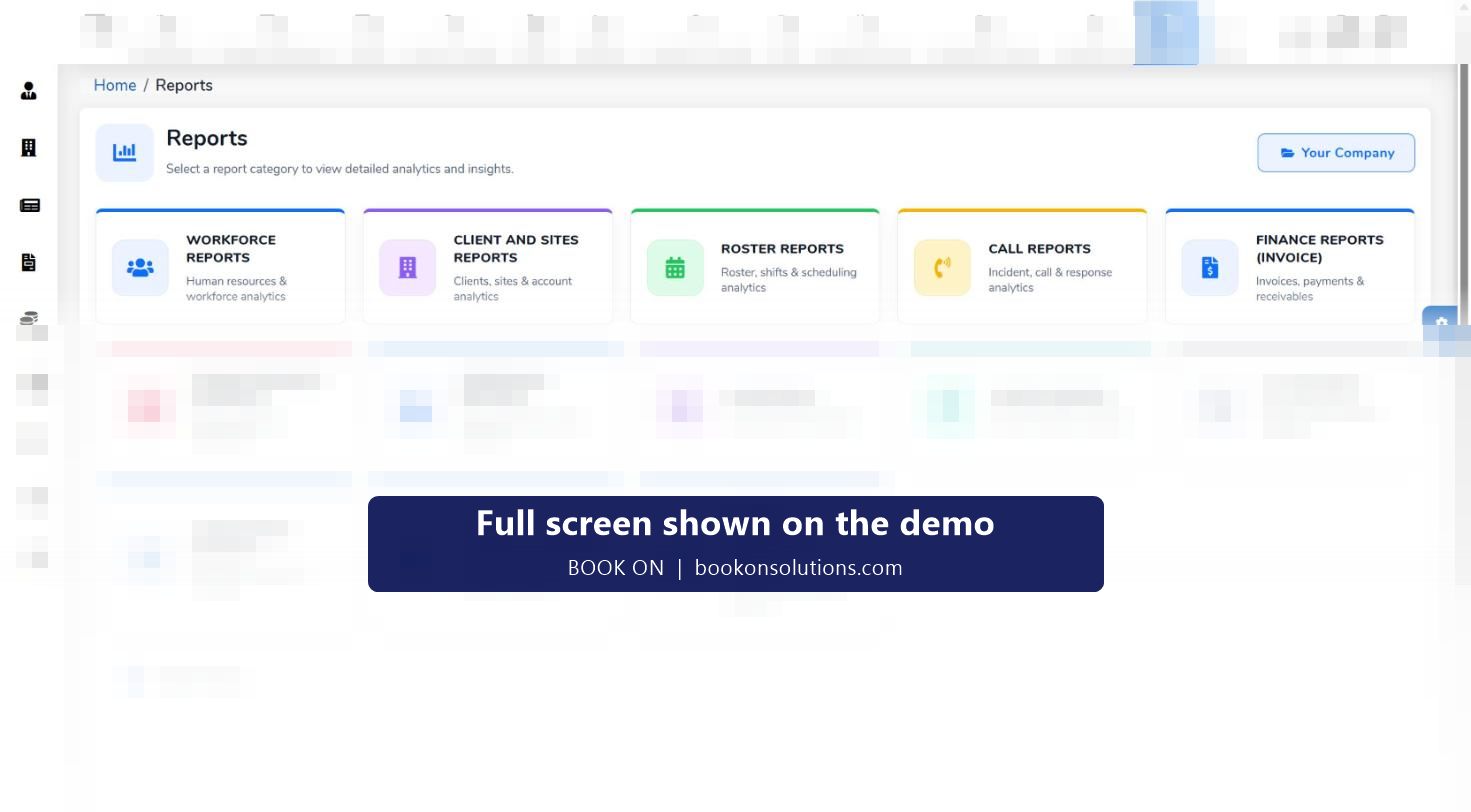
Lone working is normal in guarding: a single officer on a construction site at night, a gatehouse on an industrial estate, a vacant property. The Health and Safety at Work Act and the Management of Health and Safety at Work Regulations put the duty on the employer to monitor lone workers. BOOK ON gives a control room the three things that duty needs: knowing who is alone (the Alone filter), knowing they have checked in (the Calls filter and call reports) and knowing where they are (Monitor Location).
- Alone filter lists every lone worker on shift
- Calls filter shows each check call with its time
- Monitor Location shows the officer’s position on a map
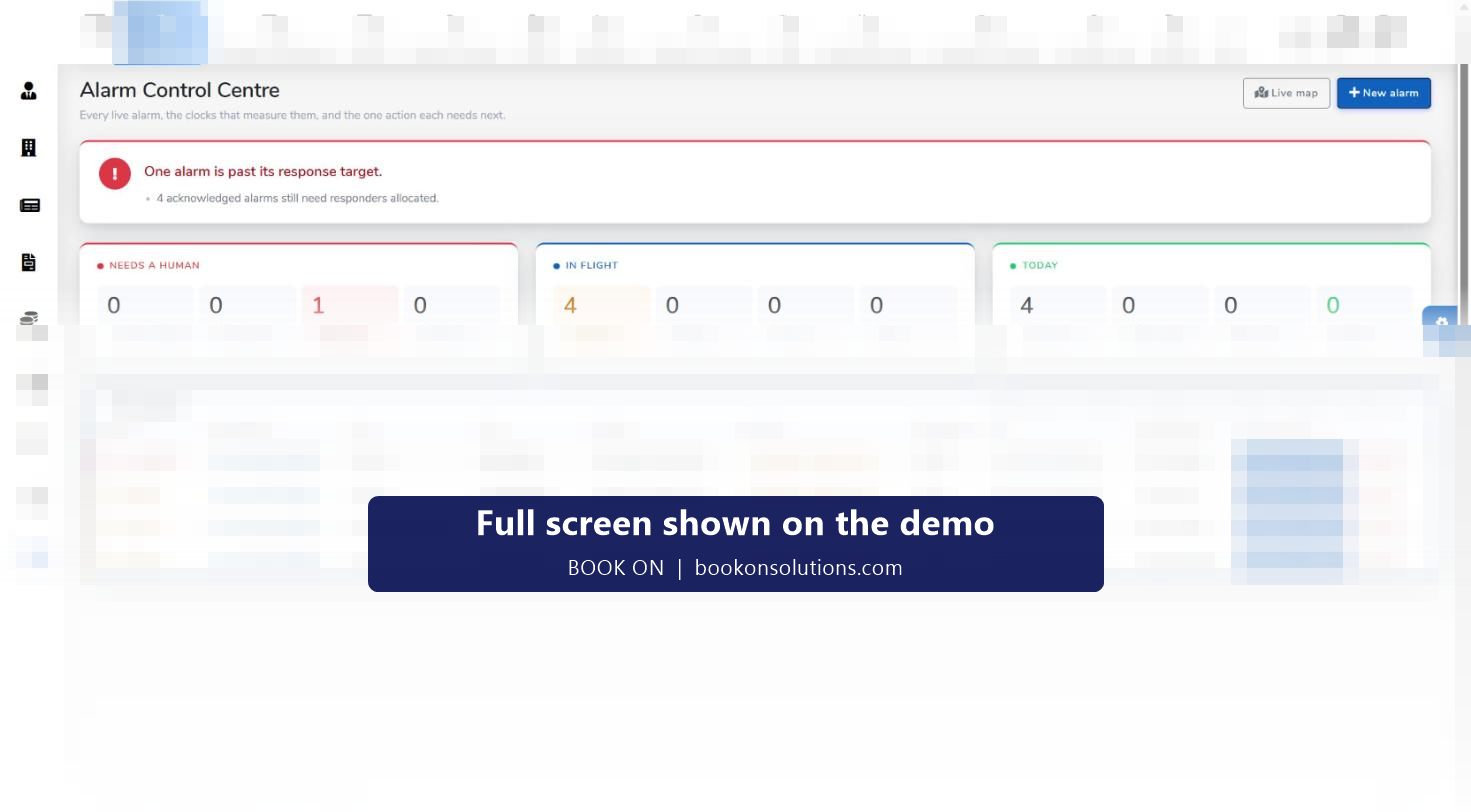
- Alarm control centre handles lone worker device alarms on response contracts
Check calls as service evidence
Clients on static guarding contracts increasingly ask for welfare-check logs as part of monthly reporting, and ACS assessors ask how a company evidences service delivery and officer welfare. Because check calls are recorded against the shift, BOOK ON produces that evidence from the operational record rather than from a separate log, and the Compliance and ACS Evidence reports draw on it directly.
Check calls at a glance
| Element | Where | Purpose |
|---|---|---|
| Check call | Officer app, live monitor Calls filter | Confirms the officer is safe at the due time |
| Alone filter | Live monitor | Shows which shifts are lone-worker shifts |
| Missed call | Live monitor (no record against the shift) | Controller prompt to phone and escalate |
| Call reports | Reports module | History by site and period for clients and ACS |
| Lone worker device alarm | Alarm control centre | Response with priority, SLA clock and responder |
| Auto Alert Message | Administration | Alert message settings for the company |
Check call questions
Can the officer answer a check call without the app?
Calls are answered from the BOOK ON app. If an officer’s phone fails, the control room can record the check-in from the roster so the welfare record stays complete.
How is a missed check call escalated?
The controller sees the gap on the live monitor, phones the officer and follows your escalation procedure. On alarm response contracts a lone worker device alarm can be raised in the control centre with an SLA clock and a responder.
Can clients receive check call logs?
Yes. Call reports can be produced by site and period, and client reports and dashboards are part of the reports module.
Does it meet BS 8484 for lone worker devices?
BS 8484 applies to dedicated lone worker device services. BOOK ON records check calls, lone worker shifts and location, and the alarm control centre handles lone worker device alarms; whether your contract needs a BS 8484 device as well is a risk assessment decision.
Is there a man-down or SOS function?
The officer app covers book-on, check calls, patrols, daily occurrence entries and incident reports. Any panic or man-down function for your sites is confirmed during onboarding rather than promised here.
Related features
Run a check call on the demo
We answer a check call from a phone and show it on the live monitor and the call report.