
BOOK ON’s roster is built for manned guarding: posts that must be covered around the clock by an officer with the right SIA licence. Shifts are planned by client, site and day, assigned to employees or subcontractor officers, confirmed, and copied forward week to week. Counters show what is still unassigned or unconfirmed, and a nearby-officer search finds cover by postcode when someone drops out.
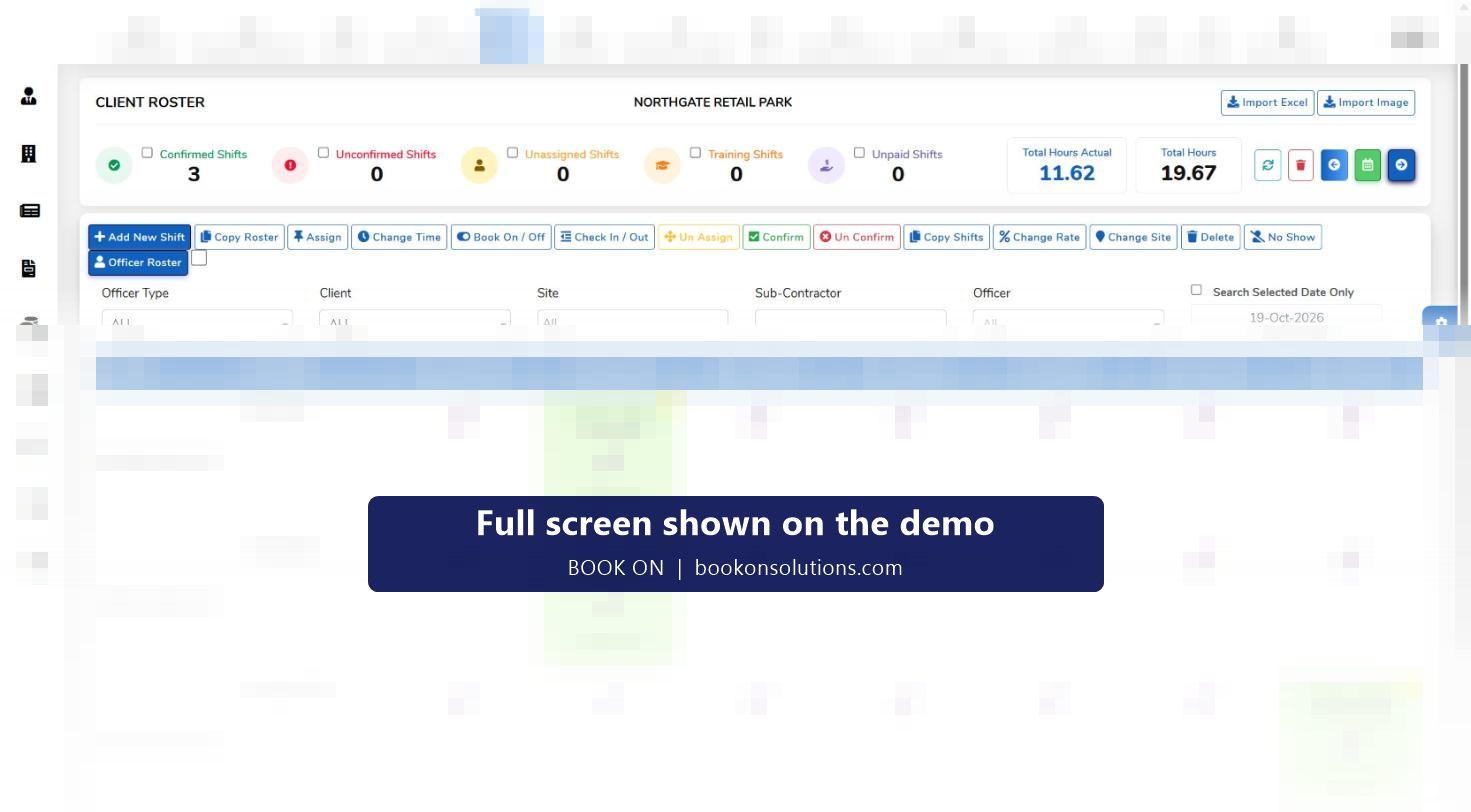
How a week is built
Add or import the shifts
Add a shift per site and day with its start and end time, or import an existing rota from Excel. Copy Roster carries a whole week forward; Copy Shifts repeats a pattern across days.
Assign the officer
Filter the officer list by officer type, client, site, subcontractor or name, then assign. Unassign, Change Time, Change Site and Change Rate correct a shift without deleting it.
Confirm and send
Confirm marks a shift as approved; the roster shows approved shifts with the officer’s name and times, and the officer sees the shift in the BOOK ON app.
Cover the gaps
Counters for unassigned and unconfirmed shifts show what is still open. The Workforce Location screen searches officers near a postcode within a radius, filtered by licence type, vetting status, certificates, work permit and transport.
Run the day
Book On, Book Off, Check In and Check Out can be recorded from the roster by the control room, and a No Show marks a missed shift so cover and billing are correct.
Pay and bill from the same record
Approved shifts, with any per-shift rate changes, feed timesheets, the sales invoice and payroll. Total hours planned sit next to actual hours worked.
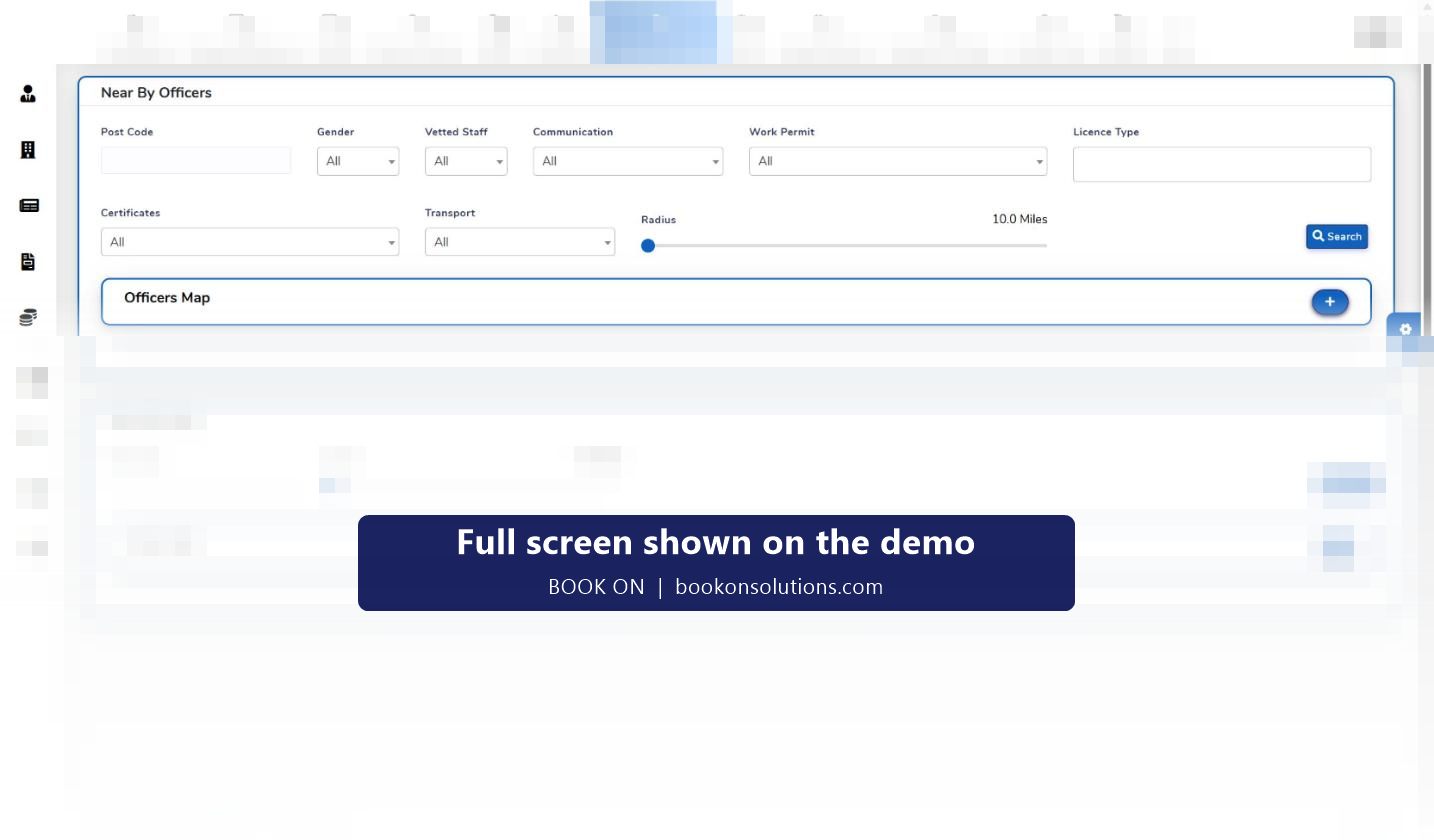
Finding cover by postcode
When an officer calls in sick at 05:00, the question is who is licensed, vetted and close enough. The Near By Officers search takes a postcode and a radius in miles and filters the workforce by gender, vetted status, communication, work permit, licence type, certificates and transport, then plots the matches on a map. Near By Sites does the same for sites, so a controller can see which other posts an officer could reach.
- Radius search from any UK postcode
- Filters for licence type, vetted staff and work permit so only deployable officers are offered
- Transport filter for sites with no public transport at night
- Officer map and sites map on the same screen
Two views of the same rota
The client roster shows a contract: every site under one client, with the shifts for each day. The officer roster shows one person’s week across all clients, which is where double-booking and rest-period problems are caught. Both views share the same shifts, so a change in one is a change in the other.
The manager dashboard adds a third check: a seven-day consecutive-work alert lists officers who have worked every day of the past week, so a planner can see fatigue risk before it becomes a Working Time Regulations problem.
Roster actions and what they are for
| Action | Used when | Effect on records |
|---|---|---|
| Add New Shift | A new post or a one-off cover shift | Creates the shift against client, site, date and time |
| Import Excel | Moving an existing spreadsheet rota into BOOK ON | Creates shifts in bulk |
| Copy Roster / Copy Shifts | Repeating last week or a pattern | Duplicates shifts to the chosen dates |
| Assign / Un Assign | Allocating or releasing an officer | Links or unlinks the officer; shift stays on the plan |
| Confirm / Un Confirm | Approving the plan before it is sent | Marks the shift approved and visible in the officer app |
| Change Time / Change Site / Change Rate | Client changes the hours, moves the post, or a night or bank holiday rate applies | Updates the shift without a delete and re-add |
| Book On / Book Off, Check In / Check Out | Officer’s phone has failed, or the control room records attendance | Writes the attendance times the timesheet uses |
| No Show | Officer did not attend | Flags the shift so it is excluded from pay and the client is told |
| Delete | Shift was created in error | Removes the shift; history reports keep the audit trail |
Scheduling questions
Can I set up 4-on-4-off and other rotating patterns?
Yes. Build one cycle of the pattern, then use Copy Shifts and Copy Roster to repeat it. Change Time corrects individual days when a client varies the hours.
Does it stop me rostering an officer whose SIA licence has expired?
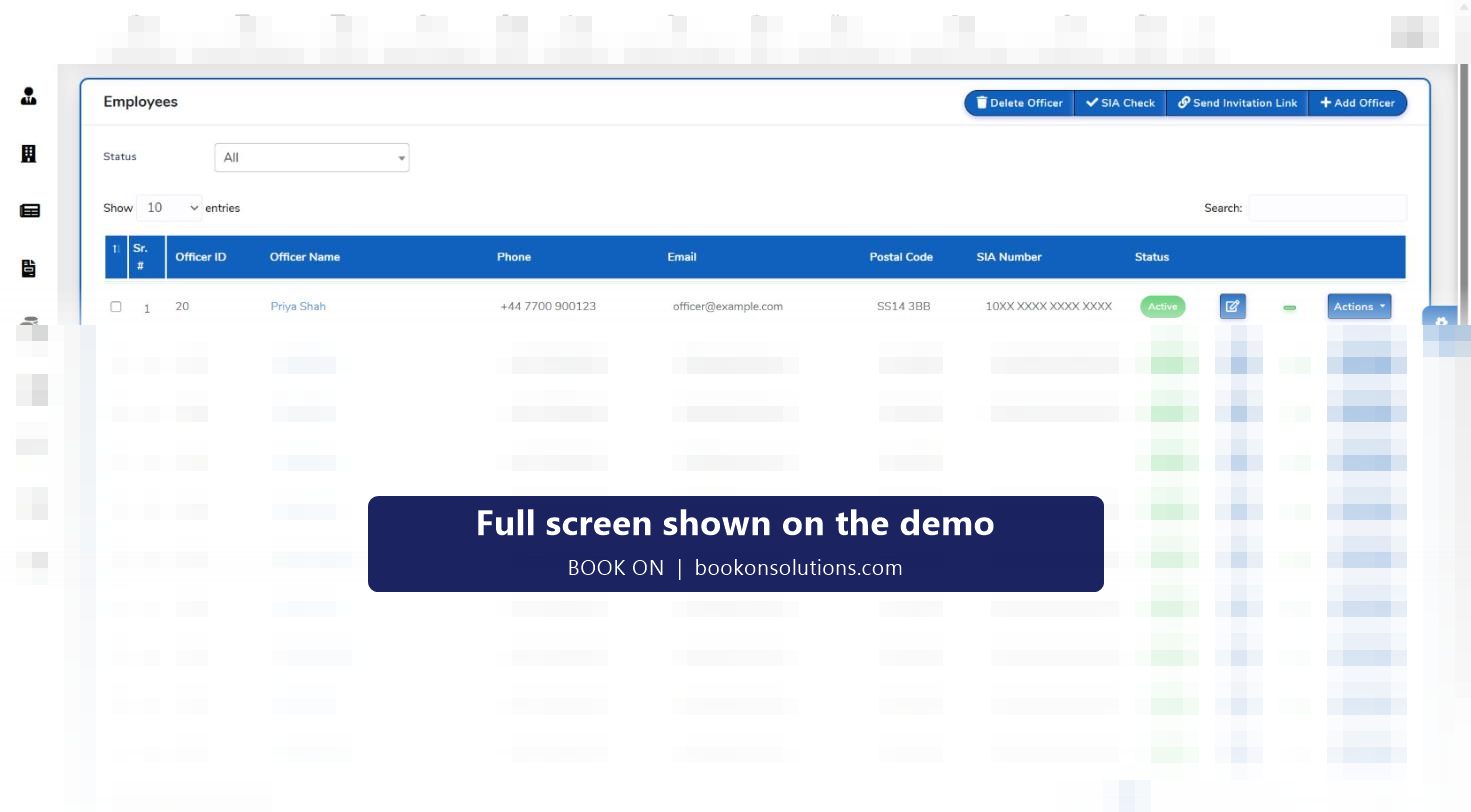
Licence type, number and expiry are held on the officer record, the employees list has an SIA Check action, and the HR dashboard lists licences by days remaining. The live monitor also has an SIA and UK right-to-work filter, so compliance status is visible before and during the shift.
How do subcontractor officers appear on the rota?
Subcontractor officers are assigned like employees, with a subcontractor filter on the roster. Their licences and visas appear in separate sub-employee expiry tables on the HR dashboard, and their shifts feed the subcontractor timesheet rather than payroll.
Can officers see their shifts on their phone?
Yes. Confirmed shifts appear in the BOOK ON officer app, where the officer books on and off, answers check calls and submits reports. See the officer app page.
Can I import my existing rota?
The roster has an Import Excel action. The column layout is agreed during onboarding so your current spreadsheet maps cleanly.
What about last-minute rate changes?
Change Rate on the shift sets a different pay or charge rate for that shift only, for example a bank holiday uplift, and the invoice and payroll pick it up automatically.
Related features
Bring your rota to the demo
Send us one week of your current spreadsheet and we will build it in BOOK ON live on the call.