
BOOK ON Compliance is the module that keeps a UK security company ready for an SIA inspection, an Approved Contractor Scheme assessment or a client audit. It checks SIA licences, lists every licence, visa and passport by expiry date, tracks BS 7858 screening and telephone screening as they progress, holds right-to-work share codes and the five-year history, and produces the Compliance and ACS Evidence reports from the same records.
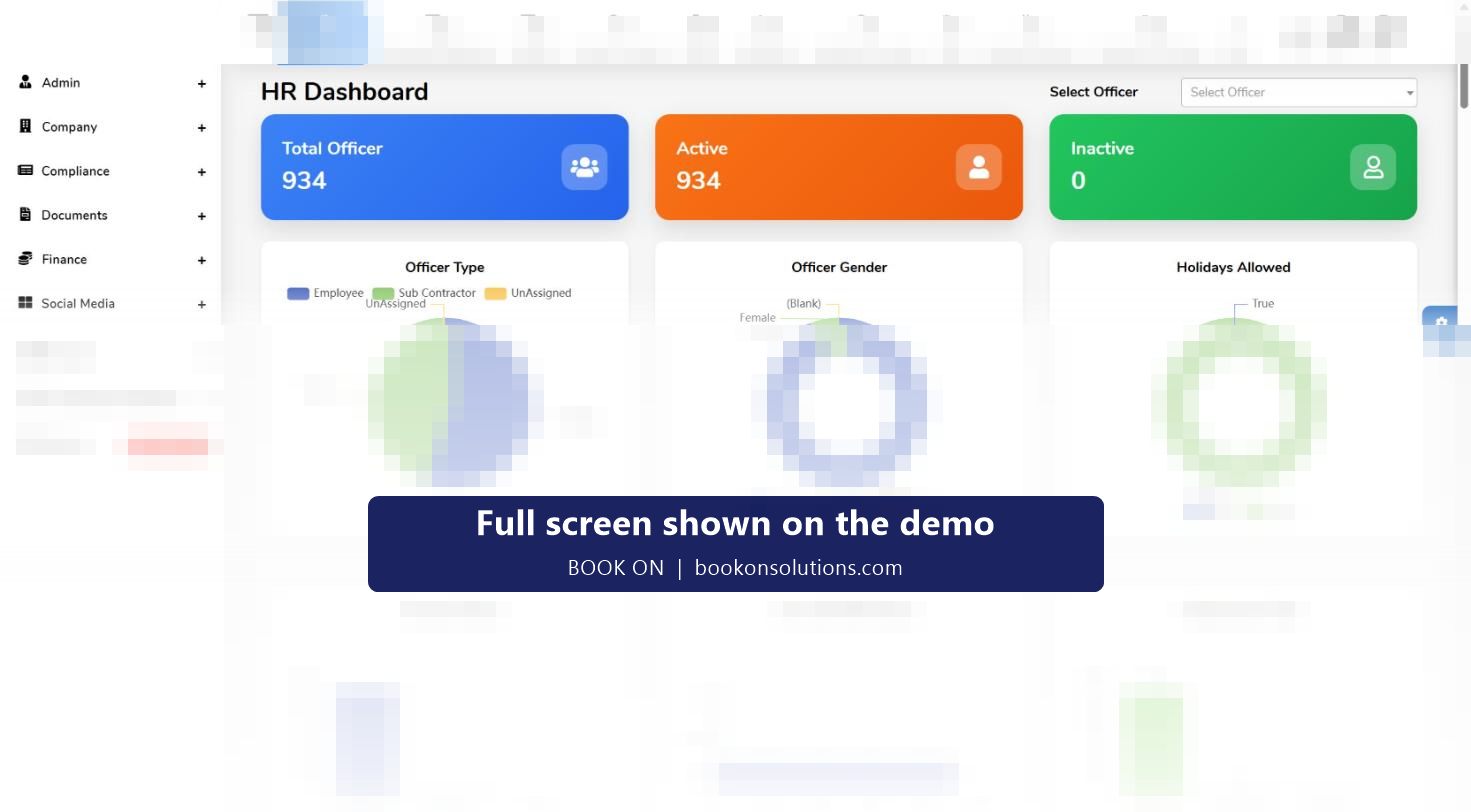
What the compliance manager sees
All of this sits on one HR dashboard under the officer counts and charts, so the first screen of the day answers the question every ACS assessor asks: who is working for you, are they licensed, and are they vetted?
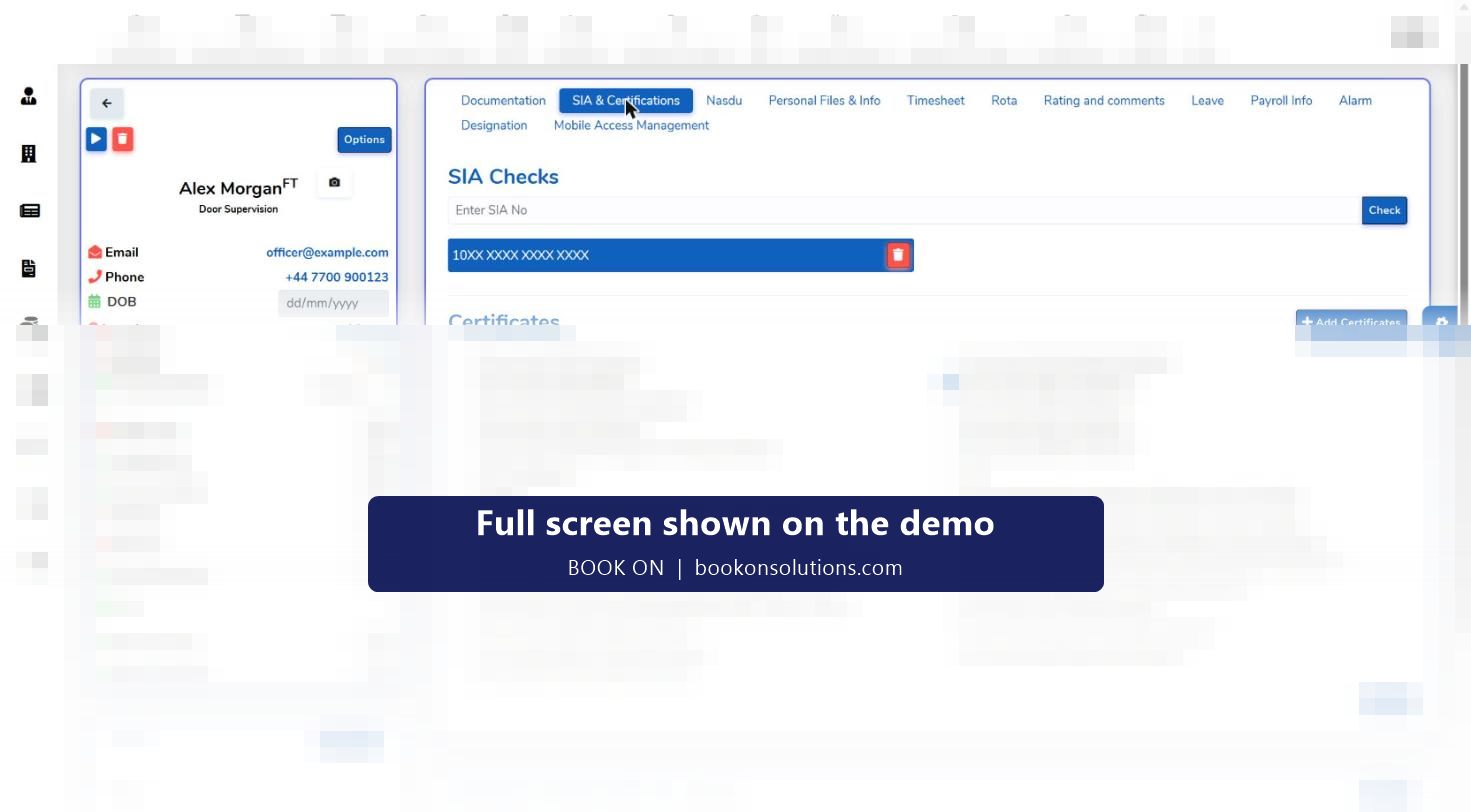
SIA licence checks on the officer record
Each officer’s SIA and Certifications tab holds the licence number with a Check button, the licence type, expiry date, card name, role, status explanation and additional conditions, plus uploads of the SIA card front and back and who verified it and when. The employee list has an SIA Check action for the workforce, and the HR dashboard lists licences by expiry for employees and for each subcontractor.
- Door supervision, security guarding, public space surveillance (CCTV) and vehicle immobilisation licence types recorded and charted
- Licence expiry lists for employees and sub-employees, sortable and searchable
- Verification date and verifying user stored with the licence
- A 30-item certificate checklist from CTSO and conflict management to first aid, lone worker and risk assessment training
BS 7858 screening and the P-File
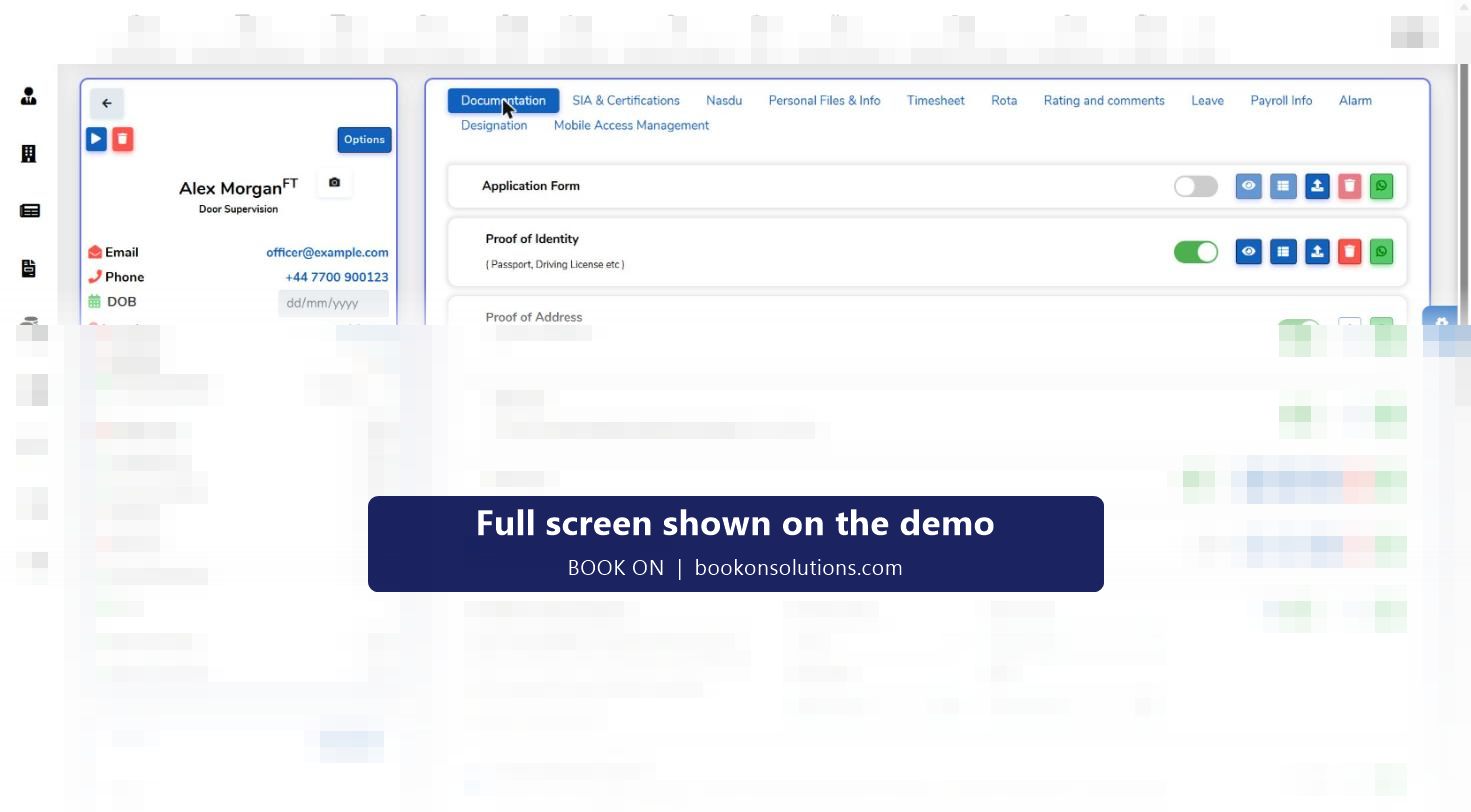
Vetting to BS 7858:2019 is a set of documents and checks that must be complete before an officer is deployed, and repeated on a cycle. BOOK ON holds the documentation checklist on the officer profile: application form, proof of identity, proof of address, SIA card, SIA check, CV, UK right to work with share code, code expiry and employer name, and the five-year employment history. Each item has a visibility toggle, an upload, a view and a WhatsApp request button so the control room can chase the officer for a missing document.
The P-Files tab lists every form (application form, email screening, uniform issue record, environmental training and the rest) with a completion ring, who must authorise it (staff or officer), whether it is completed in the app, and manual file uploads. Training records link to the training matrix and all forms download as one ZIP for an auditor.
Approved Contractor Scheme evidence, criterion by criterion
ACS assessment looks for evidence that processes exist and are followed. The table shows where BOOK ON produces that evidence today.
| What the assessor asks for | Where BOOK ON holds it |
|---|---|
| Licensed, screened staff | SIA checks and expiry lists; BS 7858 form status; documentation checklist; P-Files with completion percentage |
| Right to work and identity | Share code, code expiry and employer on the documentation checklist; passport and visa expiry lists |
| Training and competence | Certificate checklist, certification records with dates, training matrix link, environmental and induction forms |
| Service delivery and monitoring | Roster, live monitor, check calls, patrols, daily occurrence entries, incident and event reports |
| Customer feedback and complaints | Complaints, service reviews and CAPA modules, employee feedback form, rating and comments tab |
| Equipment and uniform | Equipment register, uniform issue record |
| Subcontractor control | Sub officers list, subcontractor roster filter, sub-employee licence and visa expiry lists |
| Records and audit trail | Compliance and ACS Evidence reports, log reports, history, permission reports |
Mapped from the demo system on 29 October 2026. The ACS criteria themselves are published by the SIA; this table shows where records live, not a guarantee of assessment outcome.
Reports an auditor can read
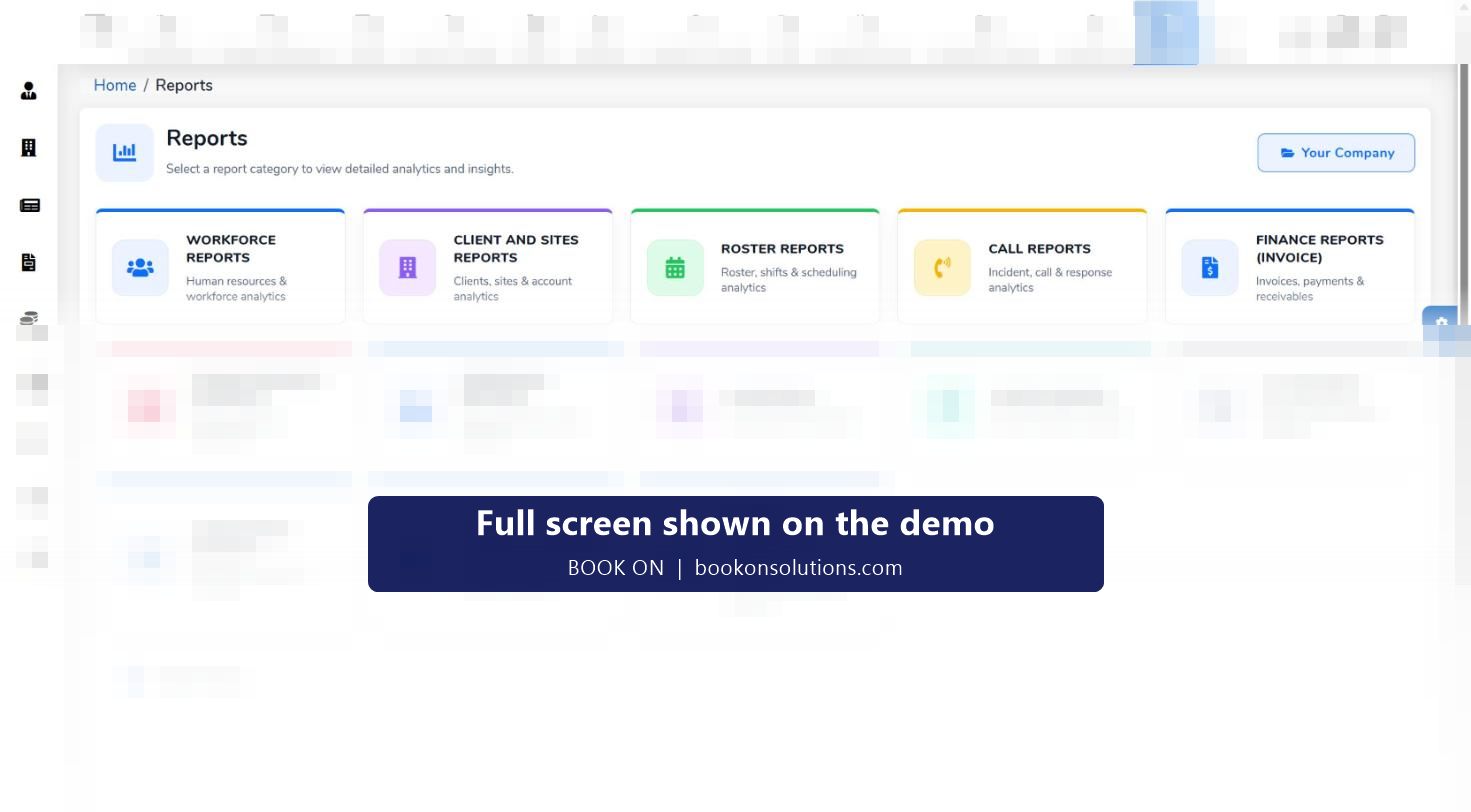
The reports hub groups Compliance and ACS Evidence reports with HR, workforce, permission and log reports, so an assessor’s request can be answered with an export rather than a search through folders.
- Compliance and ACS evidence analytics
- HR reports: employee and HR analytics
- Permission reports: user roles and access
- Log reports: system logs and activity tracking
Compliance questions
How are SIA licences checked?
Each officer’s licence number is held with a Check action, and the licence type, expiry, card name, role and status are stored on the profile with the verifying user and date. The employee list carries an SIA Check action and the HR dashboard lists licences by expiry.
What happens when a licence is about to expire?
The officer appears on the SIA licence expiry list on the HR dashboard, sorted by date, with their phone number for the chase. The same lists exist for visas and passports and for subcontractor officers.
Does it cover door supervisor, CCTV and close protection licences?
Licence types recorded in the system include door supervision, security guarding, public space surveillance (CCTV), close protection and vehicle immobilisation, and the licence-type chart on the HR dashboard shows the mix.
Does it store BS 7858 screening packs?
Yes. The documentation checklist, the five-year history and references, and the BS 7858 form status live on the officer profile, and all forms can be downloaded as a ZIP for an audit.
Is it ACS audit-ready?
The records an assessor asks for are held in the places listed in the table above and exported through the Compliance and ACS Evidence reports. Assessment outcomes depend on the company’s processes; BOOK ON holds the evidence.
How does it help with Martyn’s Law?
Incident and event records, patrol and check-call history and training records are the evidence a venue’s responsible person will ask a security contractor for. The Martyn’s Law page explains the duties and what to keep.
Compliance features and guides
Be audit-ready in minutes, not weeks
Bring your last ACS evidence request to the demo and see where each record would live.