
Most UK security companies that talk to us already run an established platform. It has a long track record, their controllers know it, and the vendor’s site has a page for every feature. What they want is a price on the page, a licence queue that says what to do next, an alarm response desk with a clock on it, and a system a 30-officer firm can set up in a week. This page sets out what established platforms typically publish, where BOOK ON differs, and a switching plan.
General comparison based on what leading UK security platforms publish on their own websites, read on 29 October 2026. No vendor is named. We have not used those products and do not claim to have.
Quick overview
Established UK security platforms
Typically a workforce management product with a long customer list, pages for rostering, proof of attendance, patrols, incidents, timesheets and client reporting, and tag pages for keyholding and alarm response. Pricing is often by quotation or in per-user tiers; buying is demo-led. Strong on breadth and references; less clear on what next month costs and on compliance as a queue of actions.
BOOK ON
A UK-built platform for security companies with three modules on one shift record: Operate (roster, live monitor, check calls, patrols, incidents, control room, alarm response desk), Compliance (SIA renewal queue, BS 7858 vetting tracker, P-Files, right-to-work expiry, registers, ACS evidence reports) and Accounts (timesheets, payroll with payslips, invoices from timesheets, finance dashboard). £2.95 per worked officer per month, all features included.
Pros and cons
Established platforms
- Pro: long track record and many UK references
- Pro: broad feature coverage across rostering, attendance, patrols and reporting
- Pro: an experienced onboarding and support operation
- Con: pricing is often not published, or is per user with office staff counted
- Con: licence expiry is usually a report to run rather than a queue with a next action
- Con: keyholding and alarm response are named, but an alarm desk with SLA clocks is rarely described
BOOK ON
- Pro: the price is on the page, per worked officer, with office users not counted
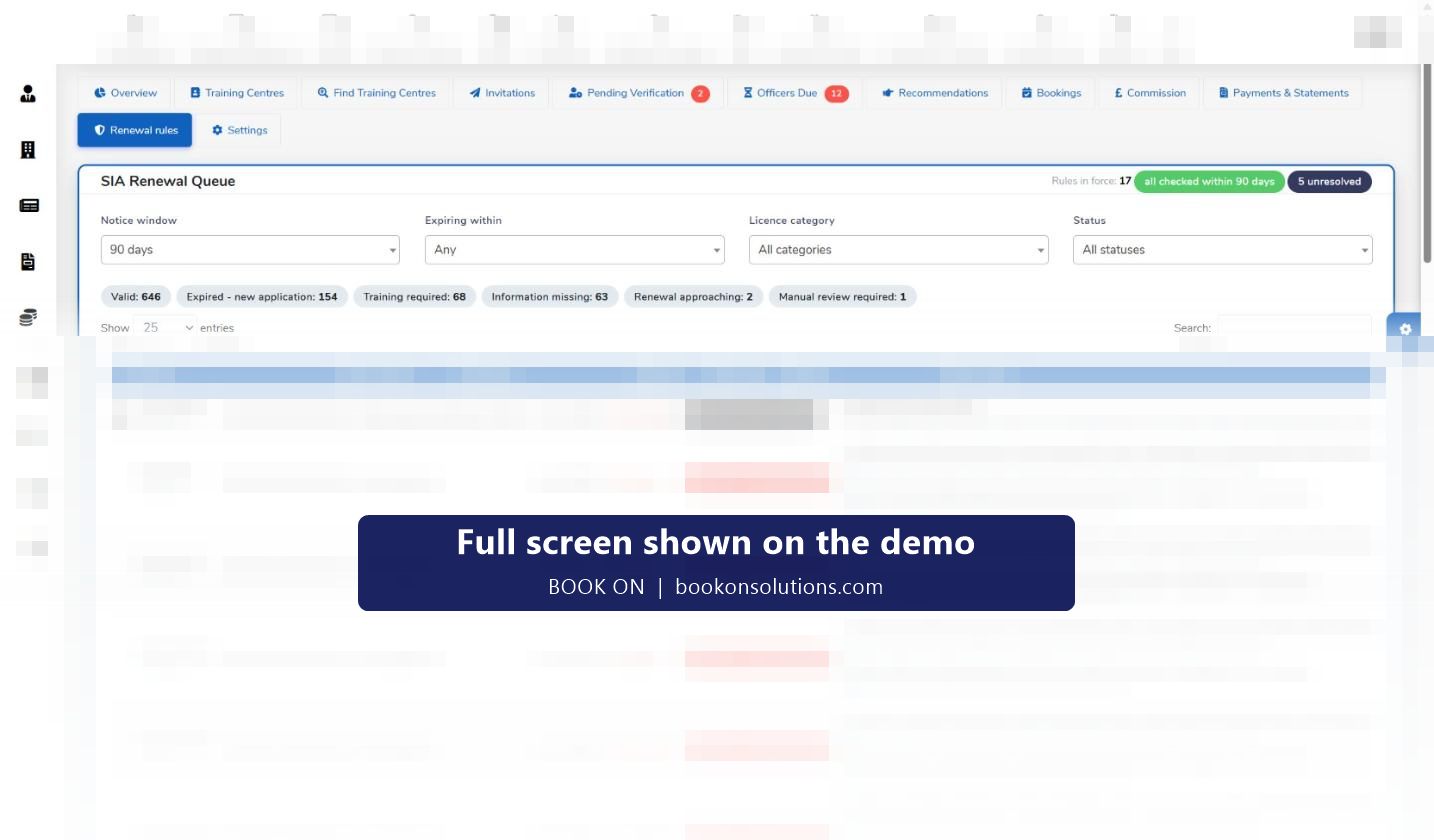
- Pro: SIA renewal queue, BS 7858 tracker and ACS evidence reports on the same record as the rota
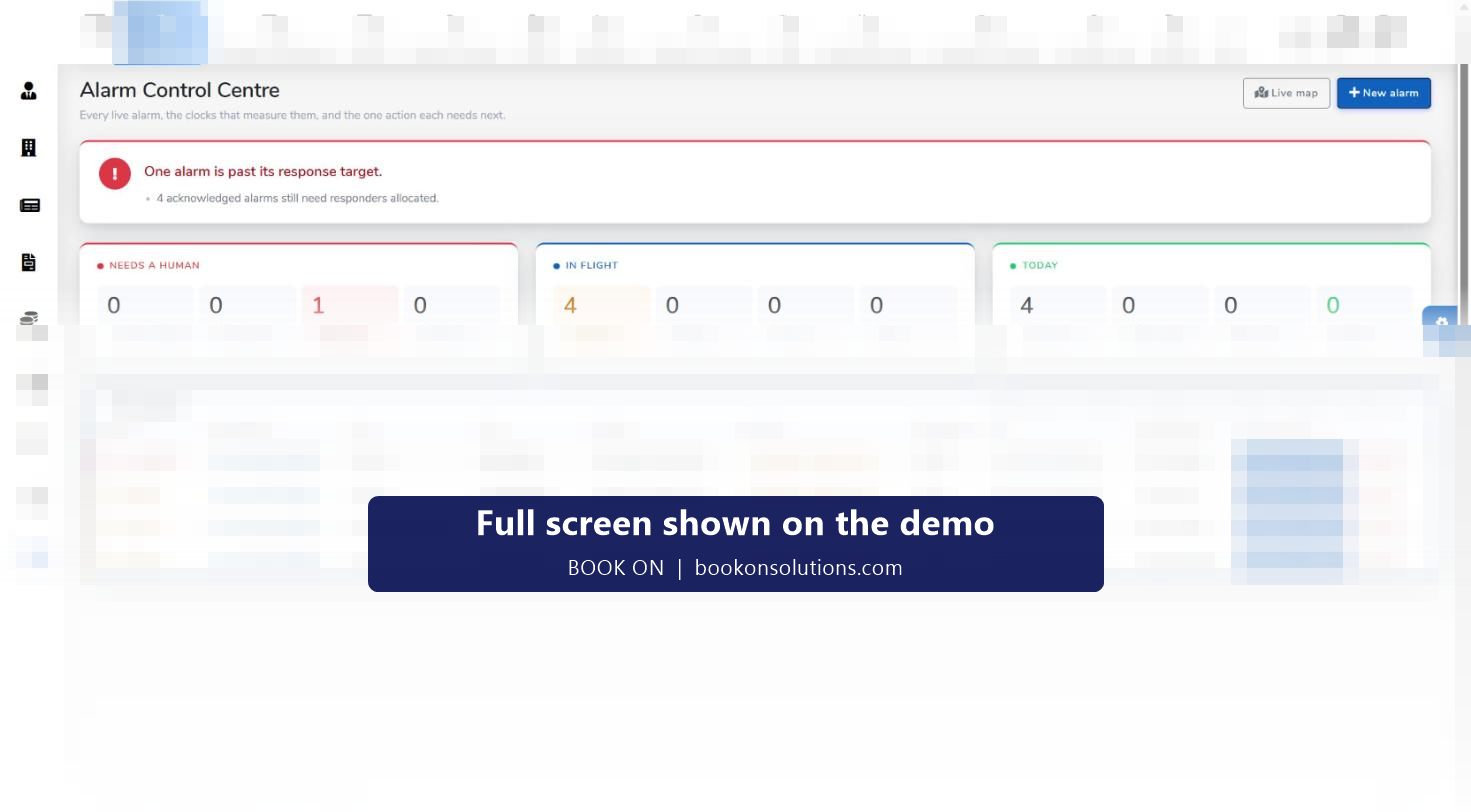
- Pro: alarm control centre with SLA clocks, live alarm map and eight alarm reports
- Pro: invoices fetched from approved timesheets, payroll with payslips
- Con: a newer brand with fewer public references than the incumbents
- Con: integrations, offline behaviour and a client login are confirmed during onboarding rather than listed
Feature by feature
| Area | Established platforms (as typically published) | BOOK ON (from the live system) |
|---|---|---|
| Rostering | Rota and scheduling pages; shift marketplaces on some | Client and officer rosters, Copy Roster, Excel import, Near By Officers cover search by postcode and certificate |
| Proof of attendance | GPS clock-in and guards-on-duty lists | Book on and book off from the app with position, planned against actual, movement trail and Zig Zag Report |
| SIA licence tracking | Licence tracking pages; renewal queue rarely described | SIA check per officer, expiry tables, renewal queue with next actions and last-checked dates |
| BS 7858 screening | Vetting workflows on some; per-report charges on some | Vetting checklist, telephone screening, BS 7858 pending lists, P-File progress rings, in the subscription |
| Check calls and lone workers | Welfare checks named; SMS and call charges sometimes extra | Calls and Alone filters on the live monitor, call reports, Check Calls Log / Lone Worker report |
| Incidents and daily occurrence book | Incident reporting and PDF exports | Typed events with photos, manager review, PDF; daily occurrence entries; events and shift logs reports |
| Keyholding and alarm response | Named on tag pages or as a specialist module | Alarm control centre with priorities, SLA clocks and responders; live alarm map; alarm history; eight alarm reports |
| Pay and bill | Timesheets; payroll export sometimes an add-on; invoicing on higher tiers | Generate Payroll with payslips; sales invoice fetched from timesheets; finance dashboard with margin |
| Pricing | By quotation, or per user with minimums and tiers | £2.95 per worked officer per month, published, all features included |
“Rarely described” means not found on the public pages we read on 29 October 2026, not that a product lacks it. Ask your current provider.
Questions to ask your current provider before you decide
- What will next month cost for our headcount, including office users, add-ons and any per-report or per-message charges?
- Where does a controller see which licences expire this month and what the next action is?
- Can the client’s invoice be produced from the approved timesheet without retyping?
- Is there an alarm desk with a response clock, or a keyholding record?
- How do we export our data, and how long does cut-over take?
Switching plan
Export
Clients, sites, officers, rates and the current rota out of your existing system; licences and documents as files.
Import and register
Rota imported from Excel; officers registered through an invitation link; licences and documents uploaded to P-Files.
Parallel pay period
One period run in both systems; payroll and invoices compared line by line before cut-over.
Cut over
Switch on a Monday; keep read access to the old system for your retention period.
Switching questions
How long does a switch take?
Clients, sites, officers, rates and the first rota are typically in BOOK ON within a week, with one parallel pay period before cut-over.
Will we lose our history?
Historic timesheets and invoices stay in your old system for its retention period; current officers, documents and the live rota come across. What is imported is agreed during onboarding.
Do our officers need new training?
Officers book on, answer check calls and type reports from one app; most are working from it on the first shift.
What does BOOK ON cost compared with what we pay now?
£2.95 per worked officer per month with all features included and office users not counted. Put your headcount into the pricing calculator and compare it with your current invoice.
Can we run both systems for a while?
Yes. A parallel pay period is the usual approach, and it is how the invoices are checked line by line.
Related pages
Compare on your own rota
Bring a week of rota and your licence list to the demo and see them in BOOK ON.