
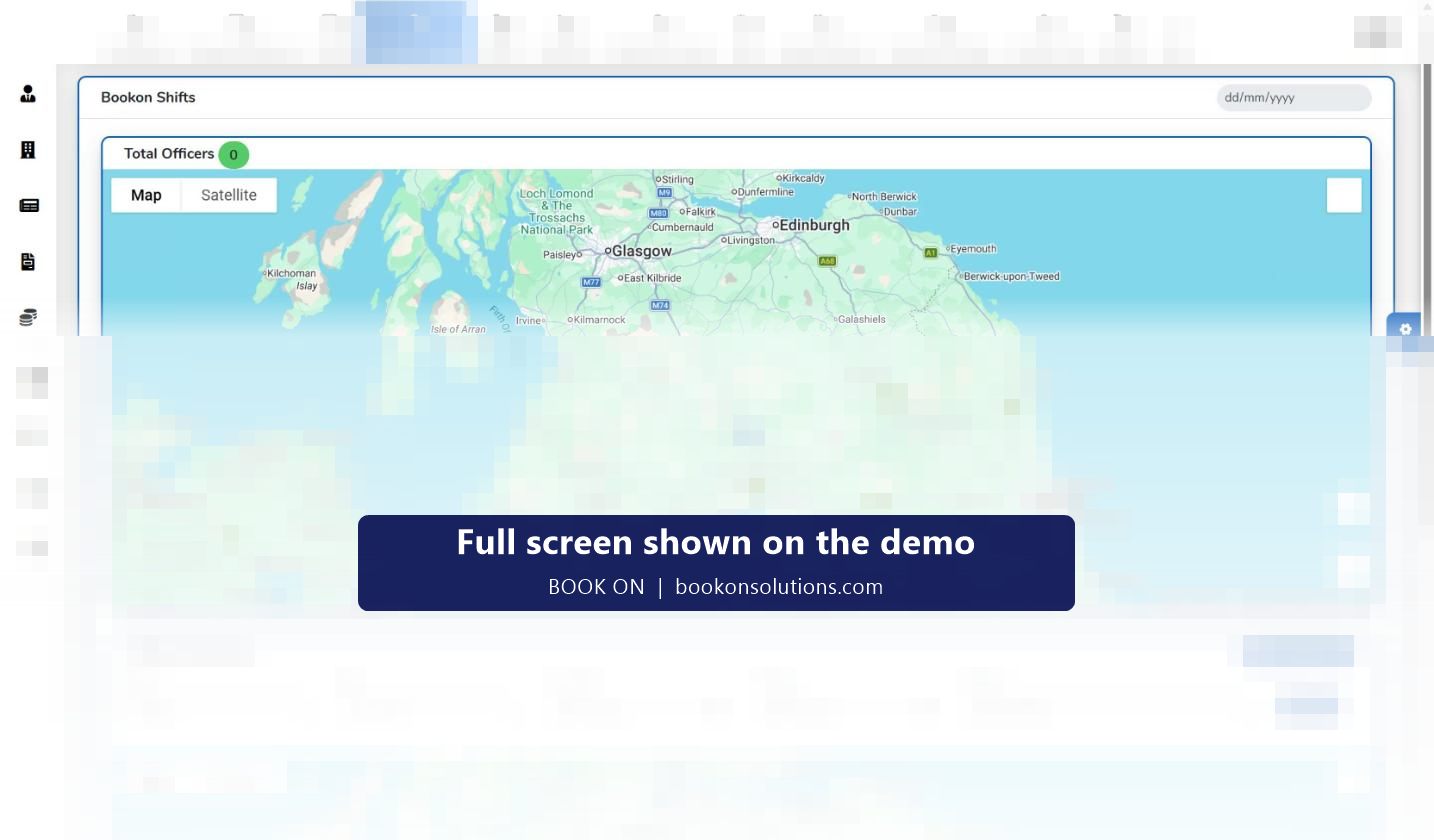
BOOK ON’s Monitor Location screen puts every officer who is booked on onto a map, with a total-officers count and a date selector for past days. Below it, Officer Movement replays one officer’s trail for a client, site and date range, and the Zig Zag Report turns that trail into a document for a client who asks whether a patrol was actually walked.
Three uses for location in a guarding company
Welfare
A lone officer on a remote site is a duty-of-care risk. The map shows where they are, the live monitor’s Alone filter lists them, and check calls confirm they are safe. See lone worker protection.
Proof
When a client disputes a patrol, Officer Movement replays the trail for that officer, site and date, and the Zig Zag Report gives the account manager something to send.
Cover
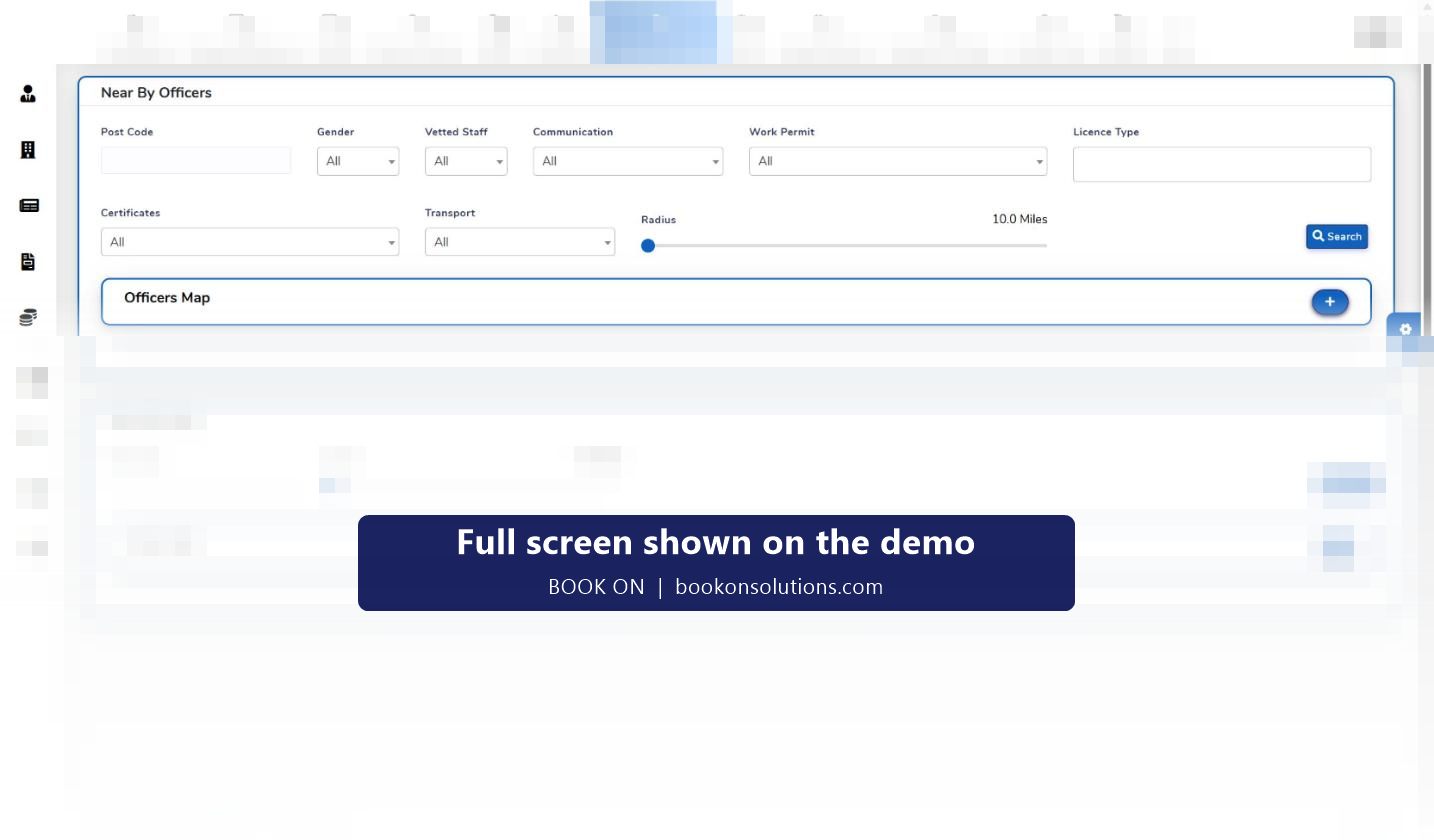
Workforce Location searches officers near a postcode by radius, licence type, vetting status and transport, so cover is found by distance rather than by a phone list.
Officer movement and the zig-zag report
Select a client, one or more sites, a from and to date and the officer, and the second map draws where the officer was during the shifts in that range. Map and satellite views are available, so a trail can be read against the actual buildings and fence lines of a site. The Zig Zag Report exports that movement as a report for the file or the client.
- Movement replay per officer, client, site and date range
- Satellite view to compare a trail against a site’s perimeter
- Zig Zag Report for patrol disputes and client reviews
- Officer location history retained with the shift record
Tracking that respects the officer
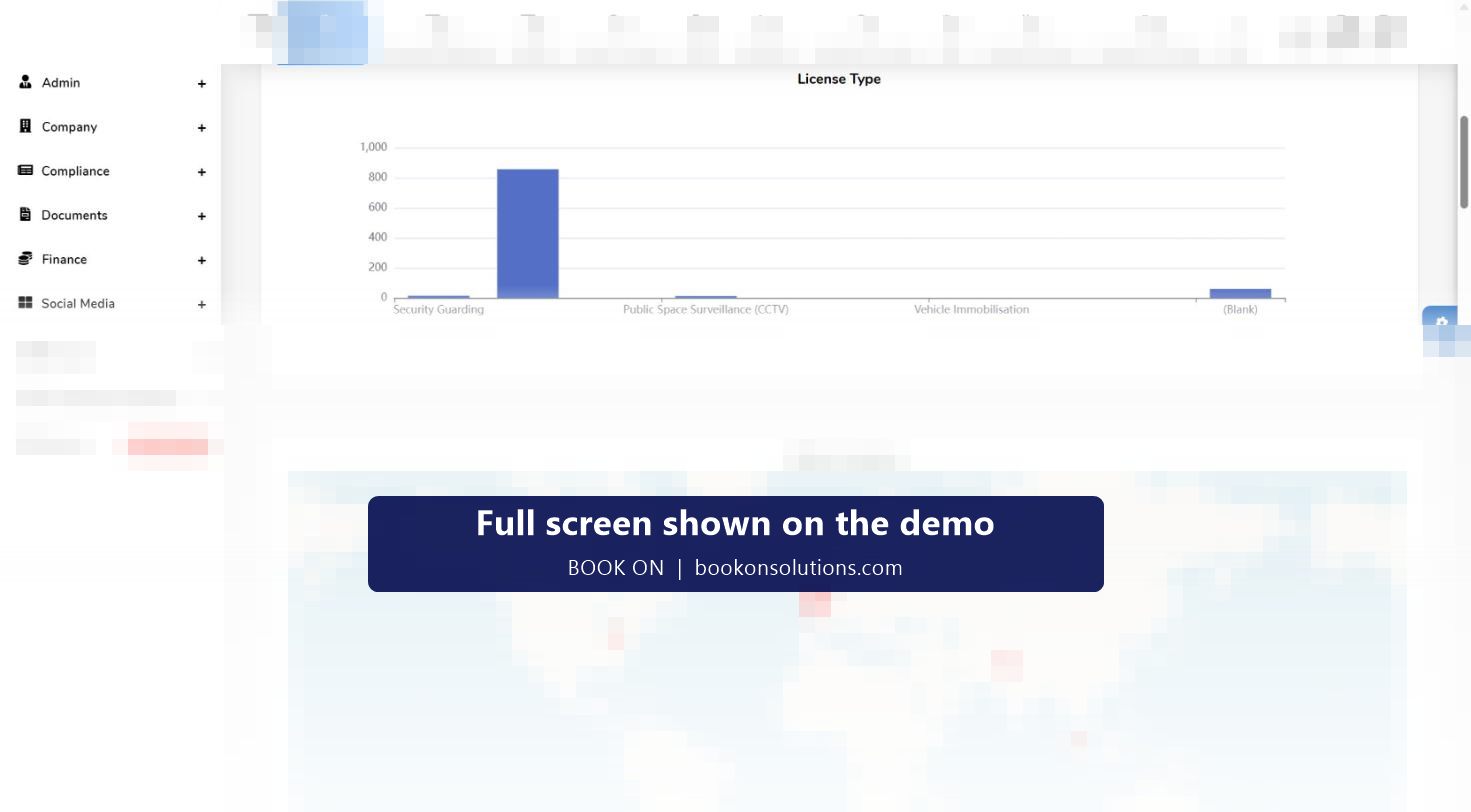
Location in BOOK ON is tied to shifts. The Bookon Shifts map shows officers who are booked on; movement history is searched by shift dates. That is the basis for a fair policy that officers accept: the company can show where an officer was while being paid to be on site, and has no need to know anything else. Put a short written location notice in the officer handbook so every officer knows what is recorded and why.
Location screens at a glance
| Screen | Shows | Typical question it answers |
|---|---|---|
| Monitor Location: Bookon Shifts | Officers currently booked on, plotted on a map, with a date selector | Who is on site right now, and where? |
| Monitor Location: Officer Movement | One officer’s trail for a client, site and date range | Did the 02:00 patrol happen? |
| Zig Zag Report | The movement trail as a report | What do we send the client? |
| Workforce Location: Near By Officers | Officers within a radius of a postcode, filtered by licence, vetting and transport | Who can cover the gate by 06:00? |
| Workforce Location: Near By Sites | Sites within a radius of a postcode | Which other posts could this officer reach? |
| HR dashboard: Officer Locations | Home locations of the workforce | Where should we recruit? |
Guard tracking questions
Does the officer need to keep the app open?
Location is recorded for officers on shift through the BOOK ON officer app. Battery and background settings for iOS and Android are covered in the officer app guidance we give during onboarding.
Can clients see the map?
Client-facing output is through reports and client dashboards rather than the live map. The Zig Zag Report and operational reports are the usual way to give a client location evidence.
Is there a geofence at book-on?
Location is recorded against the shift and shown on the map. Any rules applied at the moment of book-on for your sites are agreed and configured during onboarding.
How long is location history kept?
Movement history is searched by date range against the shift record. Retention is agreed in your data processing terms.
Is this compliant with UK data protection law?
Tracking during paid shifts for welfare, service delivery and contract evidence is a recognised purpose, provided officers are told in writing and the data is used only for those purposes.
Related features
Watch a shift on the map
Book a demo and we will replay a real officer movement trail and produce the zig-zag report in front of you.