
The product is named after the moment that matters most in guarding: the officer booking on at the start of a shift. In BOOK ON that moment is recorded from the officer app, appears on the control room’s live monitor with the check-in time, and is the record the timesheet, the invoice and the client’s attendance report are built from. No separate time-and-attendance system, no paper signing-in sheet to chase.
From book-on to proof
Shift is confirmed
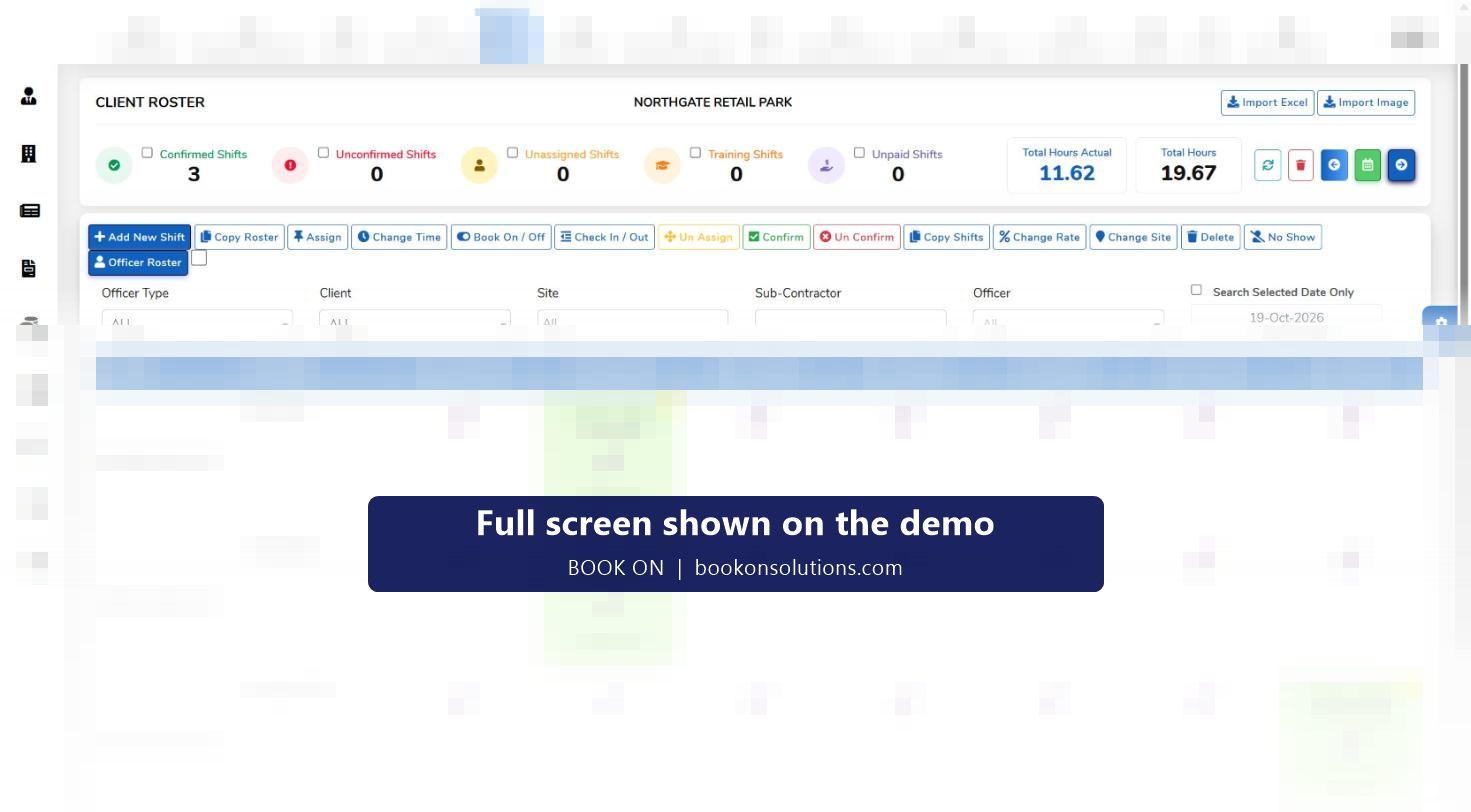
A confirmed shift on the roster appears in the officer’s app with the client, site, post and times.
Officer books on
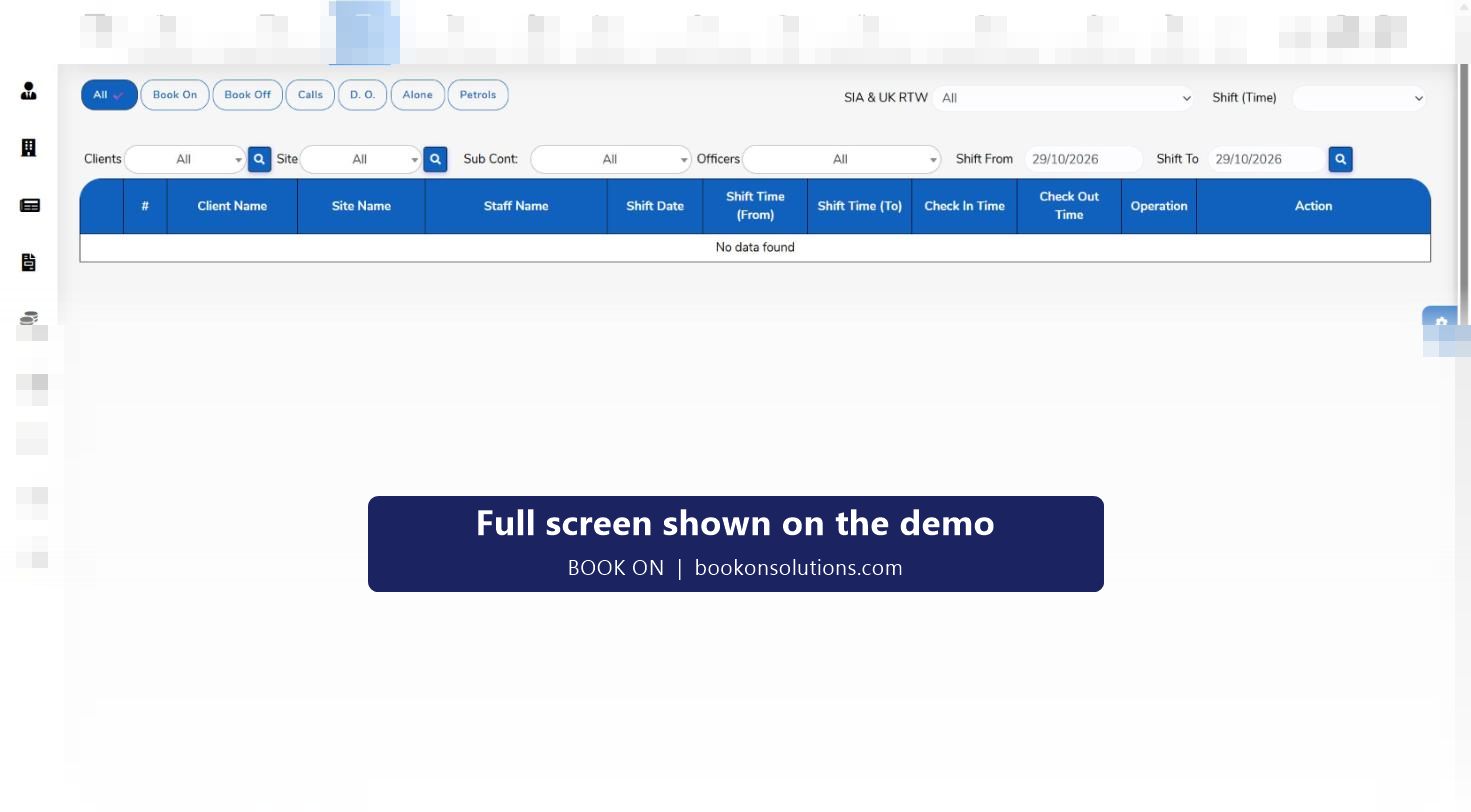
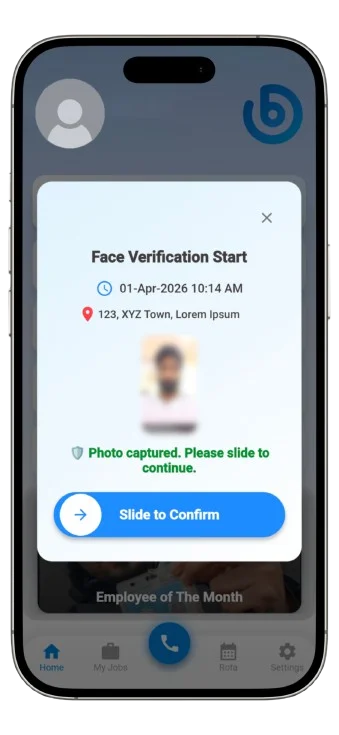
At the site the officer books on from the app. The check-in time is written to the shift and the live monitor’s Book On filter shows it.
Control room sees exceptions
A shift with no book-on at start time stands out on the live monitor, and a late arrival the officer reports goes to the manager dashboard for approval.
Officer books off
The check-out time closes the shift. Planned hours and actual hours sit side by side on the roster.
Record becomes evidence
The shift’s attendance times are the source for the timesheet, the sales invoice line, and the roster and operational reports the client can be sent.
Disputes are answered
Officer movement history and the zig-zag report show where an officer was during a shift when a client questions attendance.
Why proof of attendance matters to a client
A guarding client is paying for hours of presence. When an invoice is disputed, the question is always the same: was an officer on site for the hours billed? BOOK ON answers it from the book-on and book-off record rather than from an officer’s memory. The same record satisfies an ACS assessor asking how service delivery is evidenced, and an insurer asking who was on duty when an incident happened.
- Book-on and book-off times held against the shift, officer, site and client
- Live monitor filters to show only book-ons, only book-offs or a date range
- Roster reports and operational reports built from the same attendance record
- Control room can record a book-on for an officer whose phone has failed, so the record stays complete
Built around the officer’s phone
Book-on, book-off, check calls, patrols, daily occurrence entries and incident reports all come from the BOOK ON officer app on iOS and Android, so the officer carries one tool. The app also shows the officer their rota and earnings. Location behaviour, offline handling and any site-specific verification are set up with you during onboarding; the officer app page describes the app as it is today.
What the attendance record feeds
| Output | Built from | Who receives it |
|---|---|---|
| Live monitor | Book-on and book-off as they happen | Control room |
| Timesheet | Check-in and check-out times per shift | Operations, payroll |
| Sales invoice | Approved shifts fetched from timesheets for a client, site and date range | Accounts, client |
| Payroll and payslips | Approved shifts and pay rates for the period | Payroll, officer |
| Roster and operational reports | Planned against actual attendance | Account managers, client |
| Compliance and ACS evidence reports | Attendance alongside licence and screening status | Compliance manager, ACS assessor |
Proof of attendance questions
What if an officer forgets to book on?
The shift shows no check-in on the live monitor, so the control room can phone the officer and record the book-on from the roster. The officer can also report a late arrival from the app, which goes to the manager dashboard for approval.
Can an officer book on from home?
Location is recorded for officers on shift and shown on the Monitor Location map, and movement history can be reviewed afterwards. The exact rules applied at book-on are agreed during onboarding for your sites.
Can a client see attendance?
Roster, operational and client reports are produced from the attendance record and can be sent as PDF, and client dashboards are part of the reports module. See the client portal page.
Does a no-show get billed?
No. Marking a shift as No Show on the roster keeps it out of pay and shows the client the post was not covered, so cover can be invoiced correctly.
Is the record tamper-evident?
History and log reports record who changed a shift and when, and every shift event stores the user who created it.
Related features
See a book-on happen live
On the demo we book an officer on from a phone and show it land on the monitor, the timesheet and the invoice.