
UK security firms need scheduling software that does four things generic rota tools can’t: build 24/7 rotating patterns automatically, tie rostering to SIA licence validity, enforce Working Time Regulations guardrails, and give guards a mobile app for shift confirmations, patrol check-ins and incident reporting. Everything else — client portals, analytics, payroll integration — matters, but those four decide whether the software actually fits a security operation.
Key takeaways
- Generic rota tools (Deputy, Rotaready-style shift planners) handle hospitality well but miss security-specific needs: SIA licensing, guard tours, lone worker protection.
- The four must-haves: 24/7 pattern scheduling, SIA licence tracking tied to rostering, working-time compliance alerts, and a guard mobile app.
- Expect £2–£8 per guard per month for most platforms; always calculate total cost including implementation, training and add-ons.
- Demo every shortlisted vendor with your real rotas — a generic demo hides the gaps.
- UK-built platforms are designed around SIA, Working Time Regulations and BS 7858; international platforms may need configuration to match.
What security guard scheduling software actually does
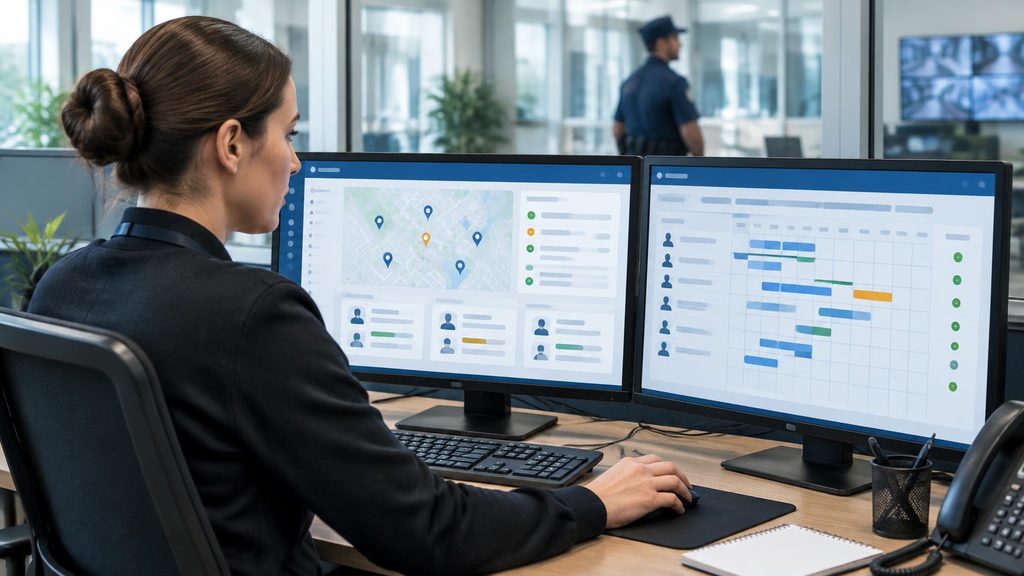
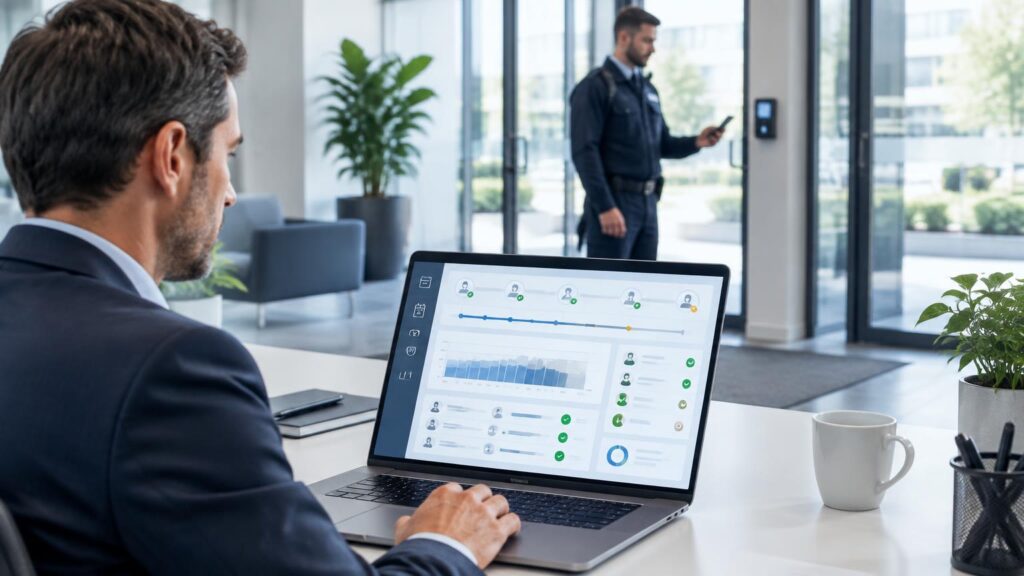
At its simplest, scheduling software replaces the rota spreadsheet. But security-specific platforms go much further. They connect the whole operational chain:
- Rota building — create shifts around 24/7 patterns (4-on-4-off, Pitman, Panama), assign guards by site, skill and availability.
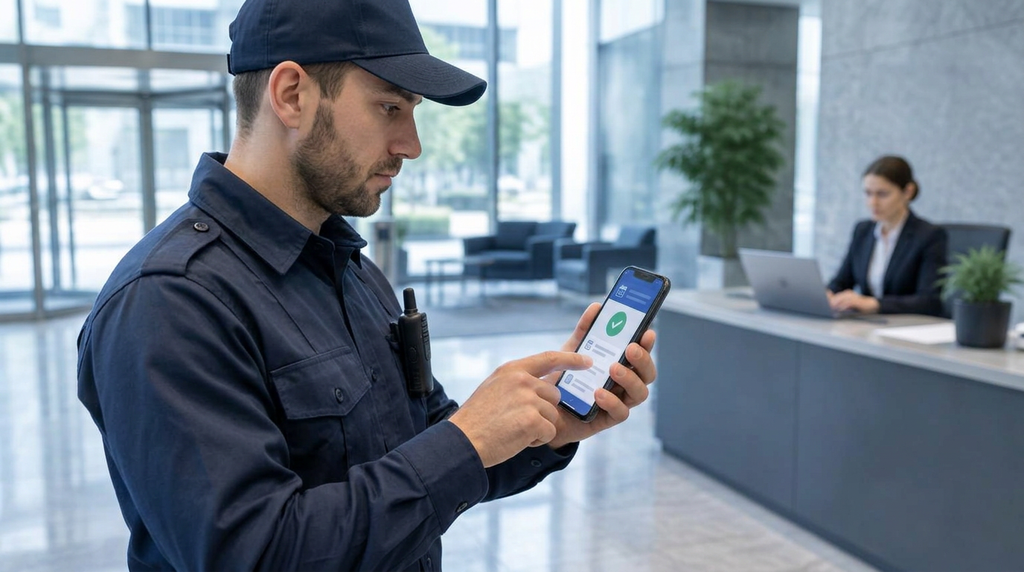
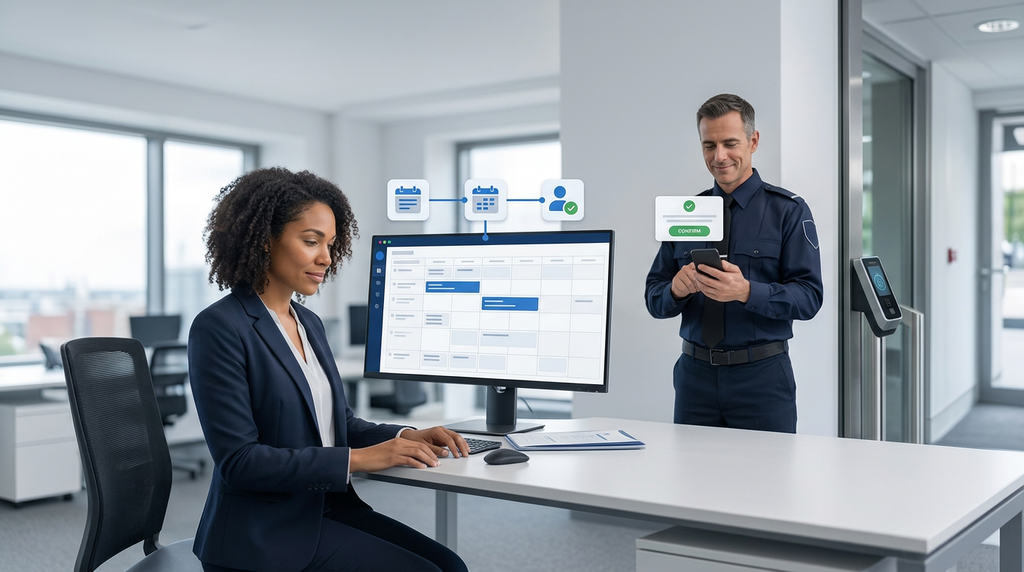
- Guard mobile app — guards view rotas, confirm shifts, clock in/out with GPS, and request leave or swaps.
- Patrol verification — QR codes, NFC tags or GPS checkpoints prove guards completed their tours..
- Incident reporting — guards file reports with photos and notes from the field; supervisors get instant alerts.
- Compliance records — SIA licence expiries, right-to-work documents, BS 7858 screening, training records.
- Back office — timesheets flow to payroll, overtime is flagged, and client reports generate automatically.
If you’re still building rotas by hand, our guide to building a 24/7 security guard rota shows exactly the maths and patterns good software automates.
The 10 features UK security firms actually need
Vendors love long feature lists. Here’s what actually matters, in priority order:
1. 24/7 pattern-based scheduling
The software must natively support rotating patterns — 4-on-4-off, 2-2-3, continental — not just week-by-week shift entry. If building a standard 24/7 rota takes more than a few minutes, the tool wasn’t built for security.
2. Mobile app with shift confirmations
Guards live on their phones, not desktops. The app must show rotas, allow one-tap shift acceptance, handle swap requests, and work reliably on night shifts. Unconfirmed shifts are the number one cause of uncovered posts — the app should chase confirmations automatically and escalate to supervisors.
3. SIA licence tracking tied to scheduling
This is the feature that separates security software from generic scheduling tools. The platform should store every guard’s licence details, send renewal alerts at 120/90/60/30 days, and — critically — prevent an unlicensed guard from being rostered. See our full guide to SIA licence expiry tracking.
4. Working Time Regulations guardrails
Automatic flags for: approaching the 48-hour weekly average, night workers nearing the 8-hour average limit, missing 11-hour daily rest, and insufficient weekly rest. Our article on 12-hour shifts and rest breaks explains the rules the software should enforce.
5. Guard tour and patrol verification
QR codes, NFC tags or GPS checkpoints that prove patrols happened — with missed-checkpoint alerts to supervisors in real time. Clients increasingly demand this evidence in monthly reports.
6. Incident reporting from the field
Guards should file structured incident reports with photos, timestamps and GPS from the app. Supervisors get instant notifications; reports feed automatically into client-ready documentation.
7. Lone worker protection
Check-in timers, missed check-in escalation, and panic/duress alerts. For firms running lone posts — which is most of the industry — this is a duty-of-care essential, not a nice-to-have.
8. Timesheets and payroll integration
Clock-in data should flow into timesheets automatically, with overtime calculated against your rules, then export cleanly to your payroll system. Manual timesheet re-entry is where payroll errors (and guard disputes) breed.
9. Client portal and reporting
Clients want visibility: attendance records, patrol completion, incident logs. A client portal that serves this automatically wins contract renewals — and saves your office team hours of monthly report-building.
10. Audit trail and document storage
Every rota change, clock-in, incident and licence check timestamped and stored. When the SIA audits you, or a client disputes a charge, the audit trail is your evidence. BS 7858 screening records should live here too.
UK compliance: the non-negotiables
Any platform you consider must handle UK-specific requirements out of the box — or be honest about what needs configuring:
- SIA licensing: licence types (Door Supervision, Security Guarding, CCTV, Close Protection), expiry tracking, and scheduling blocks for unlicensed guards.
- Working Time Regulations 1998: 48-hour average week, night-worker limits, daily/weekly rest, and compensatory rest where “special case” derogations apply.
- BS 7858 screening: storage of vetting records, screening status per guard, and alerts when re-screening falls due.
- GDPR: guard location data is sensitive — the platform needs proper consent handling, data retention controls, and UK/EU data hosting.
- Right to work: document storage with expiry alerts, so share-code checks don’t lapse unnoticed.
- Payroll compatibility: clean exports for UK payroll, handling of PAYE, holiday pay accrual, and National Minimum Wage checks
Pricing models explained (and the hidden costs)
| Model | How it works | Typical range | Watch out for |
| Per active guard/month | You pay for each guard rostered that month | ~£2–£8 per guard/month | Costs scale with headcount — model it at your 2-year growth target, not today’s size |
| Per site/month | Flat fee per site or contract | Varies widely | Can penalise small sites; check what’s included per site |
| Flat licence | One fee regardless of users | Custom quotes | Usually enterprise-tier; confirm user/seat limits |
Hidden costs to ask about explicitly:
- Implementation and data migration fees
- Training (is guard-app training included, or charged per session?)
- Premium support tiers — check what “standard” support hours actually cover for a 24/7 operation
- Add-on modules: client portal, advanced analytics, compliance packs
- Contract lock-ins: multi-year commitments vs. rolling monthly terms
Calculate total cost of ownership over 3 years, not the headline monthly figure. And remember: the software’s cost has to fit inside your charge-out rate maths — it’s an overhead like any other.
Red flags: when to walk away from a vendor
- No security-specific features. If SIA tracking and guard tours are “on the roadmap”, the product wasn’t built for your industry.
- Weak mobile app. Ask guards to try it during the trial — if they struggle, adoption will fail.
- No UK compliance story. Vague answers on Working Time Regulations or BS 7858 mean you’ll be configuring workarounds forever.
- Support only in business hours. Your operation runs nights and weekends; your vendor’s support should too — or at least offer extended coverage.
- Data held outside the UK/EU with no GDPR answers. Guard location and personal data need proper handling.
- Demo uses fake data only. A vendor that won’t run your real rota through the system is hiding something.
- No exit plan. Ask how you get your data out if you leave. If the answer is awkward, that’s your answer.
How to evaluate vendors properly
- List must-haves vs. nice-to-haves using the 10 features above. Be ruthless — every “must-have” you add shrinks your shortlist usefully.
- Shortlist 2–3 vendors mixing an established international platform (e.g. TrackTik, Silvertrac) with a UK-built option.
- Demo with your real rotas. Hand each vendor an actual 4-on-4-off rota, a relief-cover scenario and a guard with an expiring SIA licence. Watch how the system handles all three.
- Trial with one site. Put real guards on the app for 2–4 weeks. Measure: shift confirmation rates, time to fill open shifts, admin hours saved.
- Check references from UK security firms of similar size — not the vendor’s flagship enterprise logos.
- Read the contract for lock-ins, price-increase clauses, data ownership and exit terms before you sign.
Where BookOn Solutions fits
BookOn Solutions is built specifically for UK security firms — which means SIA licence tracking, Working Time Regulations guardrails, BS 7858 records and UK payroll integration are core features, not add-ons:
- AI-assisted scheduling that builds 24/7 rotas around your patterns, sites and guard availability.
- Guard mobile app for shift confirmations, GPS clock-in, patrol check-ins and incident reporting.
- Compliance built in: SIA expiry alerts with scheduling blocks, working-time limit flags, and full audit trails.
- Back-office automation: timesheets to payroll, overtime tracking, margin reporting per contract, and client-ready reports.
Compare plans on the pricing page, or book a demo — bring a real rota and we’ll build it live.
Conclusion
The right scheduling software isn’t the one with the longest feature list — it’s the one that handles your 24/7 patterns, your compliance obligations and your guards’ reality of nights, lone posts and last-minute changes. Shortlist ruthlessly against the 10 features above, demo with real rotas, and trial with real guards. Get that process right and the software pays for itself in fewer unfilled shifts, fewer compliance scares and hours of admin given back every week.
Book a demo of BookOn Solutions and bring your hardest rota — we’ll build it live.